





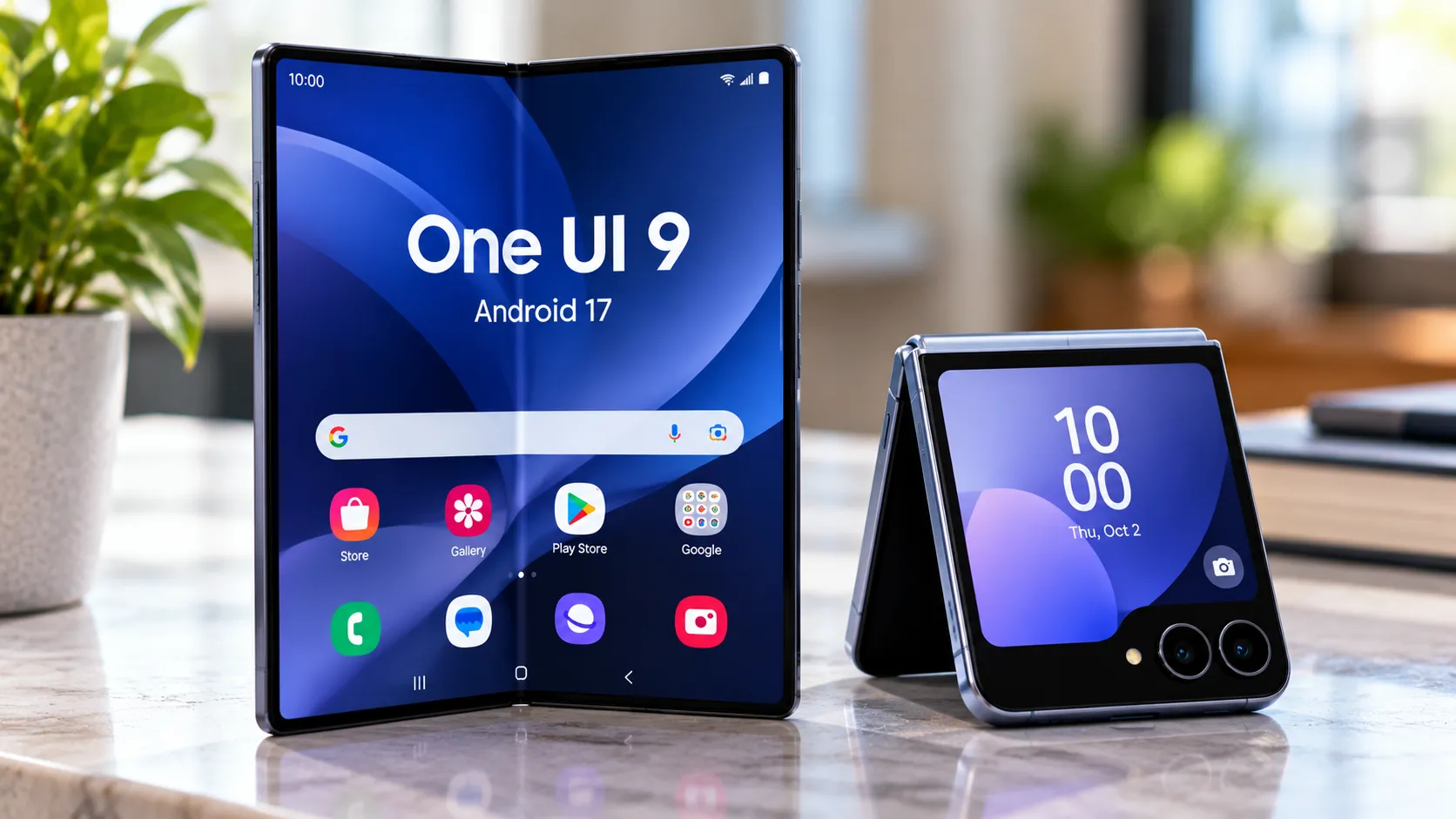
Samsung's stable One UI 9 update, built on Android 17, started reaching US Galaxy Z Fold 7 and Z Flip 7 units on Oct. 2 following an earlier stable release in South Korea. The rollout began with select carrier models and has since expanded to unlocked phones and additional US carriers.
The Galaxy Z Fold 7 and Z Flip 7 builds end in CZIH, though the full firmware number varies by model and carrier status. Samsung's own update records now confirm One UI 9 for both carrier and factory-unlocked Fold 7 models, with the unlocked SM-F966U1 receiving build F966U1UEUCCZIH on Oct. 6.
Android Authority reports that the update has reached both carrier-locked and unlocked devices, while availability can still vary by carrier and exact model.
This article covers what's confirmed about US availability now, how Fold 7 and Flip 7 owners can check for the update, what's actually new in this release, and why some phones may still be waiting.
Galaxy Z Fold 7 One UI 9 update US: who has it now
Samsung released stable One UI 9 for the Fold 7 and Flip 7 in South Korea before expanding the Android 17 update internationally.
The first US reports on Oct. 2 centered on carrier models. Fold 7 availability was spotted on T-Mobile and Verizon, while the Flip 7 appeared on AT&T. Verizon's own support page confirms its Fold 7 update launched Oct. 2 with software version F966USQUCCZIH and the September 2026 security patch.
The rollout has broadened since then.
Samsung's firmware records show the carrier-model Fold 7, SM-F966U, on One UI 9 with build F966USQUCCZIH, while the factory-unlocked SM-F966U1 received F966U1UEUCCZIH on Oct. 6.
Firmware listings now show the CZIH build for US variants associated with AT&T, T-Mobile, Verizon, UScellular, Xfinity, and other carrier codes, alongside the unlocked model.
That means the earlier distinction between "carrier phones have it" and "unlocked owners are still waiting" is no longer current. A staged rollout can still leave individual devices without the update temporarily, but unlocked Fold 7 owners are now part of the US rollout.
The Galaxy S25 series is also receiving stable One UI 9 in the US, using builds ending in DZIF rather than CZIH.
How to download the One UI 9 update on Galaxy Z Fold 7 and Z Flip 7
The update uses Samsung's normal over-the-air process.
Open Settings > Software update > Download and install. If One UI 9 is available for that device, follow the prompts and restart when installation finishes.
There's no need to hunt down a separate Android 17 firmware file for a normal update. Samsung distributes One UI 9 through the standard Software update menu.
After installing, check the software information if you want to confirm the build.
For the US Galaxy Z Fold 7:
Carrier model SM-F966U: F966USQUCCZIH
Factory-unlocked SM-F966U1: F966U1UEUCCZIH
Both run Android 17 with One UI 9 and carry Samsung's Sept. 5, 2026 security patch.
The Galaxy Z Flip 7 carrier build similarly ends in CZIH, with firmware F766USQUCCZIH documented for US models.
Reports around the wider One UI 9 rollout put full Android 17 downloads from One UI 8.5 at roughly 4GB on some Galaxy devices, while beta-to-stable packages are much smaller. Samsung's US Fold 7 update page does not publish an OTA file size, so don't assume your Fold 7 download must match a number posted for an S25 or Korean beta device.
What's new in the One UI 9 stable update for Galaxy Z Fold 7 and Z Flip 7
Samsung's own Fold 7 changelog gives a much fuller picture than the early rollout reports.
My FanCam lets you select a person in a recorded video and automatically follow them while cropping and reframing the footage to keep that person in focus.
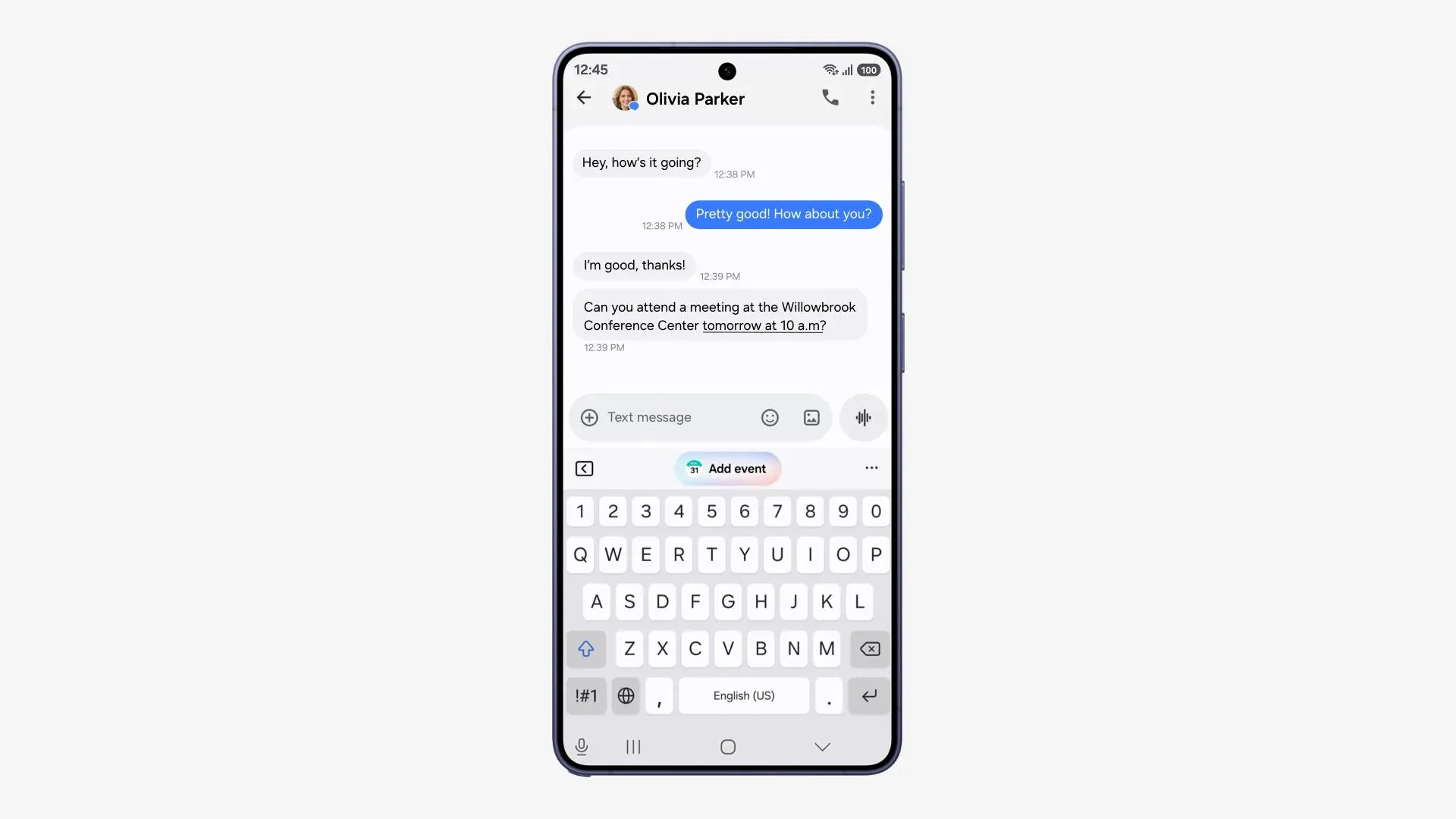
Now Nudge has been expanded beyond keyboard suggestions. Recommendations can now appear in conversation notifications and through a floating button, with new suggestions for tasks such as entering reservation details, adding addresses, or saving places in Google Maps.
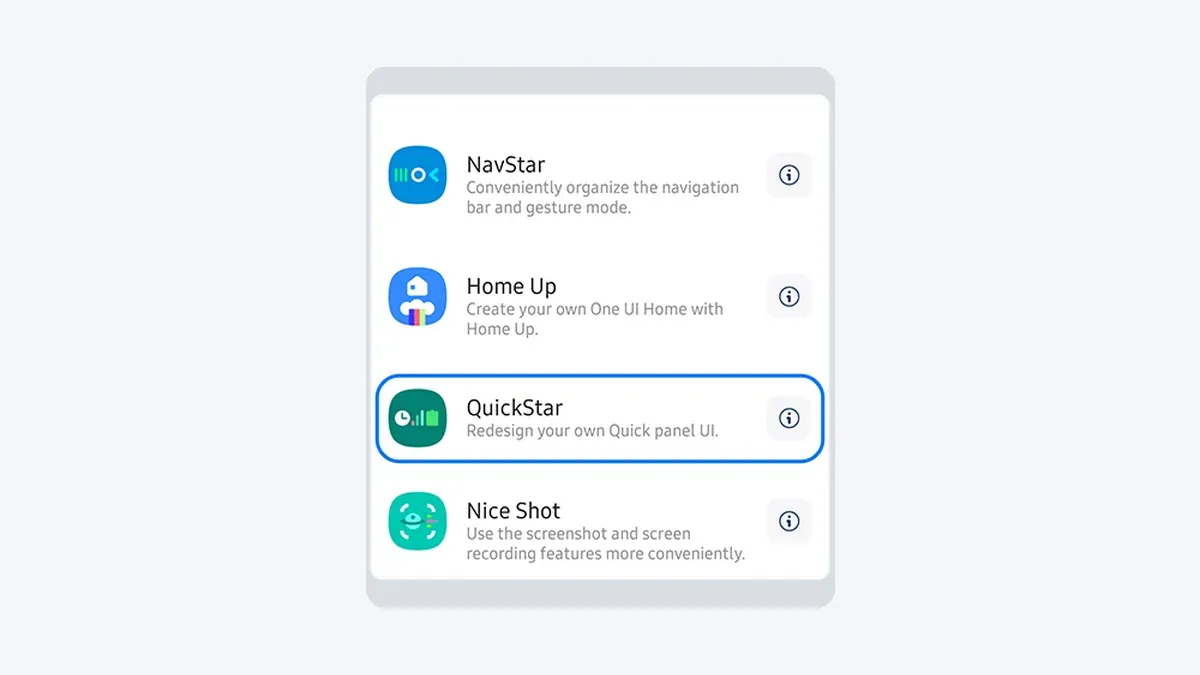
The Quick Panel is more customizable. You can rearrange controls and change the size of the brightness slider, volume slider, and media player.
Fold 7 also gets additional multitasking controls. You can drag from an app's top handle to switch it into a window or split-screen view, and recent or suggested apps can appear in the taskbar on the Home screen.
Main-screen and cover-screen auto-rotation can now be controlled separately. Samsung also says Now Nudge actions can open in split screen on large-screen devices.
Warranty and Care is now built into Settings, providing access to warranty information, diagnostics, and device-care information. Available options can vary by country or region.
Privacy Alerts use on-device AI to flag potentially unnecessary permission access. Samsung specifically lists the Galaxy Z Fold 7 and Z Flip 7 among supported devices.
Samsung also added clearer location-access indicators and security alerts covering issues such as malware, unknown-source apps, and unnecessary permissions.
Other changes documented for the Fold 7 include:
Interpreter improvements
Large-screen Document Scan improvements
Samsung Notes tables
DeX window-management improvements
A redesigned Samsung Health experience
Improved battery and power-saving controls
New accessibility options
Camera and editing improvements
Additional Now Brief and Galaxy AI features
Samsung notes that individual features can vary by device, country, language, and carrier.
Personal Data Engine and the new lockout rules
One UI 9 also continues Samsung's use of the Personal Data Engine, or PDE, for personalized Galaxy AI features.
Samsung says PDE gathers and processes supported personal data on the device, then encrypts and stores that data using Knox Enhanced Encrypted Protection and Knox Vault. That doesn't mean every Galaxy AI operation is local. Samsung separately gives users controls over whether supported AI features are processed on-device or in the cloud.
One UI 9 also introduces stricter protection against repeated attempts to guess a lock-screen credential.
Samsung's current support documentation says lockout periods increase after repeated failed PIN, pattern, or password attempts. After the 12th failed attempt, the device imposes a 24-hour delay. A 13th counted failed attempt permanently locks the device and requires a factory reset before it can be reused.
Samsung also says identical consecutive wrong entries aren't counted as separate failures, and the phone warns users as they approach the limit.
That's separate from PDE. It's a lock-screen security change intended to make brute-force attacks harder.
Galaxy AI features and future pricing
Samsung says the basic Galaxy AI features it provides remain free.
Its current One UI 9 documentation also leaves room for different terms or charges for future enhanced Samsung AI features and third-party AI services.
Feature availability can vary by device, language, region, and account requirements, so the Fold 7 and Flip 7 shouldn't automatically be assumed to receive every AI feature available on newer Galaxy hardware.
Privacy Alerts are specifically confirmed for both 2025 foldables, while features such as Warranty and Care can differ by region.
Why the update may not have reached your Galaxy Z Fold 7 or Z Flip 7 yet
One UI 9 debuted on Samsung's 2026 foldables before expanding to the Galaxy S26 series in September and then to older flagship generations.
For the US Fold 7 and Flip 7, the rollout started with selected carrier devices before expanding to unlocked phones and additional networks.
That means an individual phone can still show no update even though its model is officially part of the rollout.
Samsung distributes major updates in stages based on device variant, carrier, and region. Current reporting does not point to a widespread Fold 7 or Flip 7 installation problem behind the remaining delays.
There's no reason to factory-reset a phone simply because One UI 9 isn't showing yet.
What to do now
Open Settings > Software update > Download and install.
If One UI 9 appears, install it normally and confirm afterward that the software version ends in CZIH. On an unlocked US Fold 7, the full current build is F966U1UEUCCZIH; carrier variants use F966USQUCCZIH.
If nothing appears, check again later. Both carrier and unlocked US models are now receiving One UI 9, but Samsung's staged deployment means availability can still differ between individual devices and carriers.
The important change since the rollout began Oct. 2 is that unlocked owners are no longer waiting for the rollout to start. Samsung's own firmware documentation confirms the unlocked Galaxy Z Fold 7 joined the stable Android 17 release on Oct. 6.


Comments
Be the first, drop a comment!