





Galaxy S24 S25 battery drain after One UI 9 update explained
Some Galaxy S24 and S25 owners are reporting battery drain after the One UI 9 update, with complaints ranging from faster standby loss to unusual warmth and, in a few posts, three to four charges a day, according to 9to5Google, yesterday. The reports surfaced as Samsung's Android 17-based One UI 9 update rolled out more broadly to Galaxy S24 and S25 devices, per that report.
Anyone searching for a fix for Galaxy S25 battery draining fast after update will find plenty of anecdotal posts on Reddit and Samsung Members, but no confirmed cause yet. A Galaxy S25 owner posting in Samsung Members India wrote that checking battery usage stats showed no single app responsible, even during light use and standby, which is part of why outside observers can't confirm a shared cause from these posts alone (Samsung Members India, two weeks ago).
None of the cited reports document a Samsung acknowledgment of the issue, and nothing in them establishes how many updated devices are actually affected. A handful of older community threads referenced later in this piece, covering cache clearing and adaptive-battery learning, are about One UI 8 or 8.5, not One UI 9. They're included here as background, not as evidence about the current release.
The reported symptoms vary, and that matters
The examples in the reporting describe fairly different problems, not one clean pattern. A SammyFans-sourced report cited by 9to5Google describes a phone dying in just over five hours, though under heavy use. Separate Reddit posts the outlet found describe worse idle drain with no heavy use involved at all.
A Galaxy S25 owner said they now need three to four charges a day, and other replies in the same thread described a similar struggle, per 9to5Google. The Samsung Members India poster, running One UI 9 on a Galaxy S25, reported faster drain even during light use and standby, and said checking battery usage pointed to no single app (Samsung Members India, two weeks ago). That leaves an app-related cause unresolved rather than ruled out, since the post doesn't say whether updating any specific app was actually tried.
When to stop and contact Samsung support instead of troubleshooting
Physical warning signs matter more than any number on a battery graph. If a phone is hot while sitting idle and untouched, the back panel looks swollen or lifted, charging stalls or restarts unpredictably, or the device shuts down on its own, stop using and charging it and contact Samsung support directly.
None of the cited user reports mention these symptoms specifically, and none set a threshold for when ordinary drain turns into hardware risk. A reply in an older Samsung Community thread about a different update does suggest repair becomes the reasonable next step once drain stays severe after basic troubleshooting, but that thread predates One UI 9 and isn't evidence about this update. Treat it as a general rule of thumb, not a diagnostic standard (Samsung Community US, last year).
So far the reports point to a possible pattern, not a confirmed bug. The explanations worth checking first are the same ones that commonly show up after any major Android update.
Ordinary explanations worth checking first
Android Police lists several routine reasons battery life dips right after a major Android update, none specific to Samsung and none proof of what's happening on any individual phone. The most commonly cited: right after reboot, a phone re-optimizes installed apps and clears caches, work that's processor-intensive and can temporarily raise both battery use and temperature.
The same report flags two more testable causes. An app that hasn't yet been optimized for the new OS version can cause a temporary usage spike until its developer ships a compatibility fix. Separately, an automation routine, such as a location-triggered Bixby Routine, may fire more often after an update, which Android Police describes as a common contributor to post-update drain (Android Police, last year).
There's also a simpler explanation worth ruling out: new features tend to pull people into their phones more. Android Police notes that updates often introduce visual changes and tools that increase screen time on their own, which naturally eats into battery life regardless of any bug (Android Police, last year).
One UI 9 also brings a change unrelated to any of this: SamMobile reported spotting three lower display refresh-rate options, 20Hz, 26.67Hz, and 40Hz, on the Galaxy S24 Ultra, Galaxy S25, and Galaxy S25 Ultra, earlier this year. SamMobile frames it as a minor efficiency addition rather than a fix for standby drain, so it's not worth chasing as a diagnostic lead.
A practical sequence to test for One UI 9 idle battery drain
What follows is an editorial sequence built from Samsung Members replies and Android Police's list of ordinary causes, not a validated Samsung procedure. The goal is to isolate one variable at a time instead of changing everything at once.
Start by waiting. A Samsung Members reply suggests giving the system two to three days to settle before changing any settings (Samsung Members India, two weeks ago). An older Samsung Community thread about a previous update notes that adaptive-battery relearning can sometimes take a few weeks, worth knowing as a different update's timeline rather than a One UI 9-specific one (Samsung Community US, last year).
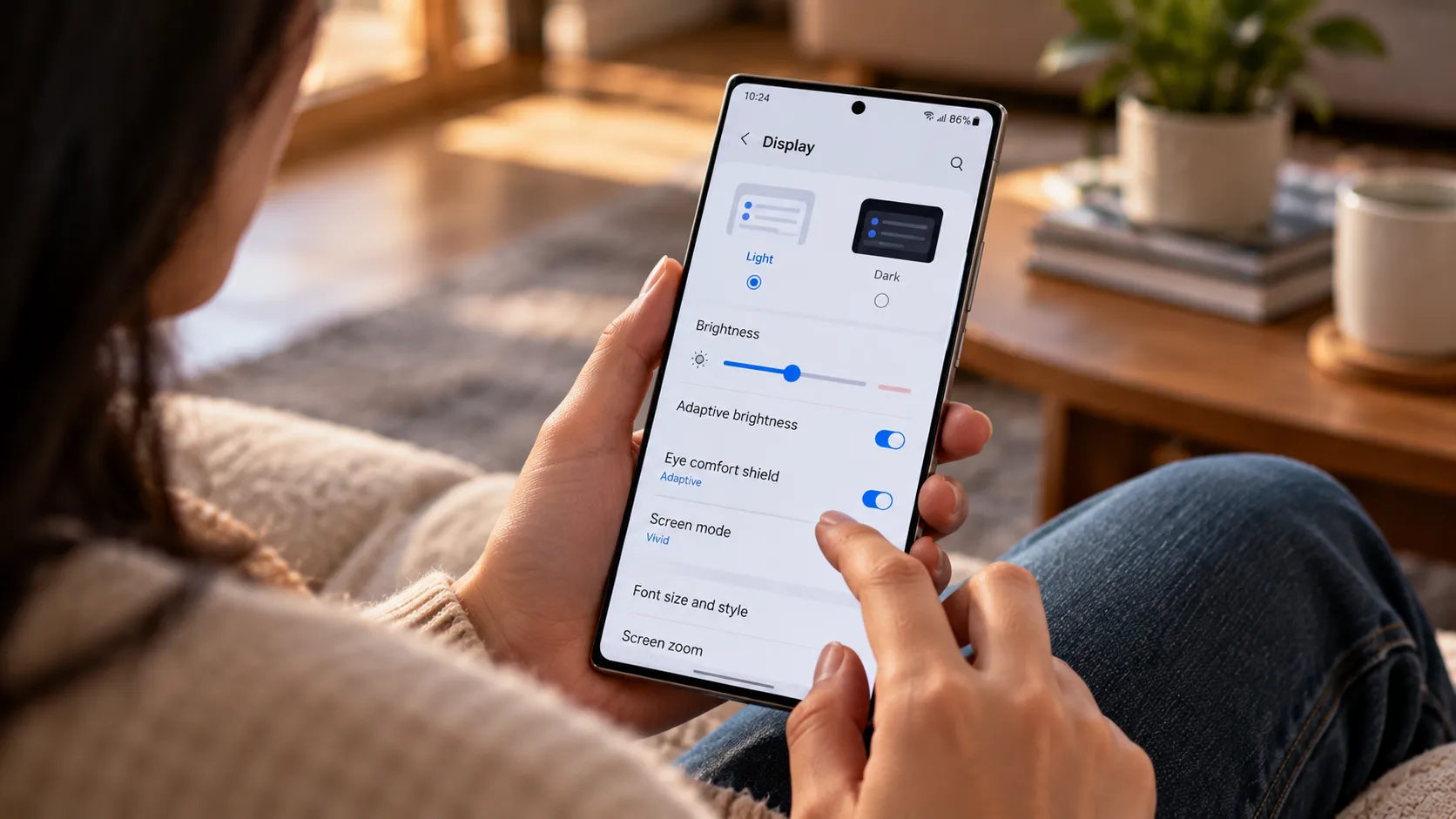
For a controlled comparison, log overnight battery percentage each morning and check the battery usage screen under the device care section in Settings, the same general check a Samsung Members reply points to when it recommends reviewing which app or interface uses the most battery (Samsung Members India, two weeks ago). That same post recommends avoiding areas with weak or fluctuating signal, since unstable network conditions can add to drain on their own.
Comparing one night on Wi-Fi against one on cellular only can surface a possible network-related pattern, though it's a rough comparison rather than a clean test. Usage, signal strength, and background activity rarely stay identical between two separate nights.
If one app looks disproportionate on the usage screen, update it and watch a full day before judging whether anything changed, since night-to-night totals vary on their own. If nothing stands out, try disabling one Bixby Routine or location-based automation at a time and watch the next cycle. Android Police notes routines can run more often after an update, which is why isolating them one at a time beats switching everything off at once (Android Police, last year).
What to do next
Gradual improvement in overnight battery loss during that settling window lines up with the ordinary post-update pattern Android Police describes, though it isn't proof the drain has fully resolved. If updating an app or disabling a routine measurably improves the logged numbers, watch a few more nights before calling the issue closed.
If drain stays high with no app, routine, or network explanation, report it through Samsung Members (Support > Send feedback) with a log file while the drain is still reproducible (Samsung Members India, two weeks ago). Device model, carrier, and update date are worth including even though Samsung's instructions don't spell out exact fields to fill in.
Back up through Smart Switch before resetting, since a factory reset erases files and downloaded apps (Samsung Members India, two weeks ago). Treat the reset as a last resort rather than a proven fix, and treat swelling, overheating, or erratic charging while idle as reasons to skip all of this and contact Samsung support now instead.





Comments
Be the first, drop a comment!