





Galaxy A16 5G One UI 9 update Verizon: what's confirmed
Samsung closed the One UI 9 beta for the Galaxy A16 and started shipping the stable Android 17 build to devices in South Korea, SamMobile reported last week. For anyone tracking the Galaxy A16 5G One UI 9 update on Verizon specifically, that's where the confirmed part stops. None of the reporting reviewed here documents a Verizon rollout, a Verizon-specific build number, or a U.S. carrier timeline.
That's a gap in the available reporting, not proof Verizon has been passed over. Samsung's public statements rarely call out individual U.S. carriers by name, and nothing here includes a Verizon support page or server check confirming the A16 5G's current status on that network.
Is the Verizon Galaxy A16 5G update out yet?
Samsung closed its three-build beta program for the Galaxy A16 and shipped stable One UI 9.0 to the LTE and 5G variants in South Korea, with firmware A165NKSU9EZJ3 for the LTE model and A166LKSU8DZJ5 for the 5G model, SamMobile reported last week. Samsung indicated the stable build would reach other countries within days of that release, but neither this report nor the Samsung announcement cited below names Verizon or offers a U.S. timeline.
A separate list published by Samsung Japan does include the Galaxy A16 among devices slated for One UI 9, part of a broader rollout running from this month through December, with a handful of models, including the Galaxy S23 FE, not scheduled until January 2027, Android Police reported yesterday. That's evidence the A16 sits somewhere in Samsung's update pipeline, not confirmation of where it lands on that timeline in the U.S. Android Police also flagged that the list is a Japan-market document missing several global variants, so it isn't a stand-in for a global or U.S. schedule.
Samsung's own language backs up that caution. The company states that One UI 9 "availability and supported features may vary by country, region, or carrier," according to Samsung's announcement from about six weeks ago.
Firmware built for South Korea or Japan carries a model- and carrier-specific build number, and none of those numbers has a confirmed Verizon counterpart yet. Until Verizon publishes its own notes, the South Korean release and the Japan list are the closest thing to a status update on the Samsung Galaxy A16 5G software update, not a substitute for Verizon's own documentation.
What's confirmed, not confirmed, and only reported
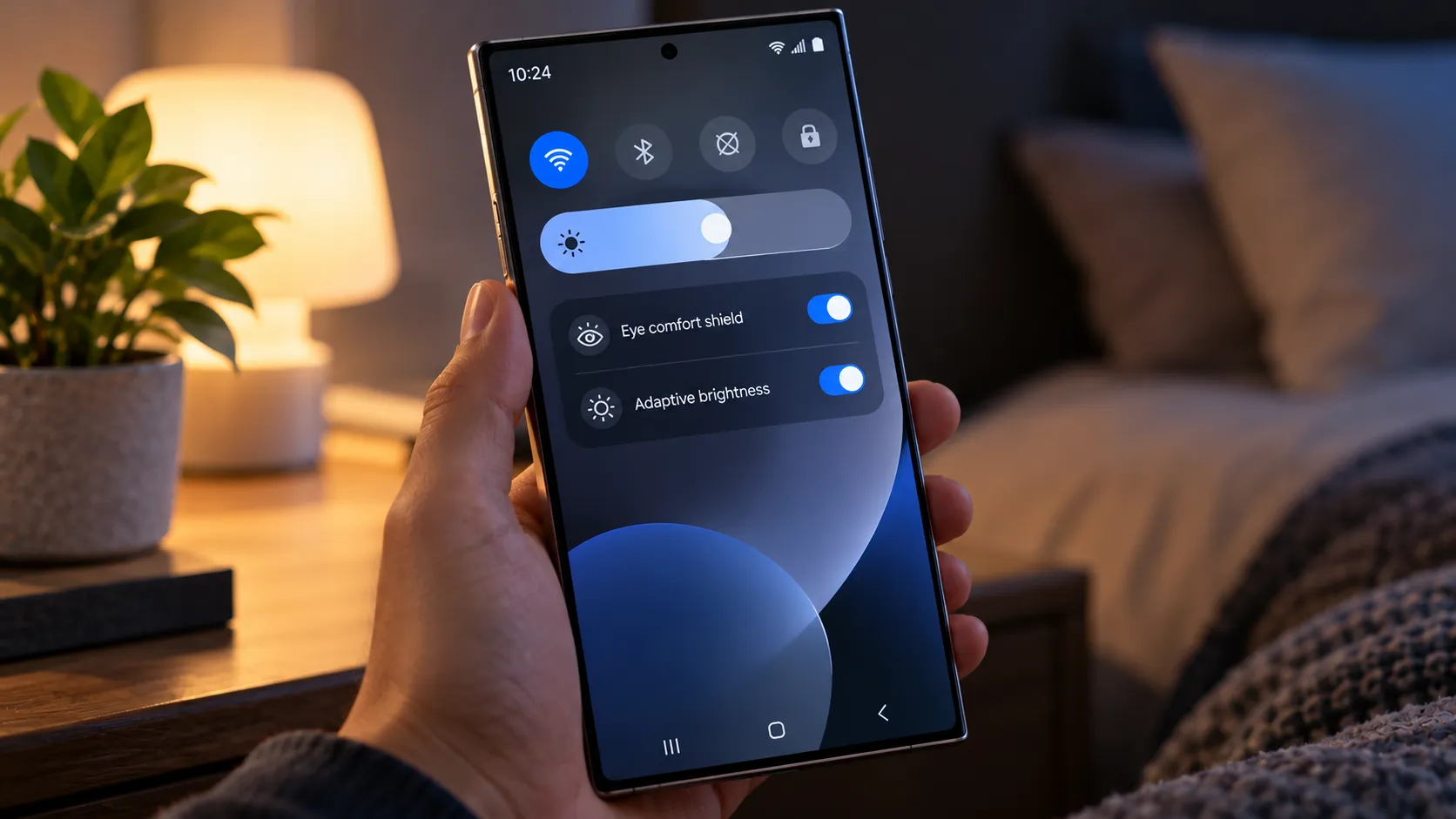
- Confirmed, in South Korea: stable One UI 9.0 on the A16's LTE and 5G models, bringing interface refinements, expanded Quick Panel options, DeX and Samsung Notes upgrades, accessibility improvements, and a location privacy indicator, per SamMobile.
- Not confirmed: a Verizon release date, Verizon-specific build, or U.S. carrier timeline.
- Not confirmed: whether dynamically resizing Quick Panel shortcuts, the pinnable Smart Finder tool, or Good Lock's QuickStar network-speed indicator will reach the A16. Android Police lists these as general One UI 9 additions, with no A16-specific source confirming them for this model.
- Not confirmed: Galaxy AI features (My FanCam, Now Brief, Now Nudge) or Privacy Alerts on the A16. Samsung's published supported-device list for Privacy Alerts names S-series, Z-series, and Tab S models only.
- Reported, not verified: a broader, cross-device bug where some users updating to One UI 9 get stuck on an error screen instead of the expected changelog; not identified as A16- or Verizon-specific.
Galaxy A16 5G One UI 9 changes: what you'll actually get
The confirmed changes lean toward polish, not a feature overhaul, based on SamMobile's reporting from the South Korean rollout: refined UI elements, more Quick Panel customization, DeX and Notes improvements, accessibility upgrades, and a location privacy indicator.
The supplied materials confirm far fewer A16-specific features than Samsung's headline announcement describes. Samsung's official One UI 9 rollout centers on Galaxy AI tools like My FanCam, Now Brief, and Now Nudge, plus a new Warranty and Care settings hub, introduced alongside newer flagship and foldable devices. Samsung's published supported-device list for Privacy Alerts names S-series, Z-series, and Tab S models, and the A16 isn't on it, per Samsung's announcement. That's an exclusion from Samsung's current list, not proof the feature can never reach the A16 down the line.
Samsung also states that Scam Detection, another headline privacy feature, will roll out to Japan, Canada, and India, per the same announcement, with no mention of the U.S. Anything not explicitly listed for the A16 in the materials reviewed here should be treated as unconfirmed, not ruled out entirely.
How to prepare before updating
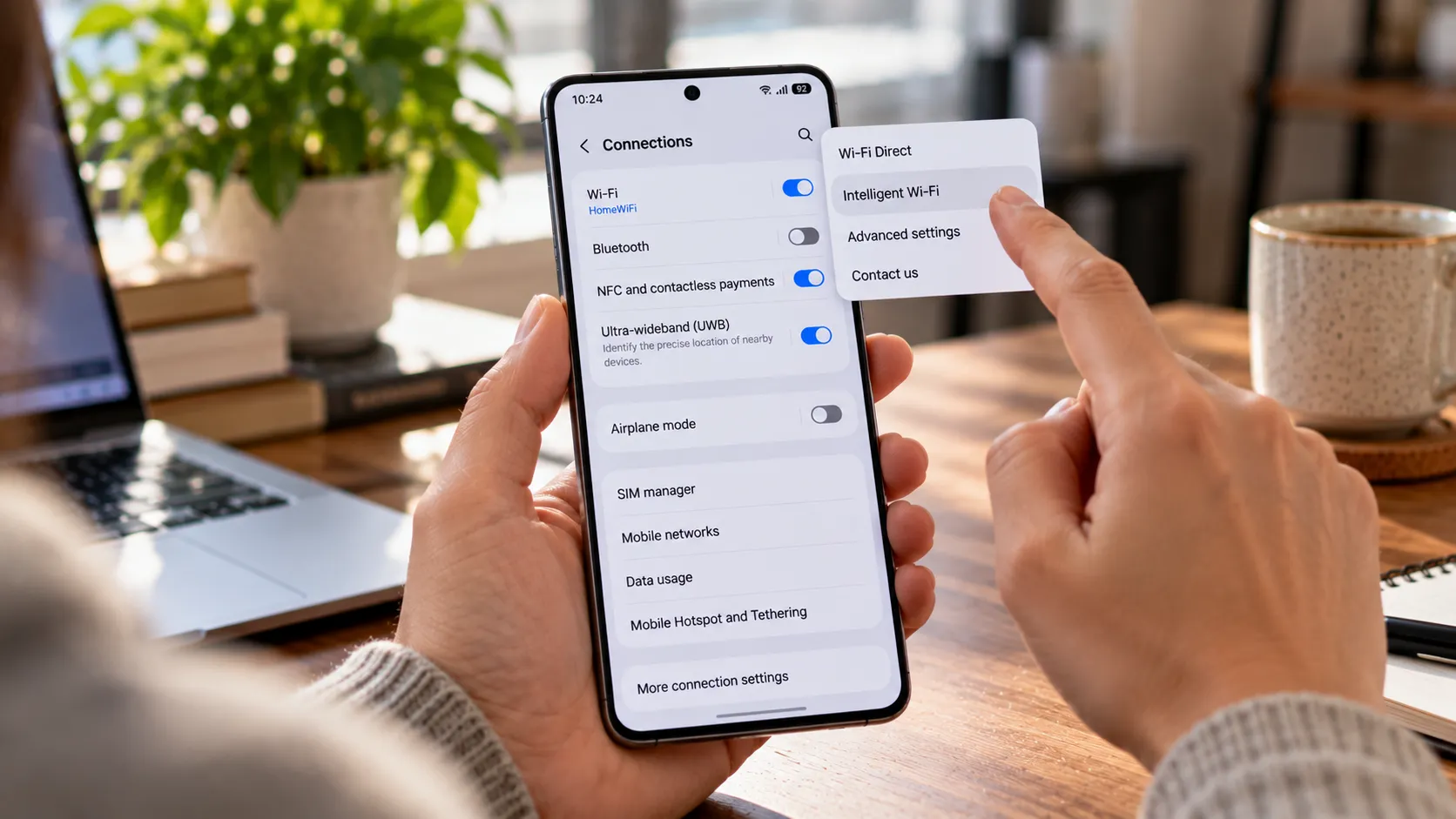
Samsung's own guidance for checking availability is to open Settings > Software update > Check for updates, per SamMobile. That's also where a future Verizon notification would most likely show up first.
As general precaution before any major Android version jump, not something confirmed in Samsung's A16-specific materials, back up photos, messages, and app data before installing. Don't treat an international firmware package as a Verizon update; nothing in the reporting here suggests sideloading one is a reasonable move on a carrier-locked device.
Known bugs from testing, and what they actually tell you
During India's beta program, not the South Korean stable release and not any Verizon build, Samsung fixed a post-upgrade restart loop, green-tinted Ultra-Wide photos in Gallery, and black images shot with flash enabled. That beta build also bundled the October 2026 security patch, addressing 62 issues, according to SamMobile from two weeks ago. These are fixes Samsung made before stabilizing the software, not a checklist Verizon users should expect to personally verify, since Verizon's eventual build and patch level aren't confirmed.
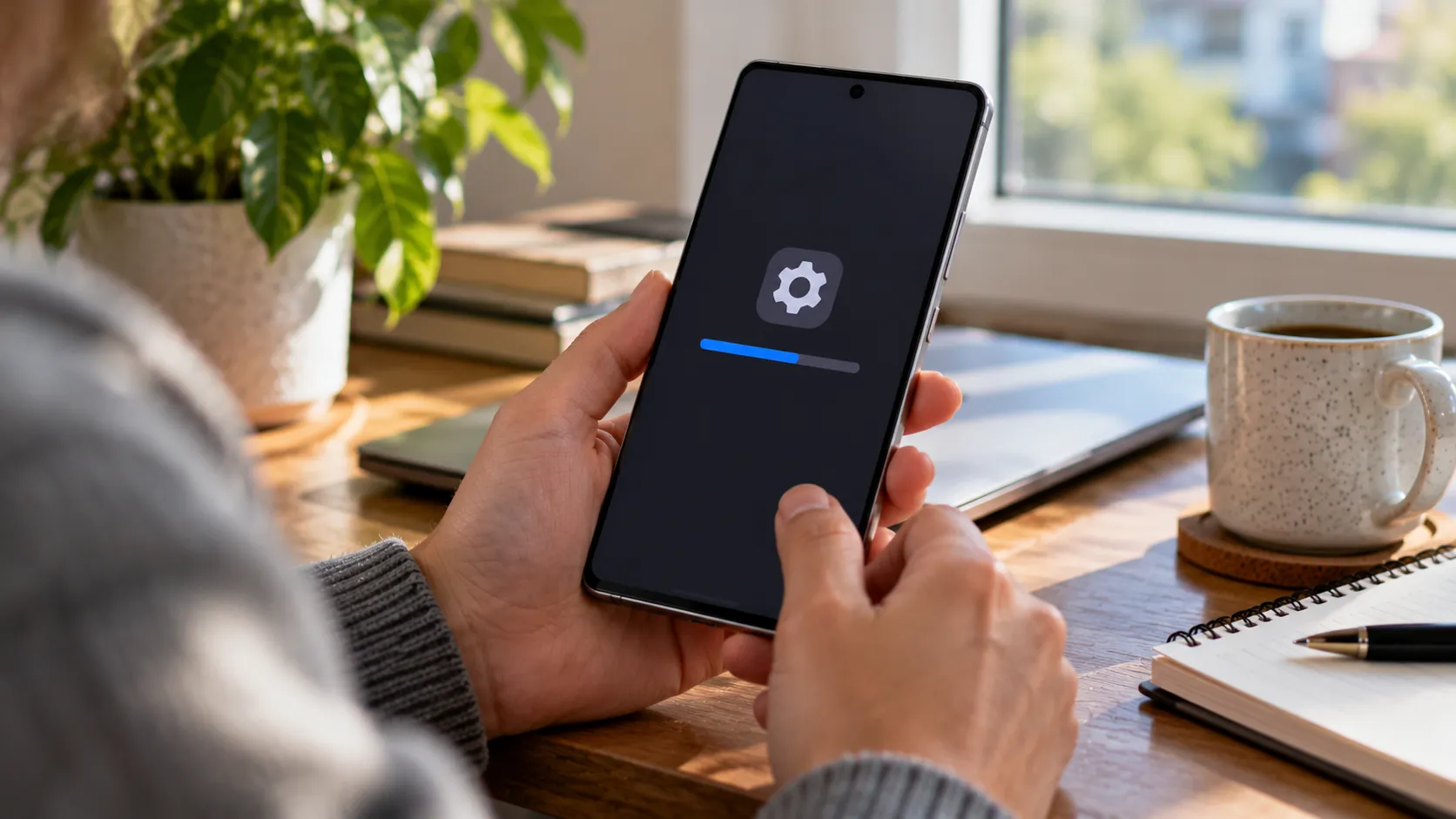
Separately, several Galaxy users updating to One UI 9 have reported getting stuck on an error screen instead of the expected changelog, with normal restarts failing to clear it, SamMobile reported two weeks ago. The report doesn't say how many devices are affected or whether the A16 is among them.
The reported workaround: force restart with Volume Down and Power, boot into Safe Mode at the Samsung logo, turn on Airplane Mode, then restart normally. Citing a post from X user @fahadalijaved, SamMobile noted the issue might be tied to a server-side change Samsung made to block firmware leaks, and that Samsung will likely roll it back, though neither point is confirmed. If the workaround doesn't clear the screen, Samsung support is the next place to check; Verizon support becomes relevant mainly if the device loses network service or was purchased directly through the carrier.
What to do now
If Settings > Software update > Check for updates shows nothing on a Verizon Galaxy A16 5G right now, that lines up with the reporting above: no Verizon rollout or build has surfaced yet. Skip the international firmware files and ignore trackers claiming a specific Verizon date.
Once an update does appear, note the new build number and security patch level before installing, and back up the device first as a matter of course. Keep expectations tied to what SamMobile has actually confirmed for this model: interface refinements and stability work, not a Galaxy AI overhaul. Check Verizon's own software-update page alongside the phone's update screen before assuming the wait is over.









Comments
Be the first, drop a comment!