



Samsung Health steps showing zero? Check Daily Activity before resetting anything
Samsung Health users are reporting that step counts for older dates are showing up as "0" in the app's Steps section after an update that rolled out last week, according to SamMobile. For at least some of those users, the same dates still display correct totals in the app's Daily Activity view, which suggests the underlying data hasn't been wiped, just hidden from one part of the app, per SamMobile.
Complaints started surfacing on Reddit and the Samsung Community in early November, not long after the app update went out (SamsungMagazine). Many affected users say the missing history covers dates before November 2, according to SamMobile. That range isn't consistent across every account, though. SamsungMagazine describes the opposite pattern in some cases, with dates on or before November 1 displaying normally and later dates going blank (SamsungMagazine). Samsung hasn't explained what's causing any of this, so there's no confirmed fix timeline yet.
Why Samsung Health steps are showing zero for older dates
The symptom itself is consistent even where the affected dates aren't: open Samsung Health, tap into the Steps section, select an older date, and the counter reads zero with no explanation, while the same date in Daily Activity shows the correct number (SamMobile; SamsungMagazine).
Reports mention this happening across a range of Galaxy hardware, with Galaxy Tab S11 and Galaxy S25 Ultra owners turning up most often in complaints, according to SamsungMagazine. It's not universal, either. Not everyone who's installed the update sees the bug, and some users say it doesn't even show up every time they open Steps, per SamsungMagazine.
The update landed not long after Samsung's broader One UI 9 rollout on Android 17, and it isn't the only display quirk users have flagged from that cycle. A separate complaint involves the media volume icon failing to appear when adjusting volume. A Samsung community manager addressed that one directly, clarifying the icon is only meant to show up during media volume changes rather than every volume adjustment, according to SamsungMagazine. That's a different bug from the missing step history, but it suggests Samsung is still working through rough edges from this update cycle generally.
None of the current reporting nails down a single confirmed cause or a confirmed scope. The affected date range, the affected devices, and even whether a given account sees the bug at all vary from report to report. If your Samsung Health history looks fine today, that doesn't guarantee the bug skips your account. If it's already broken, that doesn't mean every date before November 2 is affected either. Check your own history rather than assuming a specific cutoff applies to you.
Check Daily Activity before you reset or reinstall anything
Before changing anything on your phone, watch, or in the app itself, open Samsung Health's Daily Activity view, the general activity dashboard separate from the dedicated Steps category, and look up the same date showing zero in Steps. Multiple users have found the step count still sitting there untouched, according to SamMobile and SamsungMagazine.
If your count shows up correctly in Daily Activity, that matches the pattern described in current reporting: a problem that, in the cases documented so far, is limited to how the Steps section displays data rather than a loss of the data itself. That's not a guarantee the issue is purely cosmetic for every account, but it's a reasonable basis to hold off on anything irreversible while waiting to see whether Samsung addresses it.
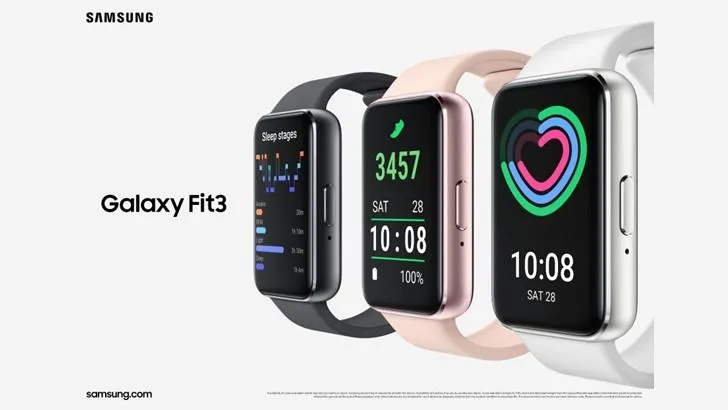
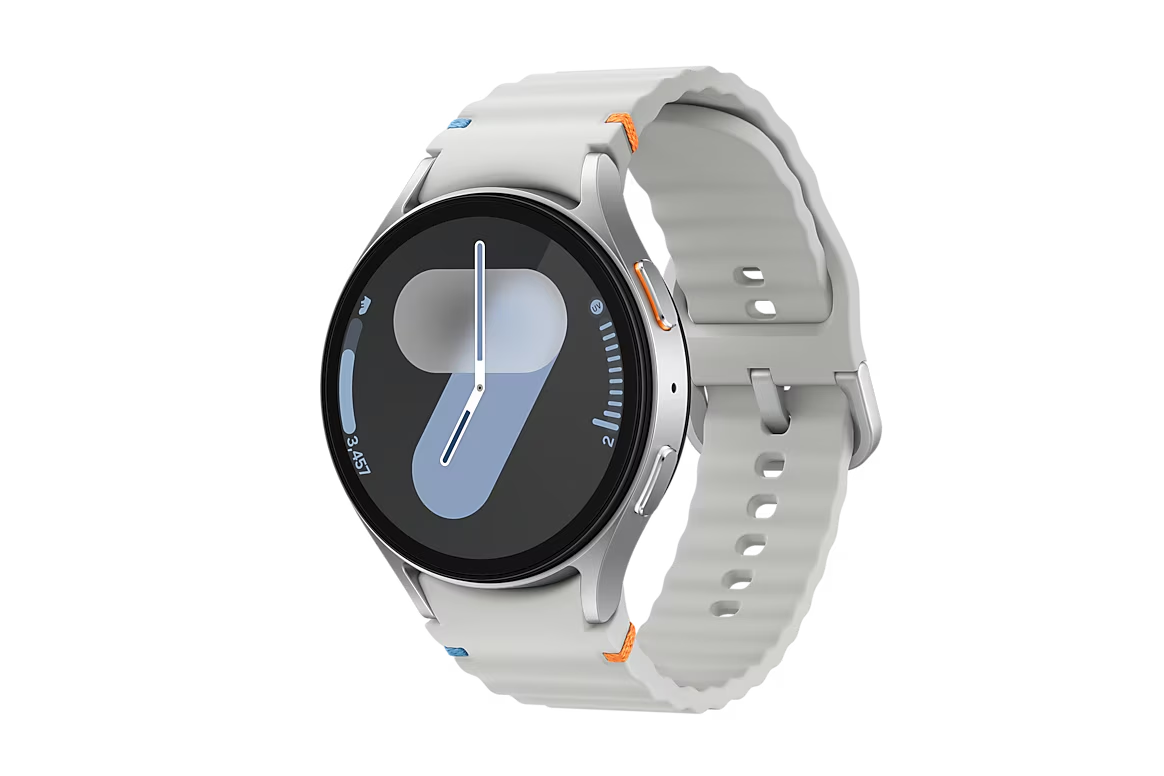
Galaxy Watch owners should also rule out combined totals as the culprit before assuming the worst. Samsung Health has a setting under Steps, then the additional options menu, then "Select step data to show," where choosing "All steps" pulls in combined counts from paired devices, according to a Samsung Members post describing the app's navigation. That's a community thread, not an official Samsung support document, so treat it as a pointer to where the setting lives rather than confirmation it resolves this specific bug.
If Daily Activity also shows zero or nothing for the date in question, that doesn't match the pattern described in current reports. It could point to something else entirely, like a sync failure, a permissions issue, or a device-specific fault, though none of that has been independently confirmed either. Treat it as a separate problem worth documenting on its own instead of assuming it falls under this same bug.
What's still unconfirmed about the Samsung Health step counter bug
Some affected users suspect a connection to the recent end of daylight saving time, a theory noted without independent verification from a technical source or from Samsung, according to SamMobile. It's a plausible guess given the timing of the update and the complaints, nothing more.
Samsung hasn't commented on the bug as of this week, according to both SamMobile and SamsungMagazine. That silence doesn't confirm a fix is or isn't already in progress. It just means nothing official has surfaced, and there's no way to know whether a patch lands in days or drags on for weeks.
Given that lack of any documented fix, clearing Samsung Health's app data entirely, unlinking a paired Galaxy Watch, or factory resetting the device are all worth avoiding for now. Those steps are hard to walk back, and nothing in current reporting suggests any of them actually restores the missing Steps view. Until there's real evidence one way or the other, the safer move is to leave the app and device alone and wait for an update aimed specifically at this issue.
What to do if your Samsung Health steps show zero
Start by checking Daily Activity for the specific date that's blank in Steps. If the count is still sitting there, the data likely hasn't been lost, and there's no pressing reason to clear caches, reinstall the app, or dig into device settings. Waiting for Samsung to ship a fix is the lower-risk move right now.
If Daily Activity comes up empty for the same date, or broader sync trouble shows up across a paired Galaxy Watch or other devices, that points away from the pattern described in current reports. Note the date, your Samsung Health app version, your device model, and whether a watch is paired, then report it through Samsung Health's in-app feedback or Samsung Members rather than trying fixes pulled from forum threads. Hold off on factory resets, cache clears, or unlinking a watch until Samsung says something concrete about what's actually going on.


Comments
Be the first, drop a comment!