





One UI 9 Galaxy Z Flip cover screen changes explained
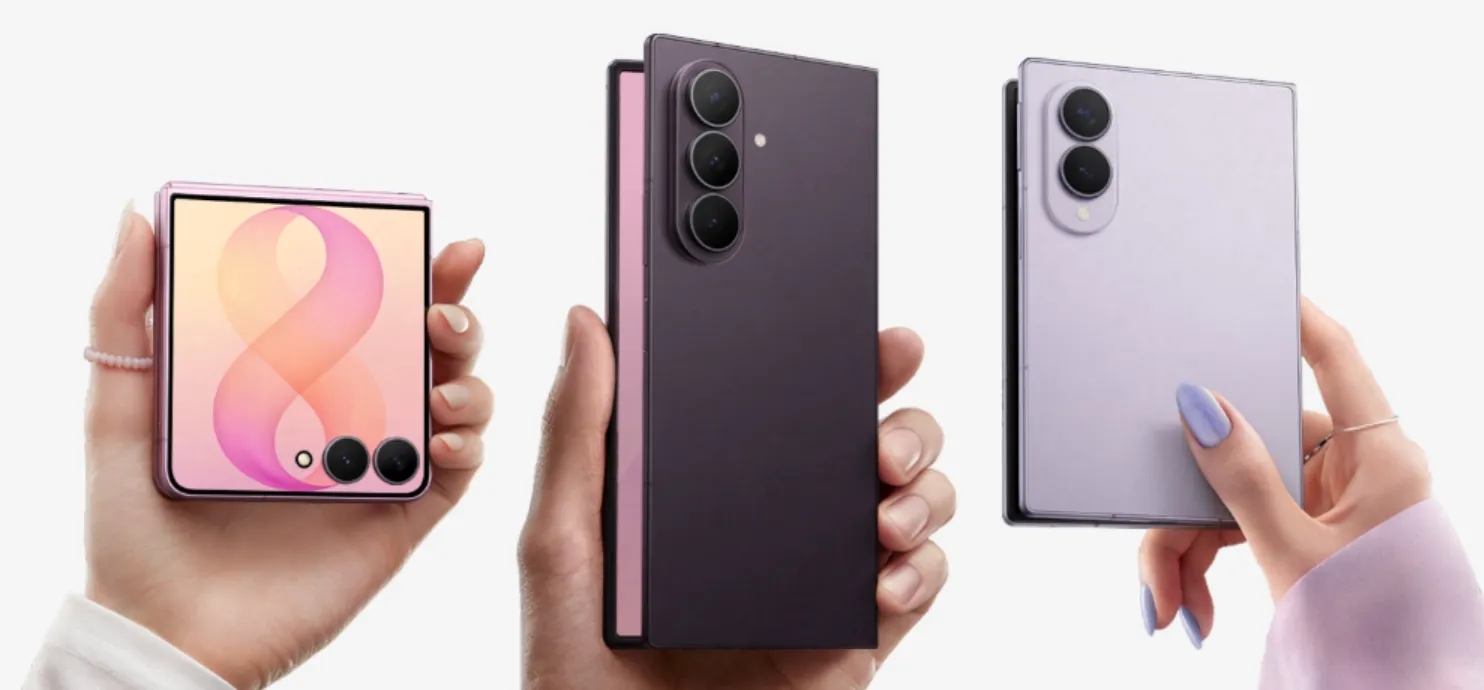
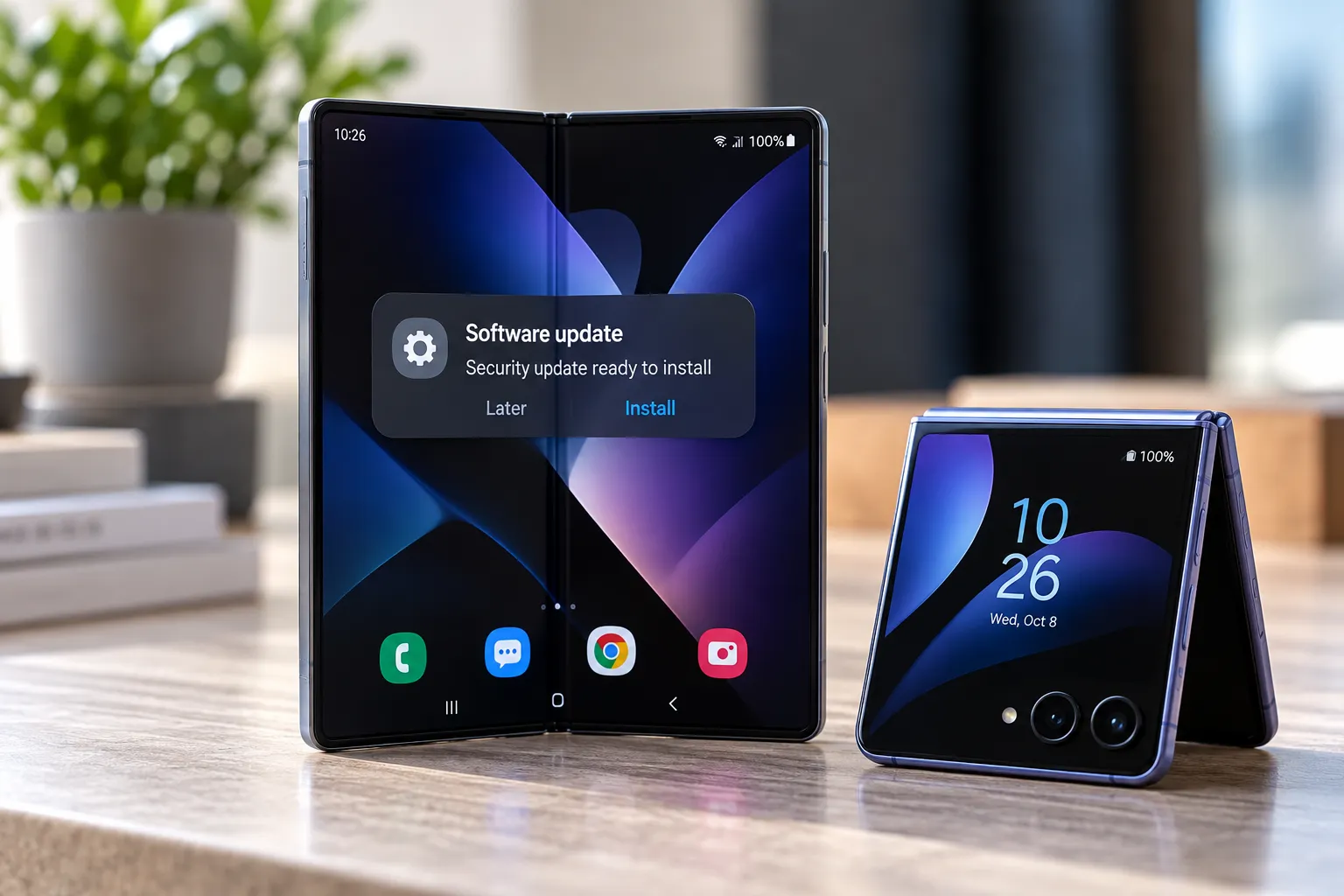
Galaxy Z Flip owners running One UI 9 say their cover screen no longer wakes up to their wallpaper and clock. Instead, unlocking the phone now drops them onto Samsung's Now Brief dashboard or a widget page, according to owner reports compiled by Android Authority. The One UI 9 Galaxy Z Flip cover screen changes have generated a steady stream of complaints on Reddit and Samsung's own community forums since the update started landing on more devices.
Samsung confirmed One UI 9 began reaching the Galaxy Z Fold8 Ultra, Fold8, and Flip8 on Sept. 16, with other Galaxy devices picking it up gradually afterward (Samsung Newsroom). That announcement only reflects availability as of roughly seven weeks ago, not which Flip models are running it right now, so checking a device's own software version beats guessing based on model number.
What actually changed on the One UI 9 Galaxy Z Flip cover screen
Before the update, unlocking the Flex Window pulled up whatever wallpaper, clock, and shortcuts an owner had set, with a Home button to jump back to that screen from anywhere. Owners now report that unlocking lands on Now Brief or a widget page instead, and the familiar wallpaper-and-clock view only appears while the phone is locked. That effectively turns what used to double as a home screen into little more than a lock screen, according to Android Authority.
The same reporting describes owners losing the ability to double-tap the unlocked screen to turn it off, plus having to relearn how notifications behave under the new navigation. Samsung hasn't confirmed plans to reverse any of this, though it hasn't ruled it out either, Android Authority notes.
The backlash stings partly because Samsung spent years marketing the Flex Window as a personalization showcase. A 2023 post from Samsung Global Newsroom described the Z Flip5's cover screen supporting more than 13 widgets and framed it as a space for owners to build something that felt like their own. That messaging is three years old and says nothing about current One UI 9 behavior, but it explains why this feels like a step backward to some owners rather than a routine redesign.
Reactions aren't uniformly negative. Among the responses Android Authority gathered, some owners called the new app drawer a genuine win, others simply want their old home screen back, and a few landed somewhere in between, describing the trade as more features but less convenience. A handful said they hadn't updated yet and were now hesitant to.
Checking your version and adjusting Galaxy Z Flip cover screen settings
Figuring out whether any of this applies to a specific phone starts in Settings, under About phone, then Software information. A version number starting with 9 means these changes are live. A developer who tracks these complaints notes that the Galaxy Z Flip3 and Flip4 aren't getting One UI 9 and would keep their older cover-screen launcher, though that claim comes from the developer's own post rather than any Samsung support document (CoverScreen OS developer post).
Notifications haven't vanished, they've just moved. Owner reports compiled in that same post describe swiping down from the top-left corner of the cover screen to open them, a gesture that doesn't appear in any Samsung support page and should be treated as an untested workaround rather than confirmed, documented behavior.
One native setting does address part of the complaint. Android Authority reports that turning off "Show the Now brief and favorite apps" under Settings, then Cover screen, removes that dashboard landing page. It does not bring back the previous wallpaper-and-clock home screen, and nothing in Samsung's current settings suggests that option is returning.
Other complaints have no native fix at all right now. Animated wallpapers and GIF backgrounds reportedly play only on the lock screen, and the clock disappears the moment the screen unlocks, with no toggle anywhere in Samsung's settings to reverse either behavior, based on the developer's compilation of owner reports.
There's at least one clear upside. Android Authority reports that One UI 9 adds a dedicated cover-screen app drawer, giving access to more apps without the Good Lock workarounds some owners relied on before. That improvement comes from that single report and hasn't been independently checked against Samsung's own documentation.
A third-party fix for the Galaxy Z Flip cover screen wallpaper and clock
An app called CoverScreen OS, currently in open testing on Google Play, claims it can almost fully replace Samsung's cover-screen home on One UI 9. Its developer describes an editable grid for arranging and resizing apps and widgets, plus a custom clockface that accepts photos, GIFs, or video as a background, with layouts showing time, date, battery, and signal (CoverScreen OS developer post).
The same post describes notification handling built into the app: reading messages on the cover screen, replying with voice, T9, or a full keyboard, and dismissing alerts with a swipe. The developer also states that notification content isn't stored locally or remotely, though enabling those features requires granting Notification Access, a permission worth weighing against a privacy claim that hasn't been independently verified.
The developer's post lists support for the Galaxy Z Flip5 through Flip8 on One UI 9. Model compatibility, feature list, and privacy claim all come directly from the person who built the app rather than outside testing, and open testing status means its behavior can shift between updates.
None of this, the reported gestures, the native settings toggle, or the app itself, has been independently tested. What's here reflects what Samsung, Android Authority, and the app's developer have each published or reported on their own.
What to do if the cover screen matters to you
If a phone is already running One UI 9, the top-left notification swipe and the Now Brief toggle in Cover screen settings cost nothing to try and can be undone if they don't help, even though neither is documented Samsung behavior. CoverScreen OS is worth considering only for owners who specifically want a customizable home, clock, and widget layout back, and only after weighing the Notification Access permission against an unverified privacy claim.
For anyone still deciding whether to update, checking the current One UI version in Settings matters more than relying on Samsung's September rollout announcement, since that list only reflects what was true at the time. If cover-screen personalization was a reason for buying a Flip in the first place, waiting for more independent testing of a specific model before updating is the safer call, rather than assuming the current wallpaper-and-clock setup survives the upgrade intact.

Comments
Be the first, drop a comment!