





Galaxy S26 Ultra Stuck During Setup: Samsung's WebView Fix
Some Galaxy S26 Ultra owners are getting stuck during setup after a factory reset, unable to get past a "webpage is unavailable" error and reach the home screen. Samsung has acknowledged the problem on its South Korean support forums, attributing it to unstable system WebView behavior on certain networks while the phone tries to load a Samsung Account page (Android Central, last week).
The bug is showing up on phones running One UI 9, Samsung's Android 17 update that reached the Galaxy S26 series in late September. So far, Samsung has offered troubleshooting steps rather than a confirmed permanent fix (TechRepublic, yesterday). What those steps can actually do depends heavily on where a given phone is stuck: whether setup hasn't started yet, whether the device is still partially usable, or whether it's already frozen on the error screen.
What's confirmed about the Galaxy S26 Ultra stuck after factory reset
The clearest pattern involves a deliberate factory reset. The phone enters setup, tries to load Samsung's account-policy page, and fails with messages like "Cannot load webpage" followed by the network error code net::ERR_NAME_NOT_RESOLVED (Android Police, last week). Owners describe watching that error appear on a device they just reset, with no visible way to back out.
Not every report fits that mold cleanly. At least one case on Samsung's Korean forum describes the failure appearing simply after installing the One UI 9 update, alongside a black screen and an inaccessible home screen, rather than after a reset the owner initiated (TechRepublic, yesterday). Samsung hasn't clarified whether the update-install trigger and the reset trigger share a single root cause or are two expressions of the same WebView instability.
Samsung's own explanation, shared through a translated community-manager response, names a specific condition: "unstable system WebView... on certain networks," not a broader hardware or OS failure (Android Central, last week; 9to5Google, last week). Samsung has attributed the setup failure to that WebView instability; it has not described the issue as a hardware problem. What the company hasn't done is identify every condition that triggers it or confirm which carriers and regions are affected (TechRepublic, yesterday).
What to do if your Galaxy S26 Ultra is stuck during setup
Samsung's workaround focuses on network switching and browser or WebView updates, not a software patch that reaches devices automatically. Where it helps, and whether it helps at all, depends on how far a given phone has gotten into the broken setup flow.
Before you reset
If a factory reset isn't urgent, it's worth holding off until Samsung confirms a fix. The clearest failure reports all trace back to post-reset setup, which makes a reset the single biggest risk factor right now (TechRepublic, yesterday). If a reset can't wait, back up data first and line up a reliable Wi-Fi connection before starting setup rather than counting on cellular (TechRepublic, yesterday).
The Galaxy S26 Ultra WebView workaround, if your phone is still usable
For owners who can still navigate parts of the phone, or who haven't hit the blocked screen yet, Samsung's published guidance includes a few concrete steps:
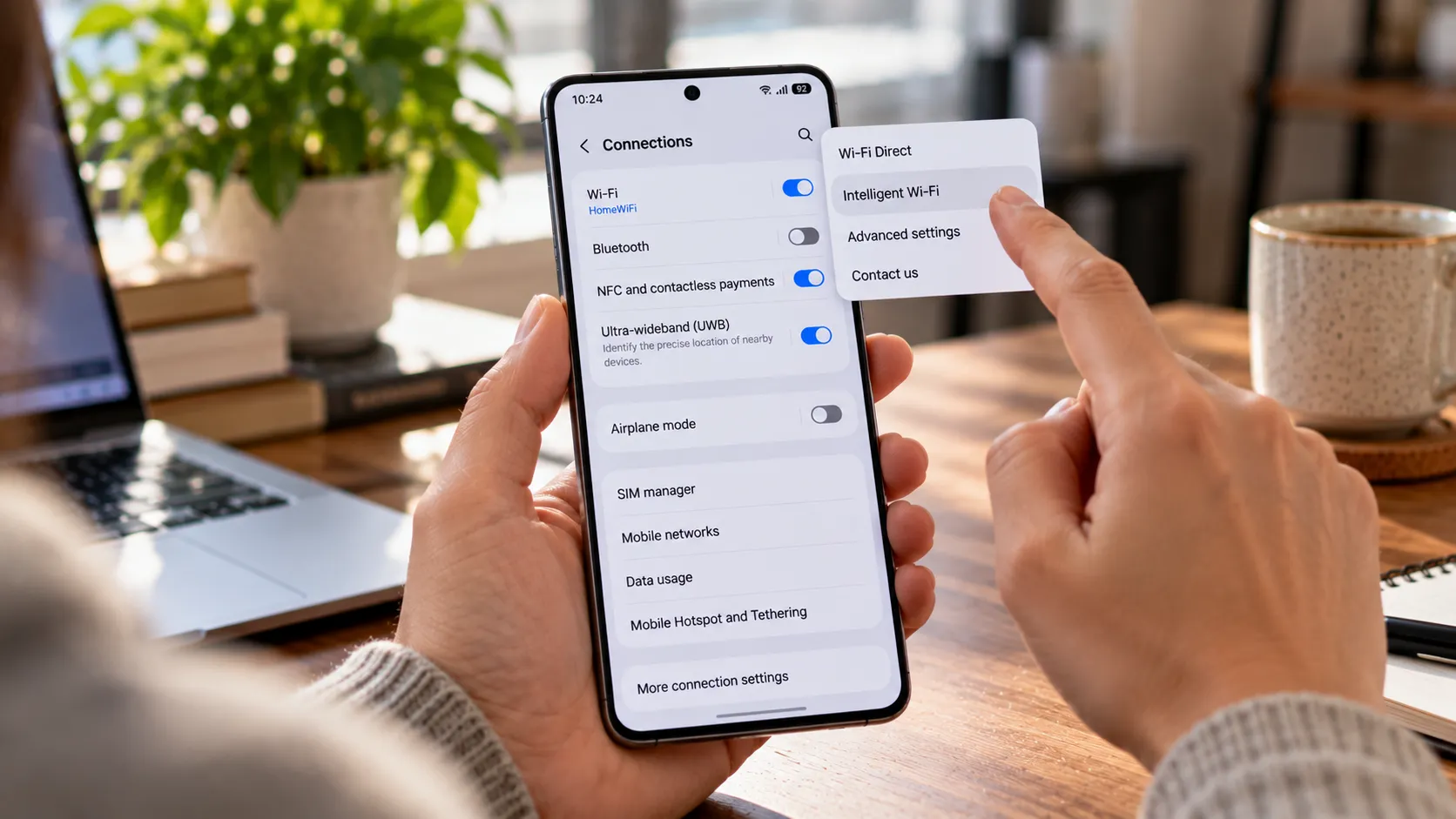
- Connect to Wi-Fi instead of mobile data before signing into a Samsung Account.
- Update Chrome or the system WebView component if the phone can still reach an app store.
- Check Samsung Account sign-in through a browser, separate from the setup flow, to confirm the account itself isn't the problem (Android Police, last week; TechRepublic, yesterday).
The network advice isn't consistent across every report, either. Samsung recommends Wi-Fi, but some users told 9to5Google that switching to mobile data got them through instead, and How-To Geek noted that switching in either direction has worked inconsistently (9to5Google, last week; How-To Geek, last week). Treat network switching as something worth testing in either direction rather than a guaranteed fix in one specific setting.
Samsung account sign-in error during setup: if you're already stuck
For phones already frozen on the "webpage unavailable" screen, the browser and account steps above may simply be out of reach. Updating a browser or checking account access through the web does little good if there's no way to exit the blocked setup screen in the first place (TechRepublic, yesterday).
Reports don't show a consistently successful recovery method once setup is already blocked at this stage. No source confirms that Samsung's recommended steps reliably resolved the original reported cases after reaching this point, so the guidance should be read as reducing risk beforehand rather than a proven rescue after the fact (Android Police, last week). With no documented software fix for this specific screen, contacting Samsung support or an authorized service center is a reasonable next step for owners who are already stuck, since the forum workaround wasn't confirmed to work after the error appears.
A separate boot freeze is hitting older Galaxy phones too
Separate reports describe Galaxy S24 and S25 Ultra devices freezing at boot with an "Access Denied" prompt or an "XML Access Denied" error. That's a different symptom profile than the Samsung Account-policy webpage error, and Samsung hasn't confirmed it's the same bug (Android Central, last week; Android Headlines, last week).
Owners dealing with that boot freeze have reported workarounds on Reddit: removing the SIM card, booting into Safe Mode with Wi-Fi and mobile data disabled, or switching to airplane mode to skip an XML verification step that appears to trigger the freeze (Android Police, last week; Android Headlines, last week). Those are user reports, not Samsung guidance, and they apply to the boot-freeze symptom specifically. Nothing in the available reporting suggests they'd help someone stuck on the Samsung Account webpage error during setup.
Samsung released another Galaxy S26-series update in South Korea on October 26 with general stability and security improvements (TechRepublic, yesterday). The available release information doesn't establish that it fixes the WebView setup failure, and the setup problem appears to be separate from the vulnerabilities that update's security patches address (TechRepublic, yesterday). A routine update shouldn't be read as confirmation the issue is resolved until Samsung says so explicitly.
What to do now
Samsung has acknowledged the setup failure and linked it to WebView instability on certain networks, but it hasn't announced a confirmed fix or a timeline for one (TechRepublic, yesterday; How-To Geek, last week). Hold off on a nonessential factory reset until that changes.
If a reset is unavoidable, back up data first and have Wi-Fi ready rather than counting on cellular during setup. If the phone is still usable, update Chrome or WebView and try switching networks in both directions, since reports conflict on which one works. If setup is already blocked on the account-policy error, test a network switch if the device allows it, but don't wait indefinitely on SIM-removal or Safe Mode tricks meant for the separate boot-freeze bug, and don't assume the October 26 update has quietly fixed this. Contact Samsung support or a service center, and watch Samsung's community forum or future release notes for an explicit reference to this specific issue before assuming any patch has resolved it.











Comments
Be the first, drop a comment!