





Galaxy A15 One UI 9 Update US Carrier Models: What to Check
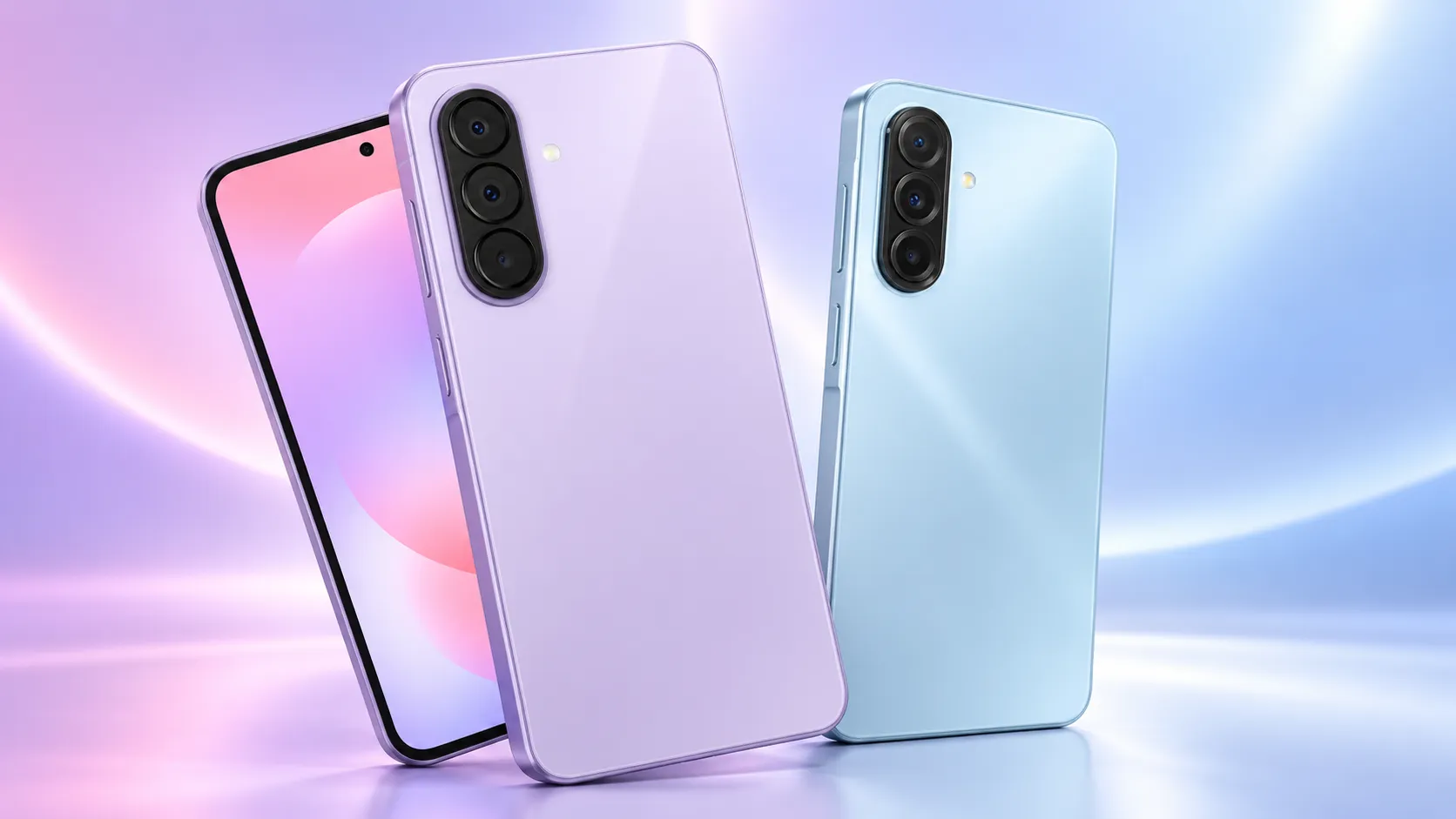
Samsung has begun pushing the stable One UI 9.0 update to Galaxy A15 phones in the US, and it's starting with carrier-locked models first, according to SamMobile. The Galaxy A15 One UI 9 update US carrier models rollout brings the phone to Android 17, while factory-unlocked units remain on a "soon" timeline with no confirmed release date.
If you own a carrier-locked A15 in the US, the update may already be waiting in your settings. If your A15 is factory unlocked, there's nothing to check yet beyond watching for SamMobile's follow-up reporting, since the outlet hasn't published a date. Separately, Android Police reported that owners of other Galaxy models have posted Wi-Fi and mobile data complaints after installing One UI 9, but that report doesn't name the A15 and doesn't establish whether A15 owners are experiencing the same problem. More on that below.
Galaxy A15 One UI 9 US rollout: which carrier models have it
The US build carries firmware version A156USQUDFZJD and is rolling out to carrier-locked Galaxy A15 units first, SamMobile reports. The report doesn't say which carriers are receiving it first or whether some carriers are still waiting.
This follows a rollout pattern Samsung has used elsewhere with the A15. The company released the stable One UI 9.0 build in South Korea last month, then expanded it globally last week, offering it first to beta program units with India among the first regions to get it, according to a separate SamMobile report. That global release ran under firmware version A156EPXUAFZJC and was listed at 300.24MB; the US report lists a different firmware identifier, A156USQUDFZJD, which indicates this US carrier release is a separate build rather than the same package reaching a new region.
Samsung flagged the Galaxy A15 for One UI 9.0 months ago, too. A SamMobile report on that July's security patch, which fixed 57 vulnerabilities, said the A15 would "soon get" One UI 9.0 alongside the A54 and A26, while the Galaxy A33 was left off that list entirely.
To check whether the update has reached your phone, go to Settings, then Software update, then Check for updates. If nothing shows up yet, that could be consistent with a staged rollout by carrier-lock status and market, not necessarily a sign your device has been skipped or something's wrong with it.
Confirming the Galaxy A15 One UI 9 build number and what's new
Once the update installs, it's worth confirming the change actually took hold rather than trusting the install-complete screen alone. Checking your phone's software version details in Settings should show whether the system is now running One UI 9.0 on Android 17; Samsung's own announcement doesn't walk through the exact on-device confirmation steps, so if the version doesn't match what you expect, try restarting the phone before assuming the update failed.
SamMobile lists several additions coming with this update: expanded Quick Panel customization, a location privacy indicator, and a new Warranty and care section in Settings. The outlet also notes improvements to Samsung DeX, Samsung Notes, accessibility features, and Samsung Health as part of the broader One UI 9 package.
SamMobile lists these features as part of the general One UI 9 release but doesn't provide independent testing of how they perform specifically on the A15. If a feature like DeX matters for your daily routine, test it yourself after the update lands rather than assuming it behaves exactly as described.
What the connectivity complaints mean for A15 owners
Samsung took months to move One UI 9 from beta to stable release, and the final build arrived only after an extended testing cycle, according to Android Police. Despite that lengthy beta period, it seems Samsung didn't catch every bug, the outlet reported, since a wave of Galaxy owners started reporting connectivity problems shortly after installing the update.
Samsung's community forums and Reddit threads contain complaints from owners describing different flavors of the same basic issue: devices that drop Wi-Fi or struggle to hold a mobile data connection after the update. Wi-Fi problems appear to be more widespread than mobile data issues, and some affected users say resetting their network settings didn't fix anything, according to Android Police.
Workarounds have been inconsistent. Some users report that restarting the phone or toggling Airplane mode brings Wi-Fi back temporarily, only for the connection to drop again a few hours later, Android Police reported. There's no clear pattern explaining why the problem hits some devices and not others, beyond the fact that it started after installing One UI 9.
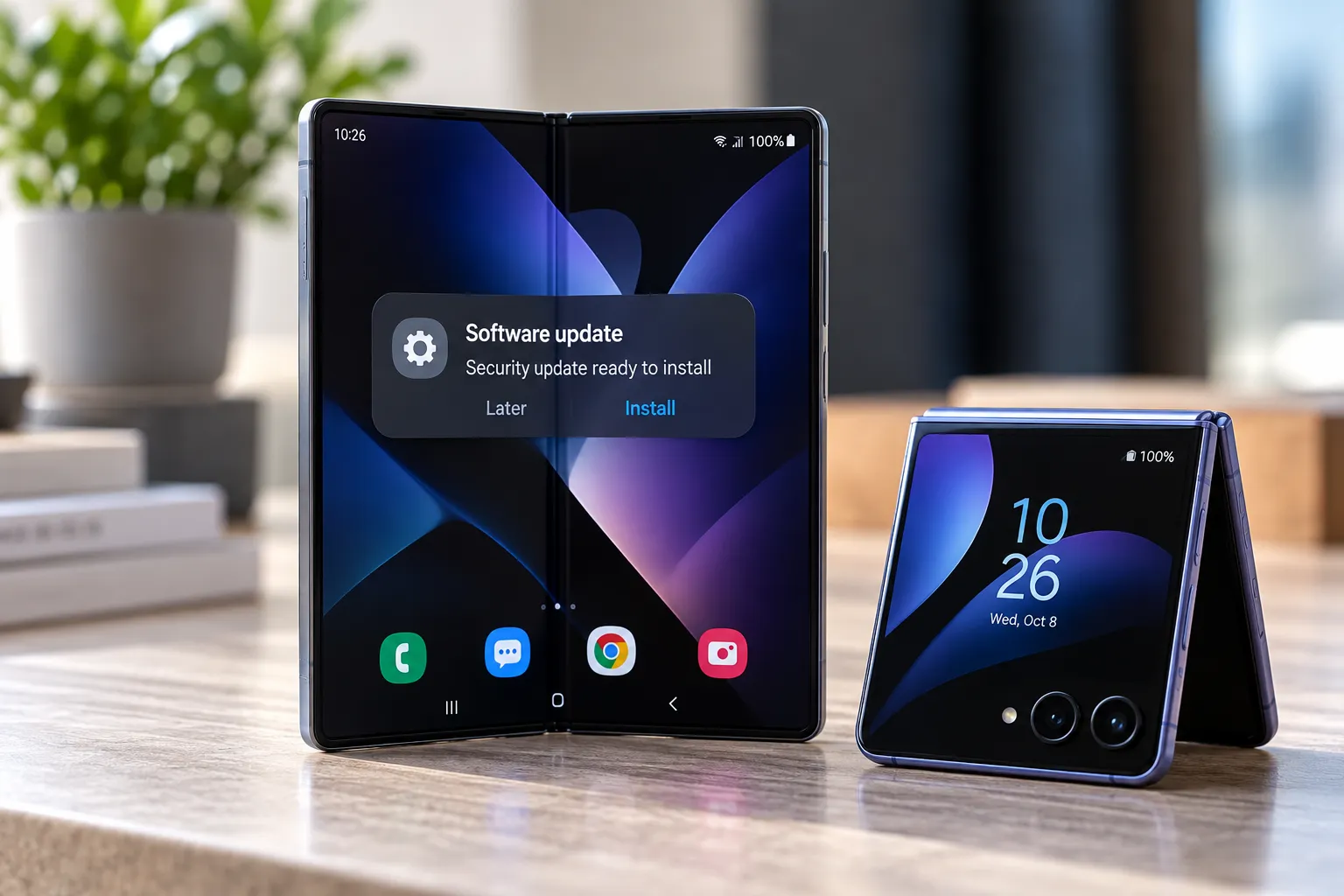
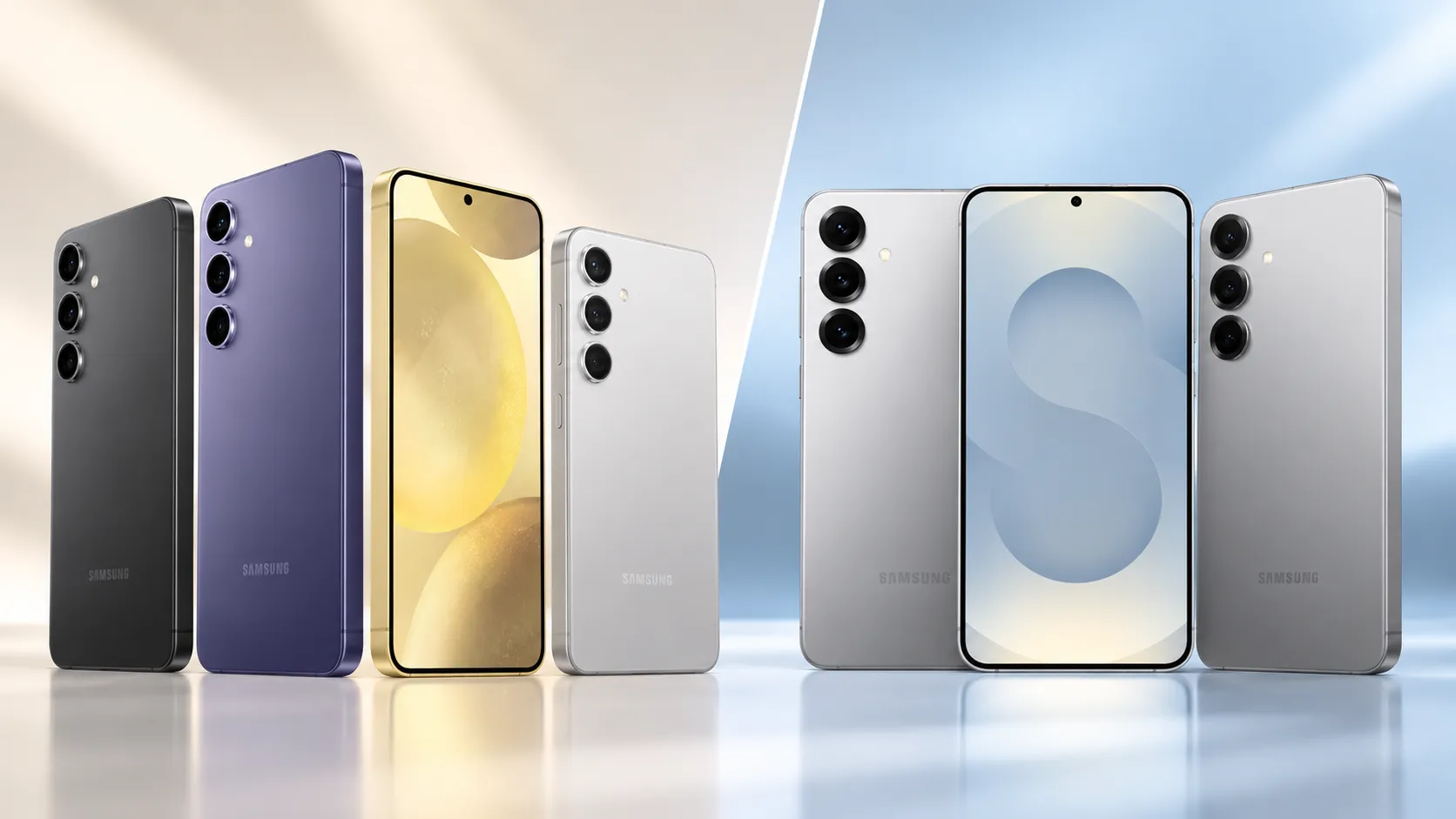
The models named in Android Police's report include the Galaxy Z Fold 7, Flip 7, S24 series, A55, and A36. One owner also reported that a Galaxy A56 stopped detecting either of its SIM cards after the update, with even the phone's built-in diagnostic tool failing to find them, though Android Police said that particular problem looks less widespread than the Wi-Fi and mobile data drops. The A15 does not appear in Android Police's list, which means the supplied reporting doesn't tie the issue to that model, not that the phone is confirmed free of it.
Samsung had not publicly acknowledged the connectivity problems as of Android Police's report this week. The outlet said Samsung's November firmware update could address the issue, though that's described as a hope rather than a confirmed fix, since Samsung hasn't detailed what the patch will actually cover.
What to check before updating your Galaxy A15
Back up your phone before installing any major software update, regardless of what's happening on other devices. That's basic practice, not a response to a confirmed A15 problem.
Go to Settings, then Software update, then Check for updates to see if One UI 9.0 has reached your carrier-locked A15. If it's available, install it, confirm the software version changed afterward, and test Wi-Fi and mobile data right away rather than assuming normal function because the install screen says it finished.
Owners who depend on the phone for hotspot use, work, or travel may prefer to monitor additional reports before installing, given that Samsung hasn't addressed the connectivity complaints on other models publicly. That's a precaution based on unresolved reports elsewhere, not evidence of an A15-specific defect, since the supplied reporting doesn't list the A15 among affected devices. Factory-unlocked owners can keep checking Settings periodically while they wait for the broader rollout to reach their model.


Comments
Be the first, drop a comment!