





How to update Google Play system on Samsung Galaxy phones
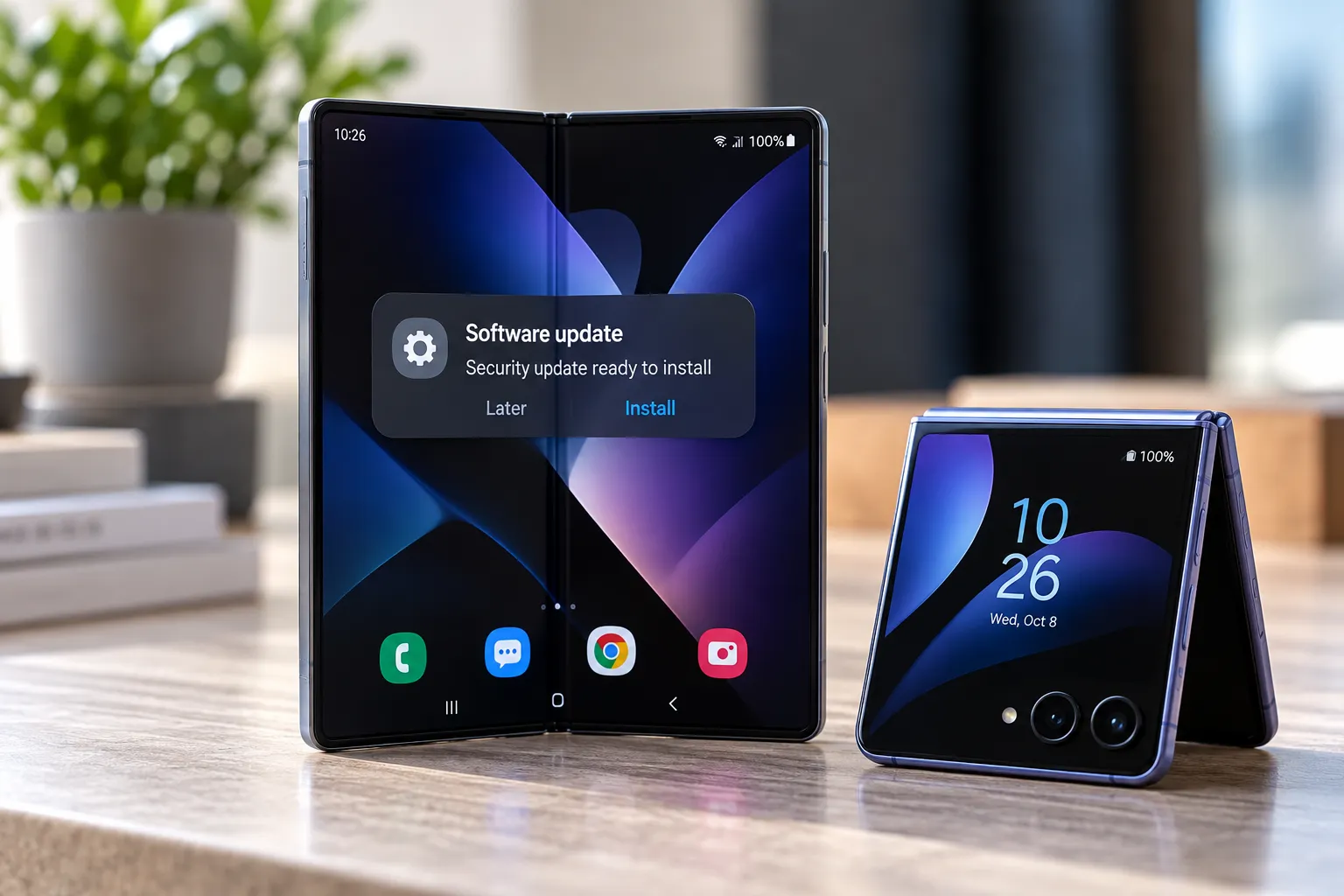
Samsung Galaxy phones started receiving a new Google Play system update dated October 1, 2026, a 19MB package, this week. Google published no changelog for it, so the exact list of fixes and features inside remains unknown, SamMobile reported.
Here's how to update Google Play system on Samsung Galaxy phones, and why the option may not show up for everyone at once. The update lives in its own settings menu, separate from Samsung's main Software update screen, and it's rolling out in phases: some Galaxy owners already see it, others don't yet, according to SamMobile.
That staggered rollout tracks a pattern Galaxy owners have run into before. Samsung phones and tablets went four straight months without any Google Play system update in 2025, a gap that drew criticism toward both Samsung and Google, SamMobile reported earlier this year. The steps below cover where to check for the latest package, and what to make of it if nothing shows up yet.
Where to find Google Play system updates on Samsung
On a Galaxy phone, the path is Settings > Security and privacy > Updates > Google Play System update, a separate menu from the Software update screen that handles One UI versions and Samsung's monthly security patches, per SamMobile.
Open that menu to see whether an update is listed. If one is, tap Download and install. A Restart now button appears once installation finishes, and tapping it completes the process (SamMobile).
That restart step isn't just a formality. Some Mainline-delivered components only activate after a reboot, even though the system was built to push most updates in the background without forcing one, according to Hexnode. Android can also install a batch of modules as a single unit, meaning either all of them update successfully or none do, with an automatic rollback if something can't install safely, Hexnode notes.
If no update appears
An empty Google Play System update menu doesn't automatically mean something's wrong. SamMobile reports the October rollout is staggered, so a phone showing nothing pending may simply not have been offered the package yet.
SamMobile also reported that a Google Play system update dated January 1, 2027, started appearing on some Galaxy phones a few days before its report, around the same time Samsung began rolling out One UI 9.0 to eligible devices (SamMobile). That package carries a date more than a year ahead of the October release, an inconsistency in how these builds get labeled that current reporting doesn't explain. Readers who spot the January-dated package before the October one shouldn't assume their phone skipped a release; the dating convention itself looks unresolved.
Available Mainline modules can also vary by Android version and device implementation, Hexnode notes, so not every Galaxy phone necessarily gets the same components in the same update. There's also a hard cutoff worth knowing: Mainline support for Android 11 and earlier ended in the final quarter of 2025, per current AOSP documentation cited by Hexnode, so very old Galaxy phones still on those builds may not see future Google Play system updates at all. Checking again later, or after installing a pending One UI update, is reasonable. Neither SamMobile nor Hexnode describes a way to force Samsung to offer the package early.
Google Play system update vs. Samsung software update: what's the difference
This separate menu exists because of Project Mainline, which Google introduced with Android 10 to update specific system modules through Play infrastructure instead of waiting on manufacturers for a full OS release, according to Esper, which detailed the project in 2024. Mainline builds on an earlier effort called Project Treble, aimed at cutting Android's dependence on manufacturers for delivering critical updates, Hexnode explains. Android partners can also distribute supported modules through their own mechanisms, Hexnode adds, and Samsung's own verification and distribution process can affect when a package reaches Galaxy devices.
Three update types run on their own schedules, in their own menus:
- Google Play system update: Mainline modules delivered through Play infrastructure, at Settings > Security and privacy > Updates > Google Play System update.
- Software update: One UI version upgrades and Samsung's monthly security patches, at Settings > Software update.
- Google Play Services and Play Store app updates: routine app-level updates, unrelated to Mainline, per Hexnode.
Mainline modules arrive as APK, APEX, or APK-in-APEX packages, with rollback protection built in if an install fails, Hexnode explains. The scope has grown a lot since launch: Android 10 shipped with thirteen Mainline modules covering things like Conscrypt, the DNS Resolver, and timezone data, and by Android 13 that count had more than doubled, or tripled counting undocumented modules, per Hexnode. Later versions folded in more: ART became a Mainline module in Android 12, Bluetooth in Android 13, and Android Health in Android 14, Hexnode notes.
The June 2026 Google Play system update followed the same pattern on a smaller scale: a 1.4MB package that reached devices on at least One UI 8.5 and One UI 9.0 without any documentation of what it changed, SamMobile reported at the time.
Why a changelog-free update can still matter
Google hasn't confirmed what's inside the October 2026 package. The general pattern for these releases, bug fixes, performance tweaks, security enhancements, and new Google app or service features, comes from past updates, not a confirmed description of this one, according to SamMobile.
This delivery path has quietly shipped real features before without any OS upgrade attached. A 2022 Google Play system update backported the Photo Picker to Android 11 and 12L devices, and a separate update that year added support for DNS-over-HTTP/3 as an encrypted DNS option, Esper reported. Android 13's unified security and privacy settings page also arrived through the Permission Controller module rather than a full system update, per Esper.
The modules themselves fall into three groups, per Hexnode: security components like media codecs and the DNS resolver, privacy components such as the Permission Controller, and consistency components covering things like timezone data. Without a changelog, there's no way to confirm which of those, if any, sit inside the October package.
None of that points to a problem with this rollout specifically. SamMobile notes that, as usual, no changelog was available, which makes the silence standard practice rather than a sign something's off.
What to do now
Check Settings > Security and privacy > Updates > Google Play System update on a Galaxy phone. If something's listed, tap Download and install, then tap Restart now once it finishes.
If the menu shows nothing, treat that as part of the phased rollout rather than a failed check. Look again after installing any pending One UI update, and don't assume an empty menu means a problem with the phone or the checking process itself. If the phone is still on Android 11 or older, that absence may simply reflect the end of Mainline support rather than a delayed release.

Comments
Be the first, drop a comment!