





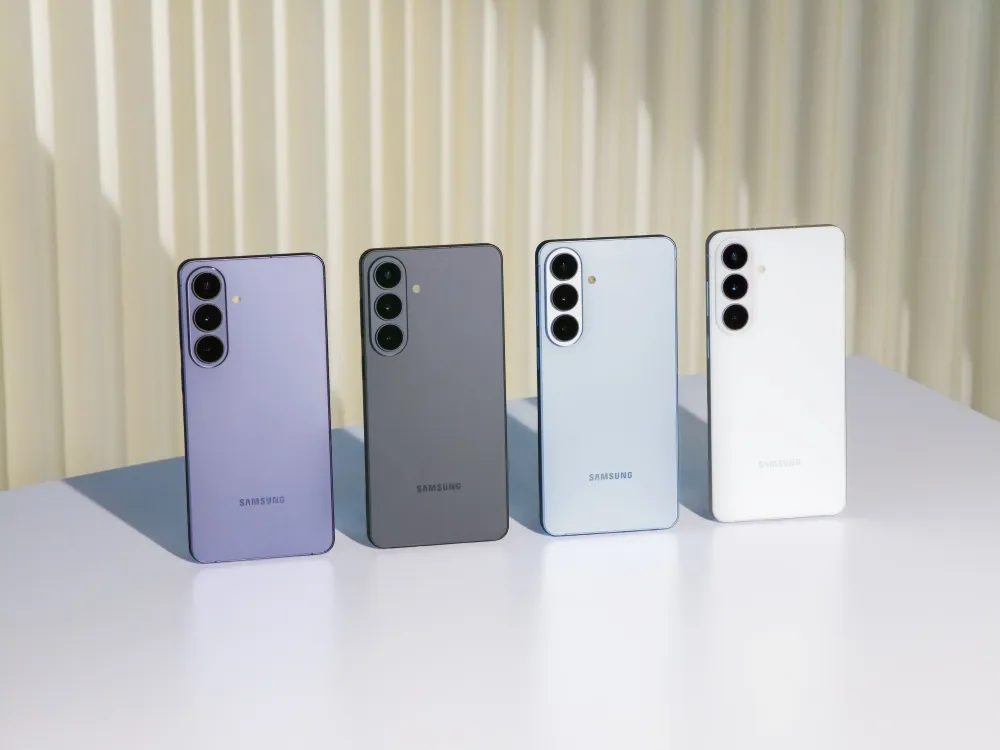
Samsung is pitching the Galaxy S26 Ultra as more than a faster flagship. Its biggest selling point is Galaxy AI: tools that can suggest actions, summarize context, edit images, screen calls, and hand off limited tasks across apps. Some of those features are useful now. Others still need the right apps, accounts, permissions, and real-world reliability to be worth the Ultra price.
Samsung announced the Galaxy S26 series on Feb. 25, 2026, in the U.S. and Feb. 26 globally, positioning the lineup as its third generation of AI phones. The Galaxy S26 Ultra has a 6.9-inch QHD+ 120Hz Dynamic AMOLED display, a 5,000mAh battery, IP68 water resistance, and up to 75% charge in about 30 minutes with a 60W adapter. It weighs 214 grams and is 7.9mm thick, down from 8.3mm on the S25 Ultra.
The key buying question is not whether the S26 Ultra has AI. It is which AI features you will actually use, which ones need too many conditions to work, and which ones are still closer to a preview than a reason to upgrade.
Galaxy S26 Ultra AI features worth using first
The most useful S26 Ultra AI tools stay close to what you are already doing. They read screen context, messages, photos, calls, or documents, then suggest a next step instead of trying to automate entire workflows across the open web.
Now Nudge is the clearest version of this idea. It can recognize context in supported messaging apps, suggest calendar actions, check for conflicts, or surface relevant photos without forcing you to leave the conversation. It requires a Samsung Account, and Samsung says available functions can vary by country, region, language, and app.
Document Scan works inside the Camera app. Point the phone at a document, and it can flatten distortions, remove distractions like a finger in the corner, and combine multiple pages into a single PDF — no separate scanning app or manual cropping required.
Call Screening is another practical feature. It can identify unknown callers and summarize why they are calling before you answer. That matters more than a flashy AI demo because it solves a common phone problem: deciding whether an unknown call is worth your time.
Now Brief is more of a daily dashboard. It pulls together schedule items, reminders, and contextual updates, so its usefulness depends on how much of your day already lives inside Samsung's ecosystem and supported apps.
These features do not need flawless AI to be useful. A tool that catches a scheduling conflict, turns paper into a clean PDF, or screens an unknown caller can save time even when you ignore some suggestions.
Cross-app AI agents still have limits
The S26 Ultra supports Bixby, Gemini, and Perplexity, but they do different jobs. Bixby handles device commands in natural language. Gemini can help with broader cross-app tasks. Perplexity adds an AI-powered research option.
Gemini is the most ambitious piece of the S26 Ultra's AI pitch. Google says its beta agentic features on select Galaxy S26 devices can run in the background for early food, grocery, and rideshare app experiences. You can start those tasks with a long press of the side button, monitor progress from notifications, jump in, or stop the task.
That control matters. The phone may help prepare an action, but it is not a fully autonomous assistant that can safely complete every task across every app. Google's own footnotes say compatibility and availability vary by app, device, and market, and the feature is limited to users 18 and older.
That makes the S26 Ultra's cross-app AI promising but not yet universal. Do not buy it assuming every app will support hands-off workflows. Buy it if the supported categories already match how you use your phone.
For S25 Ultra owners, the upgrade case is narrower. Translation, transcription, and Circle to Search were already available on prior Galaxy AI phones. The more meaningful S26 Ultra additions are Now Nudge, stronger Gemini integration, improved on-device AI hardware, and Privacy Display.
Camera AI and performance upgrades to check
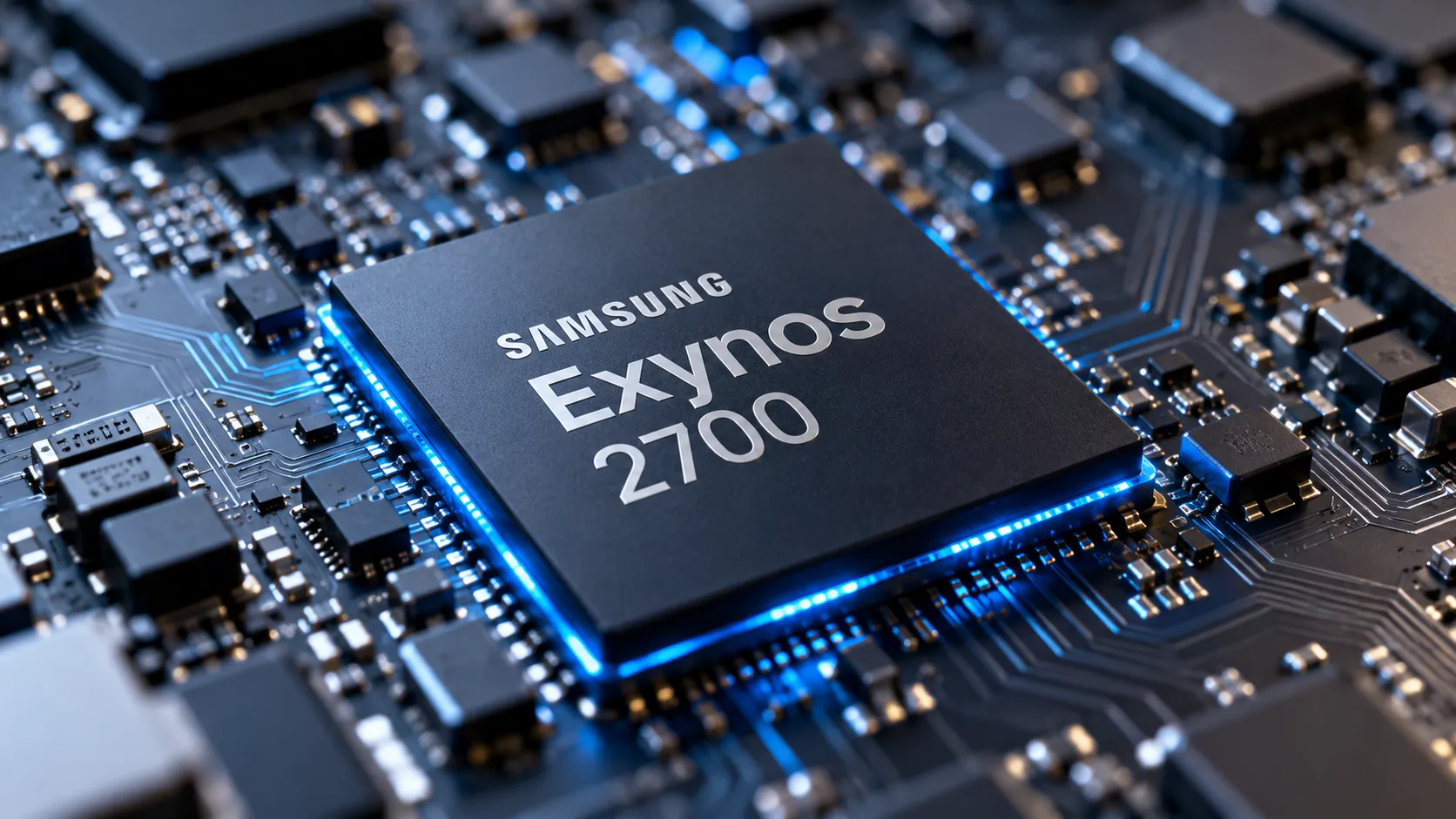
The S26 Ultra's camera story is partly about hardware and partly about AI processing. Samsung says the phone uses a custom Snapdragon 8 Elite Gen 5 for Galaxy, with up to 19% better CPU performance, 39% better NPU performance, and 24% better GPU performance than the prior generation.
The NPU matters because it handles machine-learning tasks such as image processing, contextual suggestions, and other on-device AI workloads. Those are Samsung's numbers, not independent guarantees. Real-world gains will depend on the task, the app, and how much processing happens on the phone instead of in the cloud.
Samsung also redesigned the thermal system with a larger vapor chamber to spread heat more efficiently. That should help with long gaming, video, and AI-processing sessions, but buyers should still compare Samsung's claims with a post-launch review before treating the chip upgrade as a reason to buy on its own.
On the camera side, the S26 Ultra keeps a 200MP wide camera and adds a 50MP telephoto camera with 5x optical zoom and 10x optical-quality zoom. Samsung says the 200MP wide camera and 50MP 5x telephoto camera use wider apertures than their S25 Ultra counterparts, which is the hardware basis for its low-light improvement claims.
For video, Nightography gets improved noise reduction, and Super Steady adds horizontal lock for steadier handheld footage. The S26 Ultra also supports APV, a professional video codec designed for more efficient editing workflows. APV matters most for video creators who edit after capture. Most buyers will care more about stabilization, low-light video, and whether files are easy to share.
Photo Assist is the AI camera feature most people are likely to touch. It accepts plain-language editing instructions, such as shifting a day scene to night, restoring a missing element, or removing a distraction. Edits can be reviewed step by step and undone, but Samsung says Photo Assist may require a network connection and Samsung Account login, may resize saved images, and adds a visible AI watermark.
Samsung's camera specs are verifiable. Claims about better low-light performance, zoom clarity, and skin tone accuracy should still be weighed against current reviews and sample images. Treat Samsung's camera language as a starting point, not the final verdict.
Privacy Display, AI limits, and hidden costs
The S26 Ultra's most useful AI tools depend on personal context: messages, calendar entries, photos, calls, notifications, location, or supported app data. That makes privacy settings, account requirements, and feature limits part of the purchase decision.
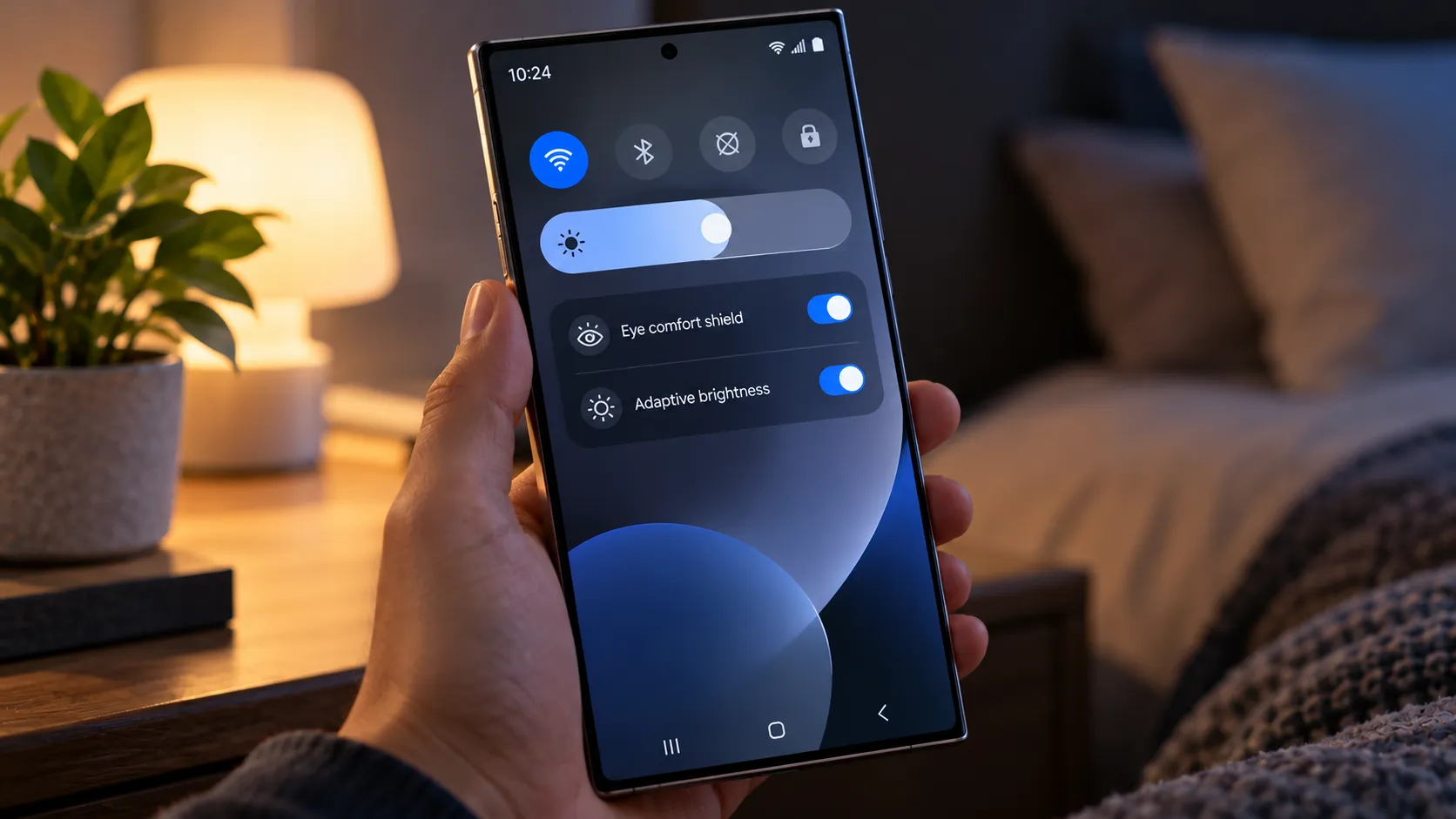
The biggest hardware privacy feature is Privacy Display, which is built into the S26 Ultra's screen instead of added with a stick-on film. Samsung says it limits side-angle visibility when enabled while keeping the display clear from the front. It can turn on automatically when you enter PINs or passwords, open selected apps, or receive notification pop-ups, and it can also be toggled manually.
That does not make it perfect. Samsung's own fine print says image quality can change outside the viewing range, and some information may still be visible depending on angle or brightness. If you plan to buy mainly for Privacy Display, check real-world brightness, clarity, and battery impressions before treating it as a must-have feature.
Samsung's privacy pitch also rests on software protections. Personal Data Engine supports on-device personalization, Knox Enhanced Encrypted Protection separates app data, and Knox Vault stores sensitive data such as passwords, biometrics, and security keys in dedicated hardware.
That does not mean every AI task stays on the phone. Gemini and Perplexity run under their own services and privacy terms when they handle requests. If you are buying the S26 Ultra for AI workflows, check which assistant is handling the task, what account it uses, and whether the feature works in your region.
Long-term AI pricing also remains a watch item. Some Galaxy AI features are built into the phone experience, while third-party AI services can follow their own subscription rules. Before buying for Gemini or Perplexity workflows, check whether the feature you want is free in your region and account.
The fine print matters across the board. Photo Assist, Creative Studio, Now Nudge, Now Brief, Circle to Search, and Bixby all carry some mix of account, network, language, region, app, device, or accuracy limitations. These are not deal breakers, but they are exactly the details buyers tend to discover after purchase.
Who should buy the S26 Ultra for AI
The S26 Ultra makes the strongest case when its AI saves taps in familiar tasks: scheduling, scanning, call screening, photo editing, search, and privacy controls. It makes the weakest case when the pitch depends on future cross-app automation.
Buy it if you already use Galaxy AI regularly. The custom Snapdragon 8 Elite Gen 5, larger vapor chamber, and Samsung-claimed 39% NPU boost make the strongest case for buyers who use AI features, gaming, multitasking, or video tools every day.
Buy it if you often use your phone in crowded spaces. Privacy Display is the clearest hardware differentiator on the S26 Ultra, but check real-world brightness, clarity, and battery impressions before buying mainly for that feature.
Buy it if you scan documents, edit photos, screen calls, or use voice commands often enough to make small time savings add up. Those are the AI features most likely to feel useful without asking you to trust the phone too much.
Wait if you are buying mainly for cross-app AI agents. Gemini's more ambitious agentic features are still beta-labeled and app-limited, so it is better to wait for broader app support and more real-world testing before treating them as the reason to upgrade.
Wait if you have an S25 Ultra and mostly use translation, transcription, Circle to Search, or basic photo edits. The S26 Ultra improves the AI story, but many everyday Galaxy AI tools are not new enough on their own to justify the upgrade.
The S26 Ultra's best AI features are the ones that cut steps without asking you to hand over too much control: Now Nudge, Document Scan, Call Screening, Photo Assist, Circle to Search, and Privacy Display. Buy it for those practical upgrades, not for the promise that every app on your phone will behave like an assistant.



Comments
Be the first, drop a comment!