



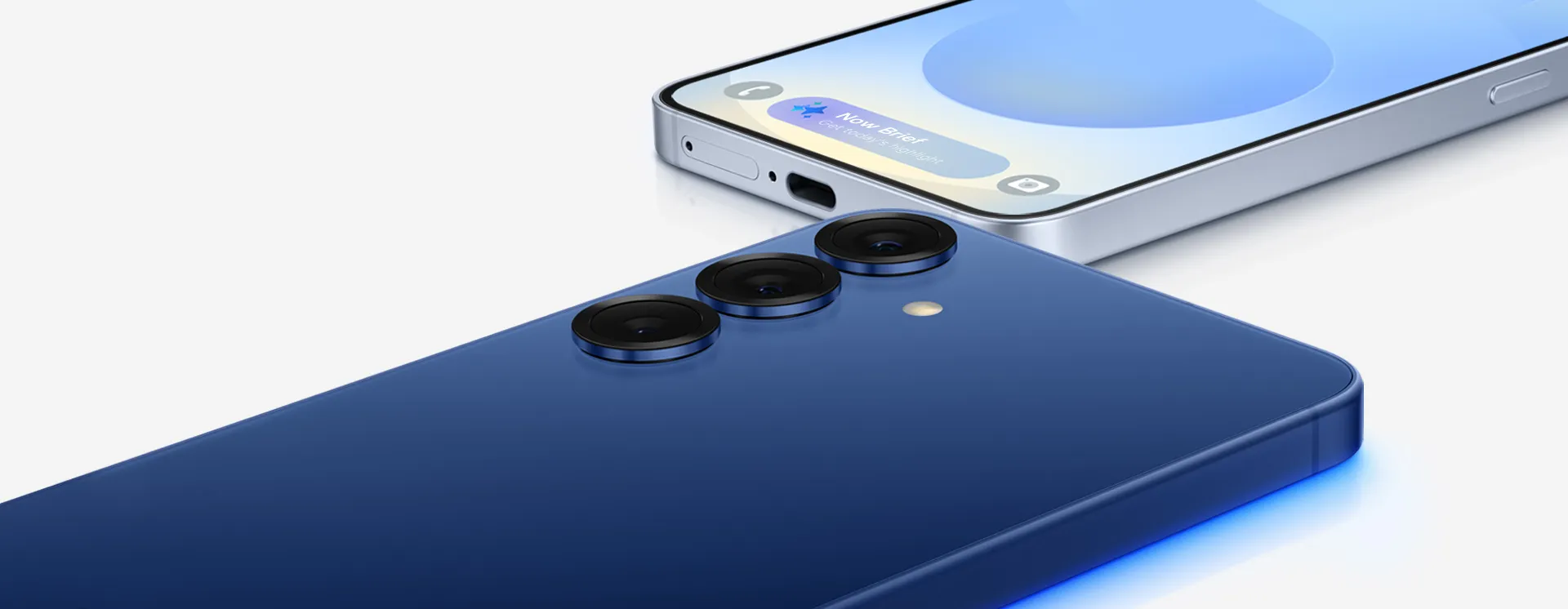
Samsung published its July 2026 security maintenance release on July 7, listing 57 vulnerability fixes for Galaxy phones and tablets, including five critical Android flaws.
The update does not add new features, but Galaxy users should install it once it reaches their device. Samsung has not published a device-by-device rollout order, and patch timing can vary by model, region, and carrier.
What Samsung's July security patch fixes
The July package draws from two main buckets: Google's Android security bulletin and Samsung's own Galaxy-specific fixes.
Samsung lists 41 Google patches in the release, including five critical CVEs and 36 high-severity CVEs. The company also lists 16 Samsung Vulnerabilities and Exposures, or SVEs, for issues in Galaxy-specific software and services.
The Samsung-specific fixes include six high-severity issues and seven disclosed moderate issues. Several high-severity SVEs involve memory-safety problems, improper authorization, or code-execution risks in Samsung components such as KnoxGuardManager, image codec libraries, fabricKeymaster, and libpadm.so. Samsung withheld some SVE details for security reasons.
Several disclosed fixes affect devices running Android 14, 15, and 16, making the July patch relevant across multiple Galaxy software generations. That includes recent flagships and supported midrange devices, though exact availability still depends on Samsung's update policy for each model.
Why Galaxy users should install it promptly
Security patches are easy to ignore when they arrive without new features. This one deserves faster attention because it includes critical Android fixes and several high-severity Galaxy-specific issues.
Samsung does not spell out exploit details for the five critical Android CVEs in its own bulletin, but it identifies them as part of Google's July Android security fixes. Google says Android security patch levels dated July 2026 or later address the issues in the July bulletin, and it recommends updating to the latest Android version where possible.
That does not mean every Galaxy device is at equal risk, or that every flaw can be exploited remotely. Some issues require local access or elevated privileges. Others involve image parsing or access to Samsung system services. The practical takeaway is simple: install the patch when it appears, especially if your phone is used for banking, work apps, travel, two-factor authentication, or sensitive files.
When the July update may reach your Galaxy device
Samsung says regular OS upgrades can delay planned security updates, and delivery times can vary by region and model. Carrier testing can also affect when an update appears on locked devices.
That means two eligible Galaxy phones may receive the same July patch on different days. A delayed update does not necessarily mean a device has been skipped.
Samsung's July mobile security bulletin is focused on Galaxy phones and tablets. It does not list a Galaxy Watch-specific July fix in the disclosed SVE section.
How to check for the July patch
To check manually, open Settings, tap Software update, then tap Download and install. Manual checking can surface the patch once it is available for your model and region, but it will not bypass Samsung's staged rollout.
If the update does not appear immediately, check again later. Staggered rollouts are normal, and timing can vary by region, model, and carrier.
Until the patch reaches your device, keep Google Play Protect enabled, avoid installing apps from unknown sources, and install the July update once it appears. If you use a Galaxy phone for work, banking, travel, authentication, or sensitive files, this is not an update to leave sitting for days.











Comments
Be the first, drop a comment!