



Root My Galaxy App Explained: Temporary Root Without Knox
A developer known as busung has released an open-source tool called the Root My Galaxy app, which claims to grant temporary root access to select Snapdragon-powered Galaxy flagships without unlocking the bootloader or tripping Samsung's Knox e-fuse, according to an Android Authority report published today. The developer describes the process as one-click and says it leaves user data untouched, per the same report. The conventional route to persistent Samsung root involves bootloader changes, which is what makes this alternative worth scrutinizing.
Conventional Samsung rooting typically involves trade-offs. Tripping the Knox e-fuse permanently disables Secure Folder and Samsung Pay, among other features, according to background from Wikipedia. Root My Galaxy is reported to sidestep that cost by exploiting a Linux kernel flaw called GhostLock (CVE-2026-43499) to inject root privileges through memory rather than through the bootloader, according to Android Authority.
This works only on a short list of Snapdragon models running older firmware. Android Authority reports there's a "very high chance" Samsung closes the hole with its August 2026 security patch. Before getting into how the exploit works, here's who can actually use it, what it unlocks, what it doesn't, and what skipping updates to keep it actually costs.
Root My Galaxy supported devices and firmware
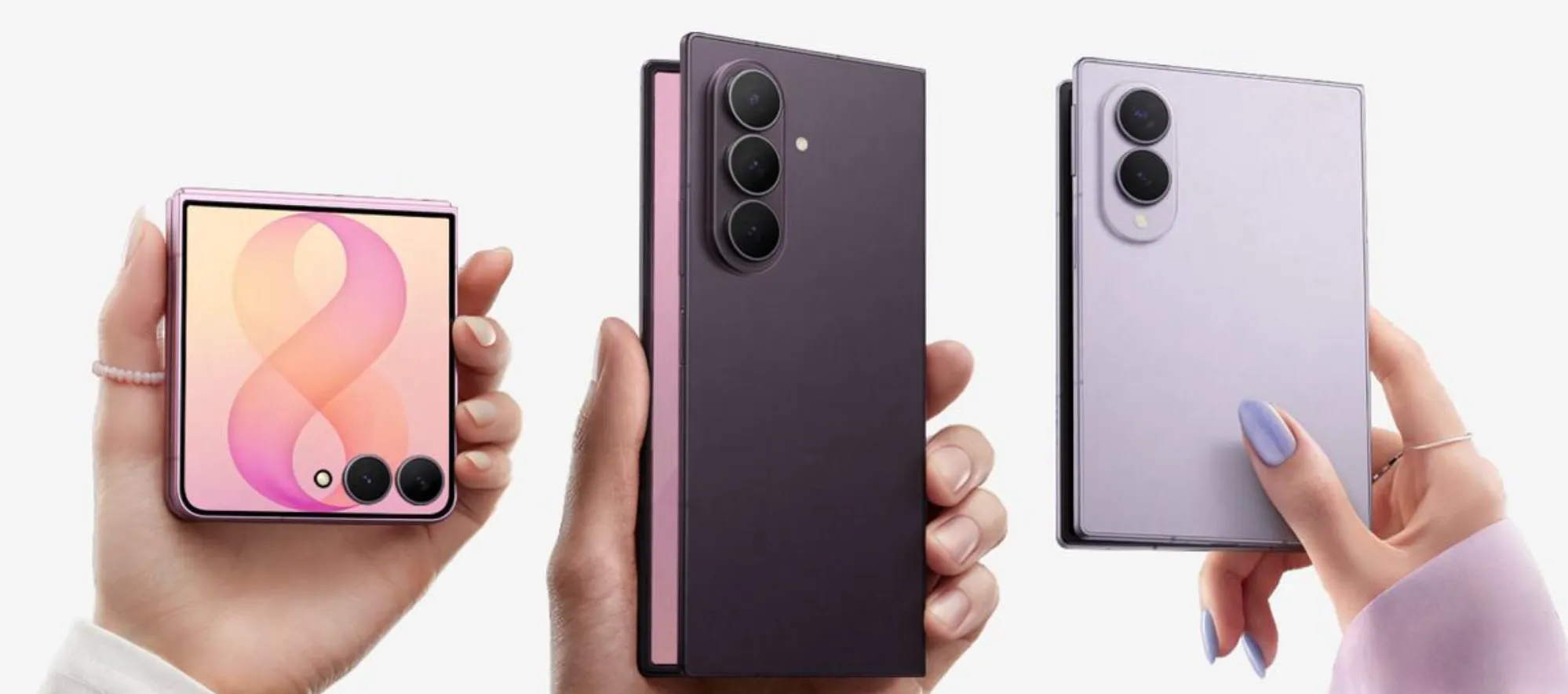
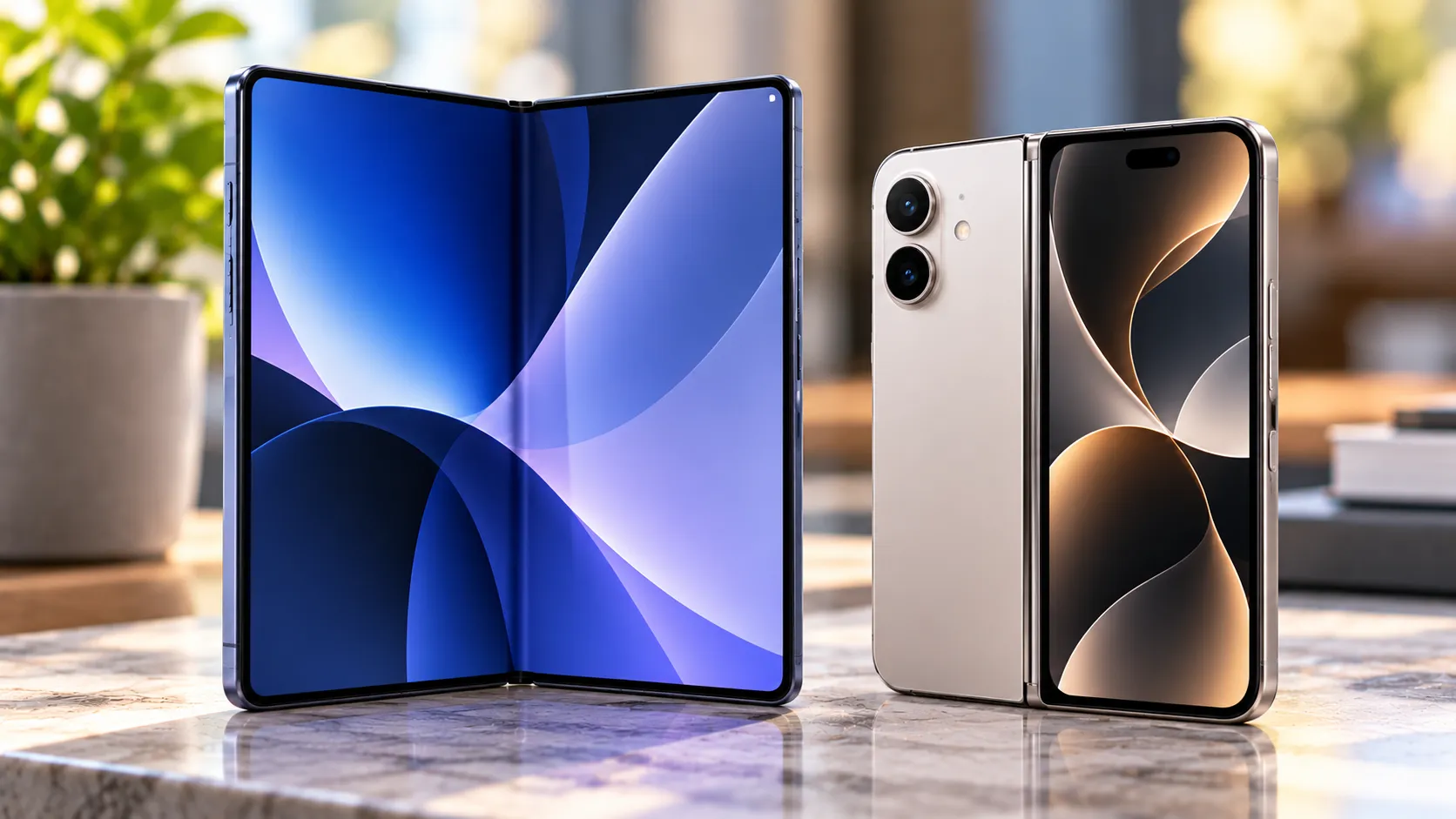
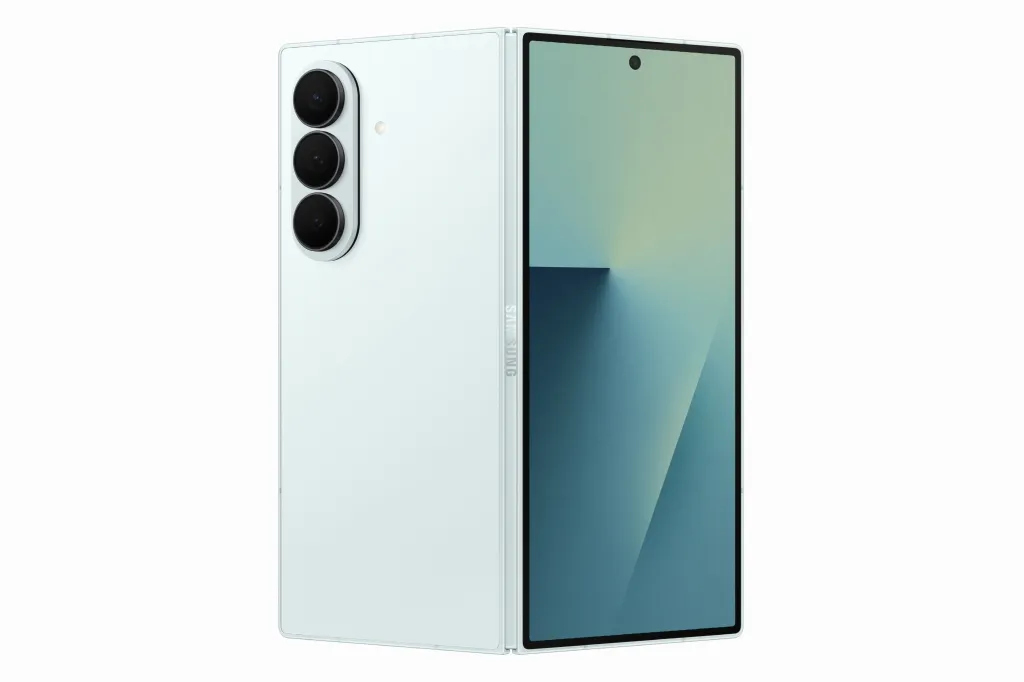
The compatible hardware list is short and Snapdragon-only: the Galaxy S25 Ultra, which Android Authority marks as the only model "fully working," alongside the Galaxy S25, S25 Plus, S25 Edge, S24, S24 Plus, S24 Ultra, S24 FE, and Galaxy Z Fold 7 (Android Authority).
Exynos variants of those same phones, including the Exynos-based Galaxy Z Flip 7, aren't supported. The developer's current work targets Snapdragon devices specifically because of architectural differences between the two chipsets, Android Authority reports.
The Galaxy S26 series is absent from the list too. Those phones shipped with a newer kernel build that leaves no room for the memory-injection payload this exploit depends on, making them immune to this specific attack, according to Android Authority, which forecasts the series will likely never support Root My Galaxy.
Developer busung states official support runs through the June 2026 security patch on the stable One UI 8.5 build. The app is distributed through the GitHub repository Android Authority identifies as the official release channel. Some users have reported success on July 2026 patches too, but that's based on community reports rather than confirmation from the developer, per the same report.
This is not a universal Samsung Galaxy temporary soft root method. It's a narrow window covering a specific set of devices on a specific firmware range, according to Android Authority's reporting.
What temporary root actually unlocks
The exploit behind the tool is CVE-2026-43499, nicknamed GhostLock, which Android Authority describes as a high-severity bug in how the Linux kernel manages system memory locks. The app reportedly runs the payload in memory to elevate privileges and inject the KernelSU manager, without wiping user data, per the same report.
Android Authority reports that the tool leaves the bootloader locked and does not trip the Knox e-fuse. Because of that, the outlet says Secure Folder, Samsung Wallet, and banking apps continue to work normally, with Play Integrity also reportedly still passing.
Even the same report flags a wrinkle: some security-focused apps might still detect the root-related apps a user installs afterward, so an intact Knox status doesn't guarantee every sensitive app behaves as though nothing changed, per Android Authority.
This is a soft root, not a bootloader unlock. Privileges vanish on every reboot and have to be reapplied manually through the app each time, per Android Authority's reporting. A persistent bootloader unlock, by contrast, survives reboots and stays in place until a user deliberately re-locks it.
What it doesn't do, and why a locked bootloader still limits you
Root My Galaxy does not unlock the bootloader, so it can't enable flashing custom ROMs or custom kernels, according to Android Authority.
A locked bootloader also limits recovery options. Android Authority reports that without an unlocked bootloader, users face "practically zero chance" of reviving a badly bricked phone, short of finding another exploit.
A community-maintained tracking project separately reports that starting with One UI 8, Samsung removed bootloader unlocking on international Samsung devices, regardless of model, according to a bootloader-unlock-wall-of-shame GitHub repository. Samsung has not confirmed that claim, and the repository is a community-run project rather than Samsung documentation.
Given the narrow firmware window and the reboot requirement described above, Root My Galaxy isn't a substitute for a permanently unlocked bootloader, Android Authority notes. For Galaxy owners stuck on locked firmware who want root access back, the report calls it "currently the only way out."
The trade-off: staying on old firmware for temporary soft root
Using Root My Galaxy means staying at or below the June 2026 patch level. Android Authority reports a "very high chance" Samsung patches GhostLock in the August 2026 security update, which would likely require skipping that update to keep root working once it arrives.
As historical context only, researchers reported a flaw in Samsung's Knox kernel, CVE-2026-20971, that affected Galaxy devices from the S9 through the S25 on both Exynos and Qualcomm chipsets before Samsung fixed it in the January 2026 update (SecurityWeek; LucidBit Labs). That case says nothing about whether June 2026 firmware carries any specific unpatched hole. It simply shows that staying on an older patch level means forgoing whatever Samsung fixes afterward, including issues disclosed in later updates.
Keeping root, then, means declining updates for as long as the GhostLock hole stays open. Updating means losing this particular root path once Samsung closes it, per Android Authority.
What remains unverified
Android Authority's report documents genuinely uncommon claims: reported kernel-level root on select Snapdragon Galaxy flagships while the bootloader stays locked and Knox-dependent services keep working. But the supplied reporting comes from a single account and does not include independent testing across every supported model. Whether Secure Folder, Samsung Wallet, banking apps, and Play Integrity behave the same way on a Galaxy S24 FE as they reportedly do on the "fully working" S25 Ultra remains an open question.
Samsung has a "very high chance" of closing the underlying GhostLock vulnerability in the August 2026 security update, according to Android Authority. Independent testing would clarify whether the tool's Knox and payment-app compatibility claims hold up across the full device list. Samsung's actual patch timing will separately determine how much longer this specific root path stays open.






Comments
Be the first, drop a comment!