





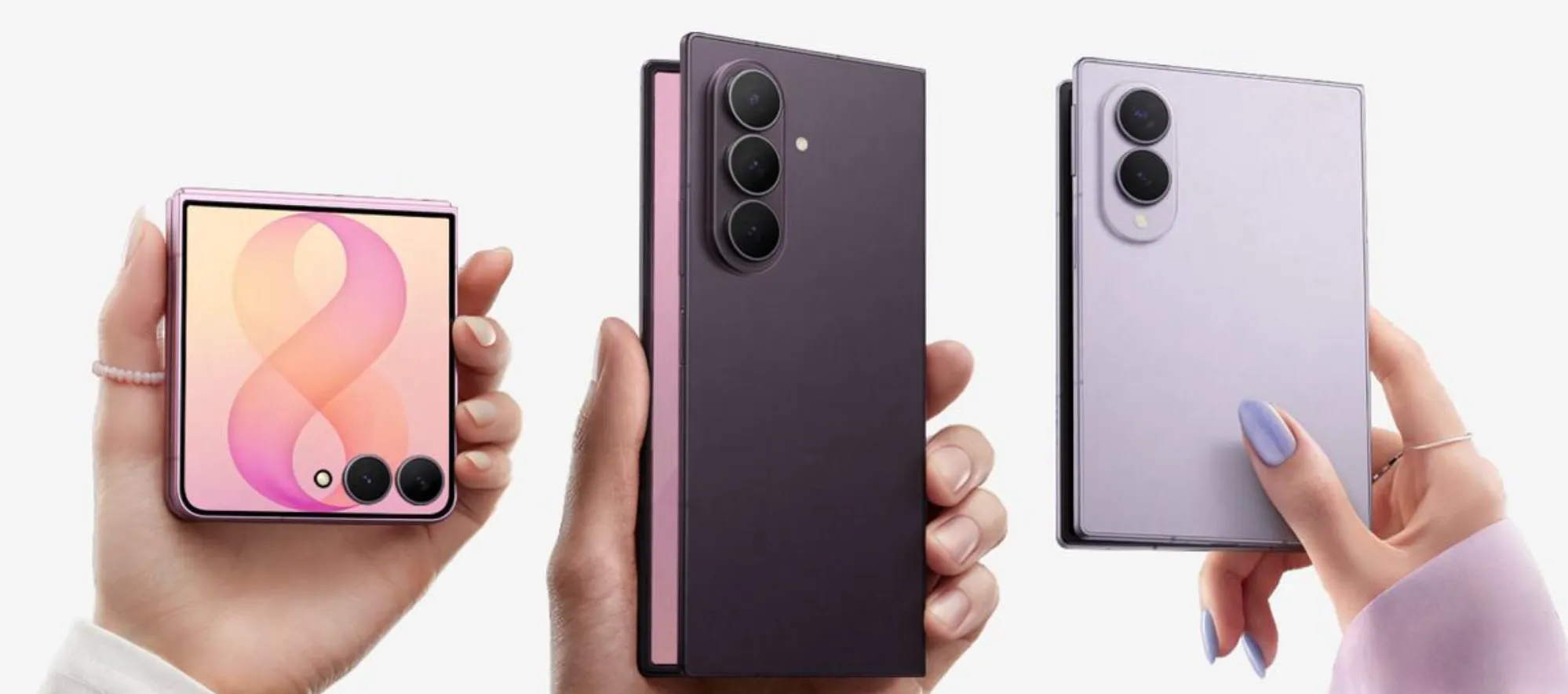
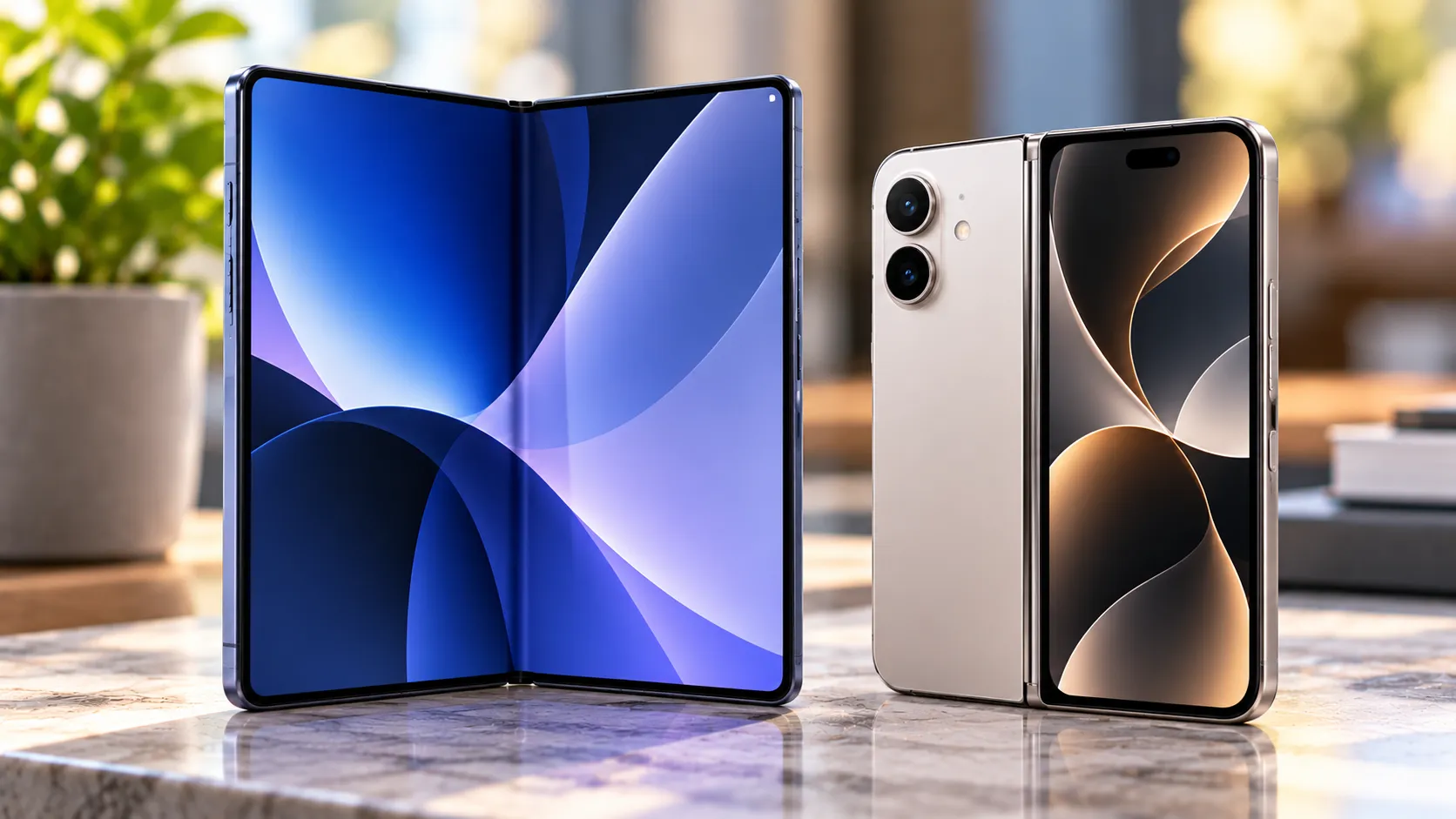
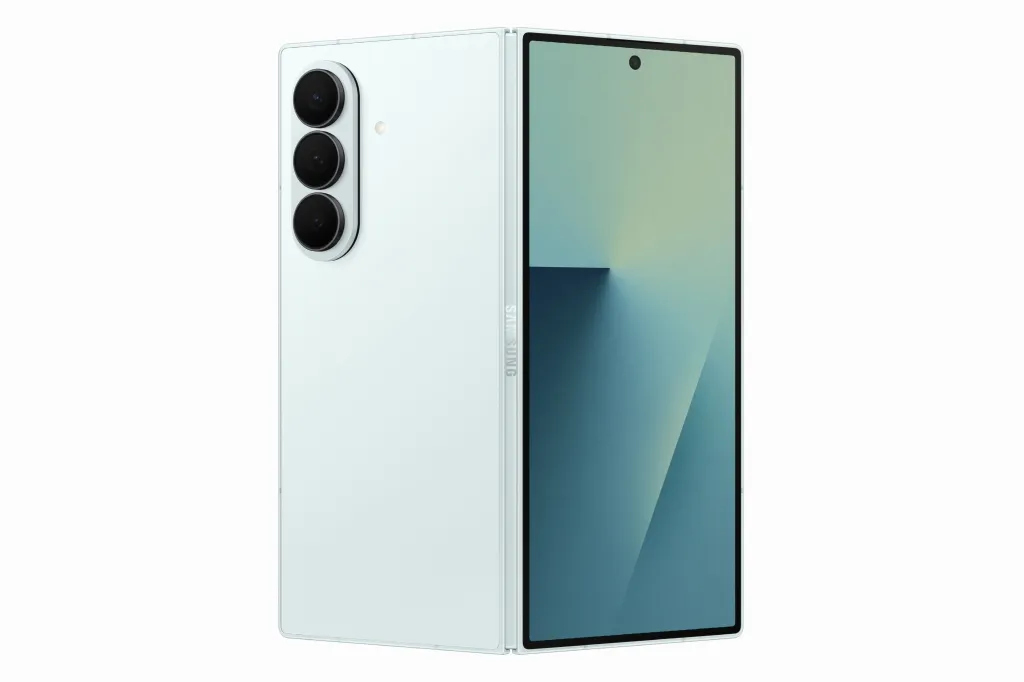
Samsung unveiled the Galaxy Z Fold8, Fold8 Ultra and Flip8 last week, marking the eighth generation of its foldable lineup. The most prominent display claim in Samsung's announcement is Samsung's pitch for the Fold8's new display proportions: the same unfolded panel reads as 4:3 in one orientation and 3:4 when turned 90 degrees. Samsung positions the 4:3 landscape view as suited to movies and games, and the 3:4 portrait view as suited to e-books and web browsing, according to the same announcement.
Samsung's materials describe the display's intended uses but don't explain whether Fold8 software changes app behavior compared with earlier models. The physical panel is one fixed rectangle regardless of orientation; only the aspect-ratio framing changes depending on how the phone is held.
That's the question worth answering here: does the Galaxy Z Fold8 aspect ratio switch produce a materially different reading and viewing experience, or is Samsung mainly giving a familiar rotation habit a more deliberate marketing frame?
How the Galaxy Z Fold 8 rotating display works
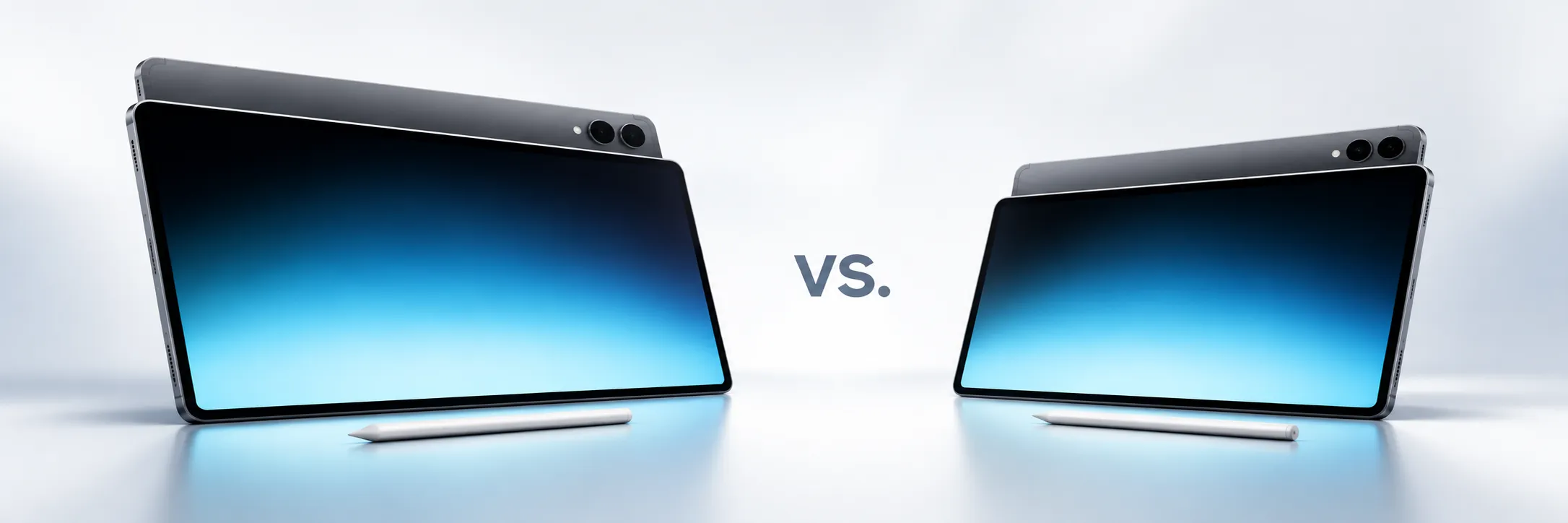
Start with the mechanics. The unfolded Fold8's display is the same physical rectangle whether it's held one way or the other. Samsung's aspect-ratio language, 4:3 in one orientation and 3:4 in the other, describes how that rectangle reads relative to the way it's held, not a reshaping of the screen itself.
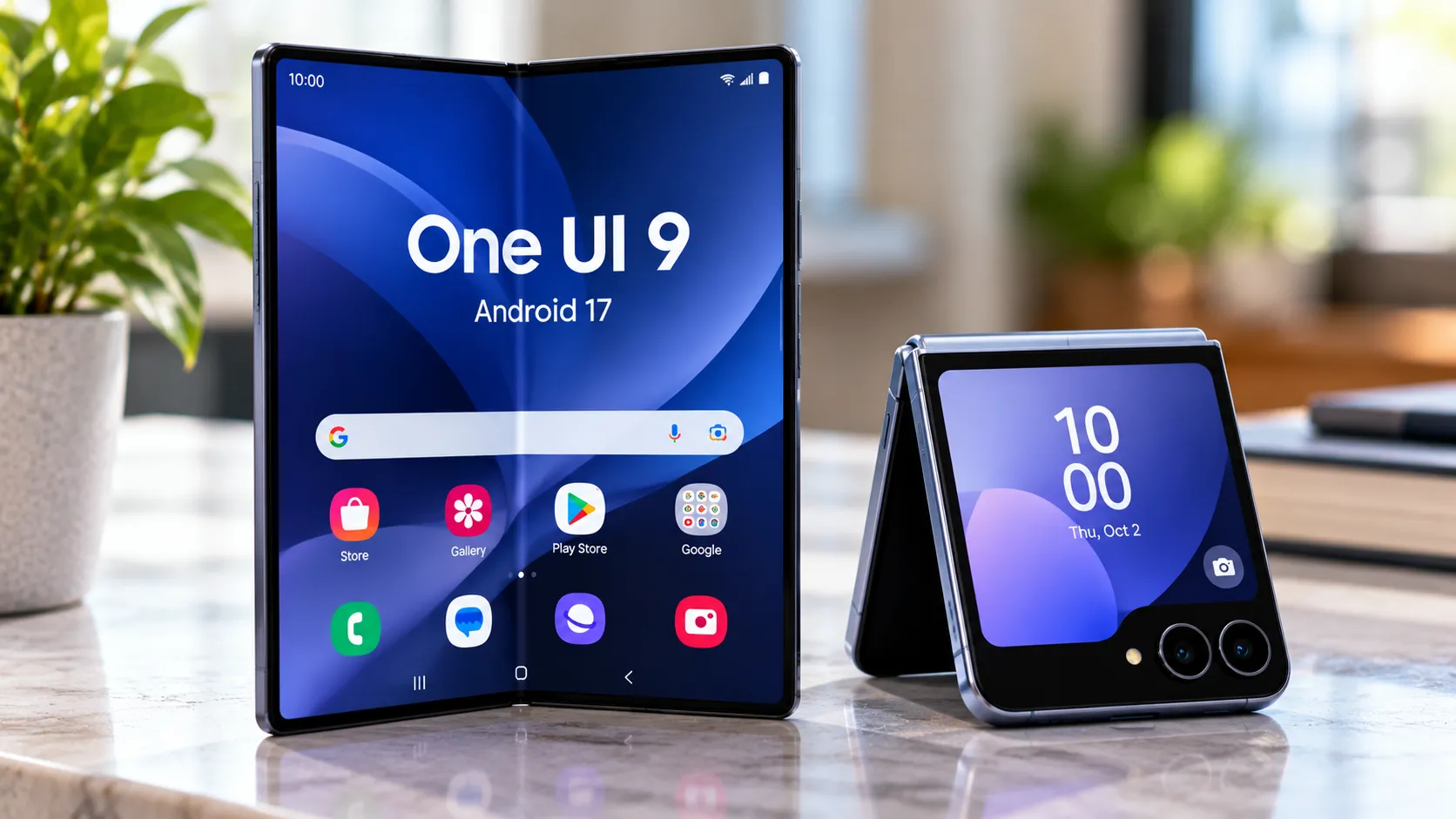
That's a hardware description. Whether it translates into a better experience depends on software, and Samsung has history here. One UI 3.1.1 introduced Rotate All Apps in 2021, letting apps, including ones normally locked to portrait, flip 90 degrees once a user enabled the feature in the Labs menu. Toggled on, apps transitioned to the proper layout for whichever orientation was in use, and even vertically fixed apps could rotate 90 degrees.
That distinction determines whether the rotating display is actually useful: there's the physical canvas, which is wider or taller depending on orientation, and there's the app-behavior layer that decides whether individual apps reflow to use that canvas well rather than simply rotating a fixed layout in place.
Samsung's launch material documents the first. It doesn't show evidence that the second, the software side of Samsung foldable screen rotation, is new to the Fold8 rather than an extension of the Rotate All Apps groundwork the company laid five years ago.
Samsung's pitch: 4:3 for media, 3:4 for reading
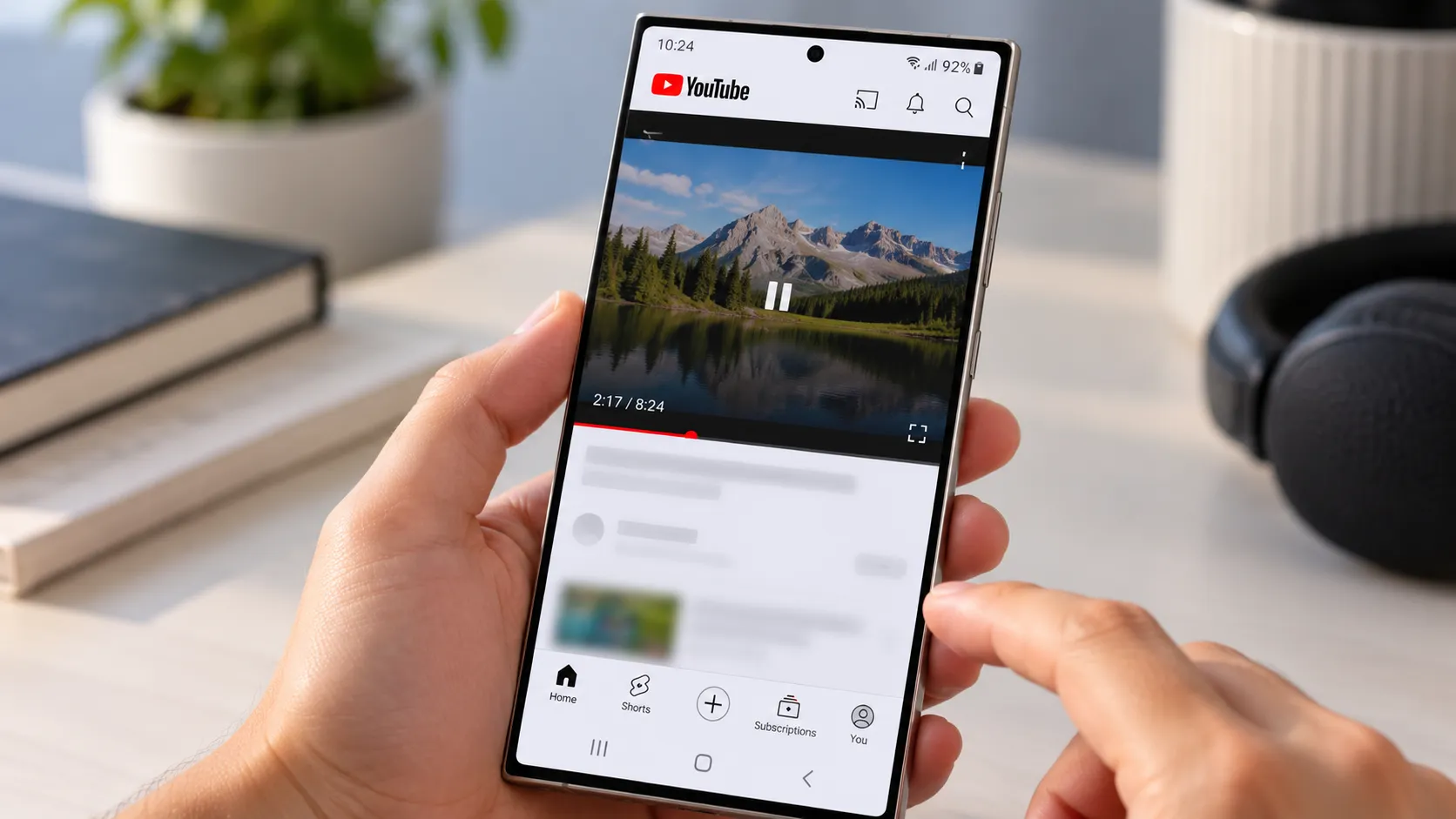
Samsung's stated case is that the 3:4 orientation gives users a more comfortable way to read articles, e-books and other long-form content without carrying another device. Samsung has not announced a separate Galaxy Z Fold 8 reading mode in the supplied materials; the closest equivalent is this same aspect-ratio switch, framed around long-form reading rather than presented as a distinct software mode.
The inverse claim is that 4:3, the landscape orientation, is "ideal" for watching movies or playing games, on the logic that it better suits horizontal framing. Samsung frames the two ratios as built around how people naturally consume content, whether someone is quickly checking in or settling into a longer session.
What Samsung hasn't published in these materials is any detail on how 4:3 landscape handles widescreen video formats specifically, whether it reduces black bars or simply resizes them. That suggests the clearest potential benefit lands with people who spend most of their phone time on articles, documents or books. Anyone expecting a widescreen home-theater upgrade should treat "ideal for movies" as a stated design intention, not a demonstrated guarantee.
What the engineering story does and doesn't say about rotation
Samsung ties part of the Fold8's pitch to Flex Titanium, a display technology the company says makes the panel thinner and more durable while cutting down on visible crease. That claim, along with a cited 10% reduction in display-module thickness and more than 100 reliability tests covering drops, repeated folding, pressure, moisture and debris, is made about the Galaxy Z series broadly rather than the standard Fold8's rotation behavior specifically.
None of it — durability, thinness, crease reduction — tells readers whether rotating between 4:3 and 3:4 feels smoother or more capable than it did on earlier Fold models. It's a separate engineering claim from the display's two-ratio pitch, and Samsung's materials don't draw a direct line between the two.
What independent testing still needs to confirm
Samsung's launch materials describe what the company intends the Fold8's two orientations to do. They don't confirm whether third-party apps actually reflow their layouts to fit each ratio, or whether most apps simply rotate the same fixed layout, leaving unused margins or awkward scaling. That's the gap between a display that adapts and one that merely spins.
There's also an open question about how much usable text width or reading height actually changes between 4:3 and 3:4, and whether that difference is big enough to matter for someone reading a novel versus scrolling a news site. Video raises a related question: whether 4:3 landscape meaningfully reduces black bars compared with a standard phone screen, or whether widescreen content still gets letterboxed regardless of the fold.
The comparison that would settle most of this, how the Fold7 or earlier Fold models behaved when rotated, isn't addressed in the current launch material. Samsung's announcements describe how it intends the two orientations to be used; they don't say whether that intended use differs from what its predecessors already offered.
What the launch materials still don't show
Samsung's stated design is straightforward: one unfolded display, framed as 4:3 for landscape media and 3:4 for portrait reading, chosen by how the user holds the phone. What the company hasn't shown in its own materials is whether that framing reflects new software behavior beyond the Rotate All Apps groundwork it built in 2021, or how it compares with the way earlier Fold models handled the same turn of the wrist.
Independent reviews will need to test three things: whether popular apps genuinely reflow in each orientation rather than just rotating in place, how video and text actually scale on the two ratios, and how the Fold8 compares with the Fold7 when both are turned the same way. Until those comparisons happen, the orientation pitch remains unverified as an upgrade over earlier Folds.



Comments
Be the first, drop a comment!