





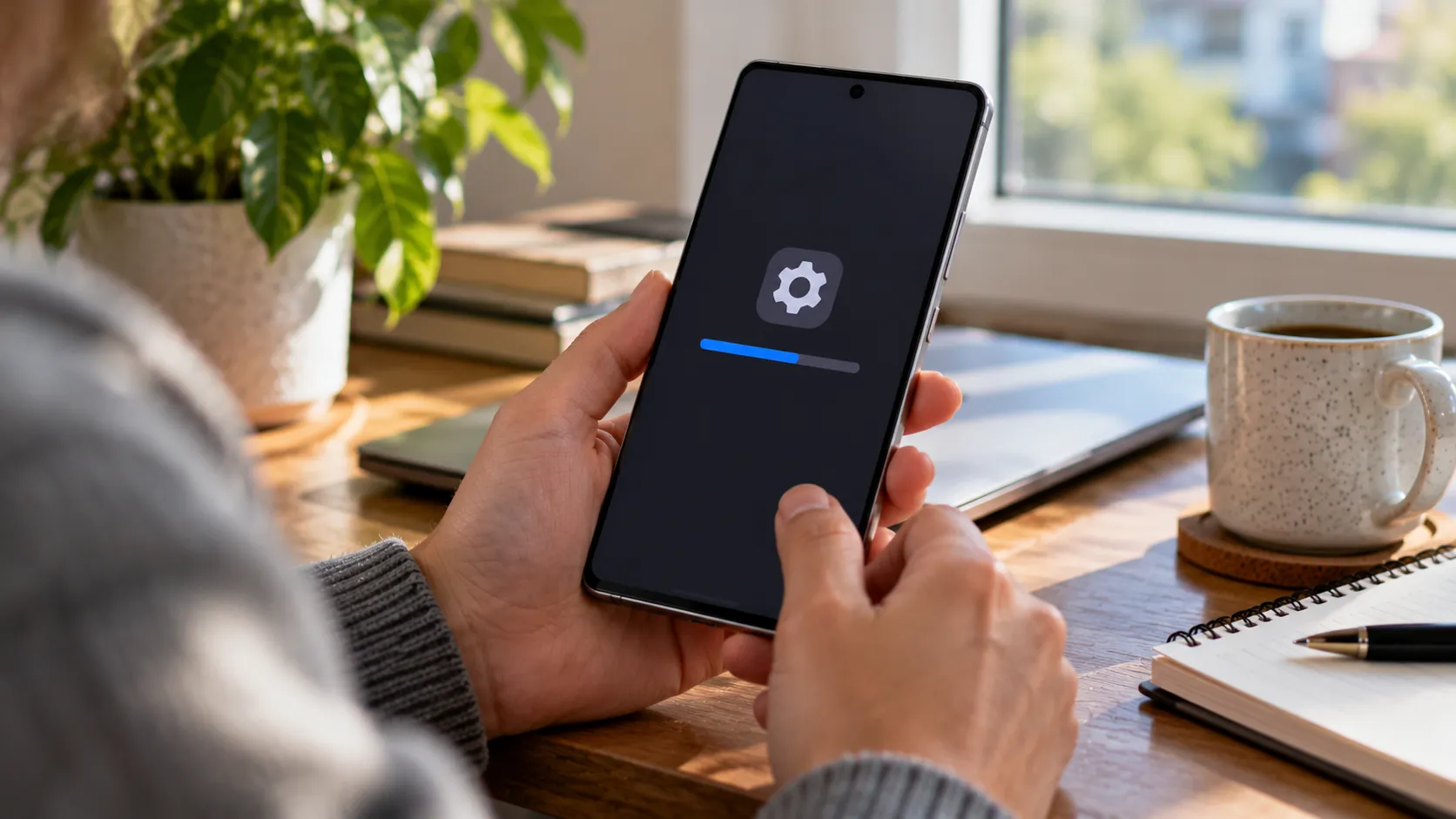
Samsung has started pushing the Galaxy S26 October 2026 security update to the Galaxy S26, Galaxy S26+, and Galaxy S26 Ultra, marking one of the first maintenance updates for the lineup since One UI 9.0 (Android 17) went stable, according to SamMobile. The patch addresses 62 security issues, per the same report.
The rollout was reported in Europe on September 29, before reaching Canada and the US in early October. SamMobile's earlier coverage identified Europe as an early market, while its October 9 report confirmed availability in North America. Owners in other regions shouldn't assume every unit is covered on the same day, since availability can vary by country, carrier, and device variant.
Galaxy S26 October security patch: who gets it first
Samsung is distributing the update to the Galaxy S26, Galaxy S26+, and Galaxy S26 Ultra. SamMobile describes it as the first update the lineup has received since the stable version of One UI 9.0 rolled out, which puts this release squarely in maintenance territory rather than a feature cycle.
The rollout began appearing in Europe in late September. That release carried firmware version S94xBXXS4BZIG and was approximately 544MB, according to SamMobile. The October 9 report subsequently identified the US factory-unlocked Galaxy S26 Ultra update as S948U1UES4BZIG, with a download size of 531.24MB.
Those figures apply to the reported variants, not every Galaxy S26 model worldwide. Firmware numbers and download sizes can differ by model, region, and carrier.
The "US and Canada first" detail in SamMobile's October 9 report therefore describes its observations of that rollout stage, not the first worldwide availability of the patch. Readers elsewhere shouldn't interpret it as exclusion.
Samsung's own October security bulletin is also available, giving owners a clearer picture of the vulnerabilities addressed than the initial rollout report alone.
What the 62 security fixes mean for Galaxy S26 owners
SamMobile reports that the October update addresses 62 security issues. Samsung's October 2026 security bulletin provides additional detail, including patches from Google, Samsung Semiconductor, and Samsung's own mobile software.
The bulletin lists nine critical Android vulnerabilities, alongside high- and moderate-severity issues. It also describes 27 Samsung Vulnerabilities and Exposures (SVE) items, although Samsung notes that some may already have been included in earlier maintenance releases.
Among the Samsung-specific issues addressed are vulnerabilities affecting media processing, system services, and access controls.
For example, CVE-2026-21114 concerns an out-of-bounds write in a media extraction library that could allow a local attacker to execute arbitrary code. CVE-2026-21120 addresses a use-after-free flaw in a system service that could potentially allow code execution with system privileges.
Other fixes address unauthorized access to sensitive information and improper memory handling. The affected components and conditions vary, so the presence of a vulnerability in Samsung's monthly bulletin doesn't mean every Galaxy S26 owner is exposed to every listed issue.
This release is positioned as security maintenance rather than a feature rollout. It follows the stable One UI 9.0 update, which already delivered the interface changes and Android 17 to the S26 series, so there are no major new consumer features announced as part of this patch.
A security update that addresses critical and high-severity vulnerabilities is worth installing promptly. Samsung's bulletin provides the technical breakdown, even if the notification on the phone offers only a brief summary.
How to check for the Galaxy S26 October 2026 security update
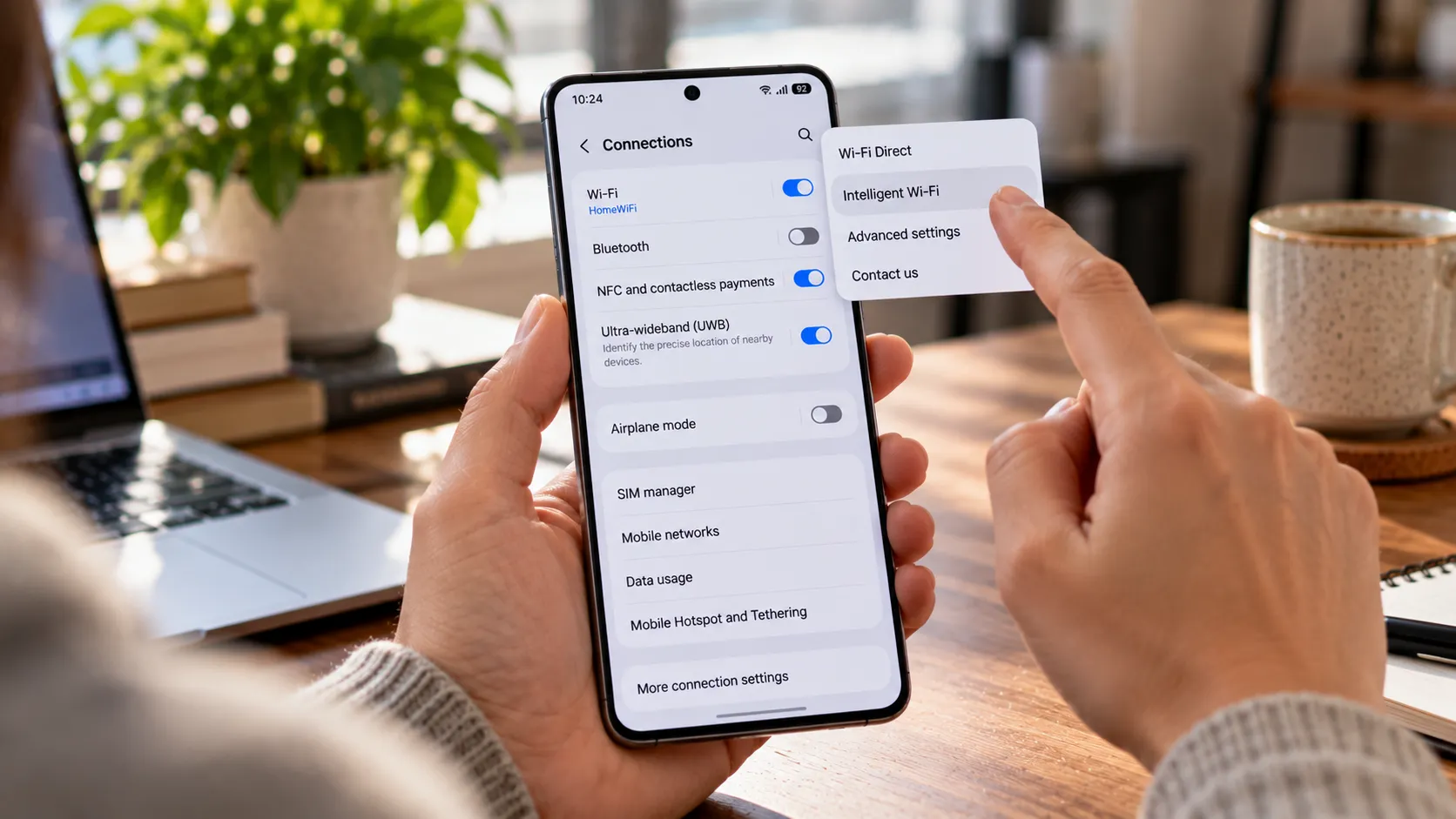
Checking follows the same steps on any Galaxy S26, S26+, or S26 Ultra:
Open Settings.
Tap Software update.
Select Download and install, or Check for updates, depending on the wording shown.
If the update appears, follow the prompts to download and install it.
After installation, open Settings > About phone > Software information and check the Android security patch level. An October 2026 date indicates the device has received that month's Android security patch level.
Owners can also compare the firmware version with the reported builds, but the exact identifier may differ by model, region, and carrier. The US unlocked Galaxy S26 Ultra build reported by SamMobile, for example, is S948U1UES4BZIG.
Basic preparation applies here the way it does for any system update: use a reliable Wi-Fi connection, keep the battery reasonably charged, and back up anything important beforehand. That's general practice rather than anything specific to this release.
If nothing new shows up in Settings yet, that can be consistent with a staged rollout rather than an exclusion. Owners who don't see it can check again later or consult their carrier's software update information.
One UI 9.5 has reportedly already surfaced in early sightings for the S26 lineup, though Samsung hasn't announced a release date for it. That's a separate future software version with no bearing on whether to install the October security patch now.
What to do next
Open Settings > Software update > Download and install to check for the October 2026 patch. If it appears, installing it is routine security maintenance rather than something to delay while waiting for additional features.
Samsung's published bulletin confirms that the October maintenance release addresses critical and high-severity vulnerabilities, while SamMobile's rollout reports establish availability across several markets, including Europe, the US, and Canada.
If the update hasn't appeared yet, check again later rather than assuming a particular device, model, or carrier has been left out. The firmware build and installation timing can vary, but the security improvements make the update worth applying once it's available.













Comments
Be the first, drop a comment!