



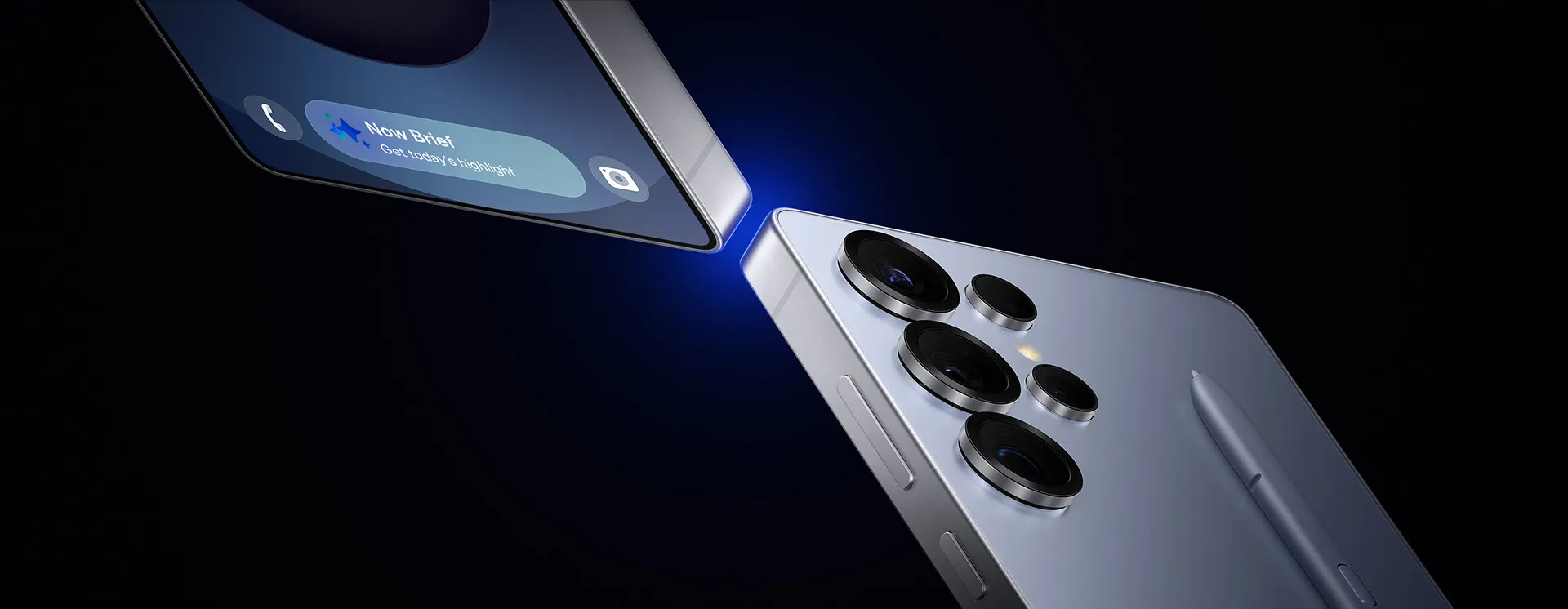
Samsung and Google's partnership has been steadily evolving since the Galaxy S24 launched with Circle to Search, but what we're seeing now represents a much more fundamental shift. Gemini is increasingly integrated into Galaxy devices and may serve as the default assistant for certain tasks, while Samsung continues to develop Bixby alongside these newer AI capabilities. But here's where things get really interesting—recent leaks suggest Gemini's reach is expanding into Samsung's core productivity apps, with Gallery integration reportedly arriving on the Galaxy S26 line through One UI 8.5
This isn't just another AI feature getting bolted onto existing apps. We're looking at a fundamental reimagining of how Samsung approaches its software ecosystem. Recent updates introduced deeper integrations that allow Gemini to work directly with Samsung's native apps. These Extensions represent Samsung's new philosophy of native AI integration—where third-party intelligence enhances first-party experiences without replacing them.
In some implementations, users can access Gallery content through Gemini by selecting from Camera, Gallery, Files, or Drive options when uploading content, but deeper Gallery integration could completely transform how we manage our photo libraries by enabling sophisticated AI-powered organization and search capabilities.
What makes Samsung's AI strategy different from the competition?
Samsung's taking a really interesting approach here that stands apart from both Google Photos and Apple Photos. While Google Photos leans heavily on cloud processing and Apple Photos emphasizes on-device privacy, Samsung is crafting this hybrid approach that leverages both on-device Galaxy AI features and cloud-based Gemini capabilities. What makes this strategy particularly compelling is how it addresses the core tension between privacy and functionality—users get powerful cloud AI when they want it, but retain local processing control when they don't.
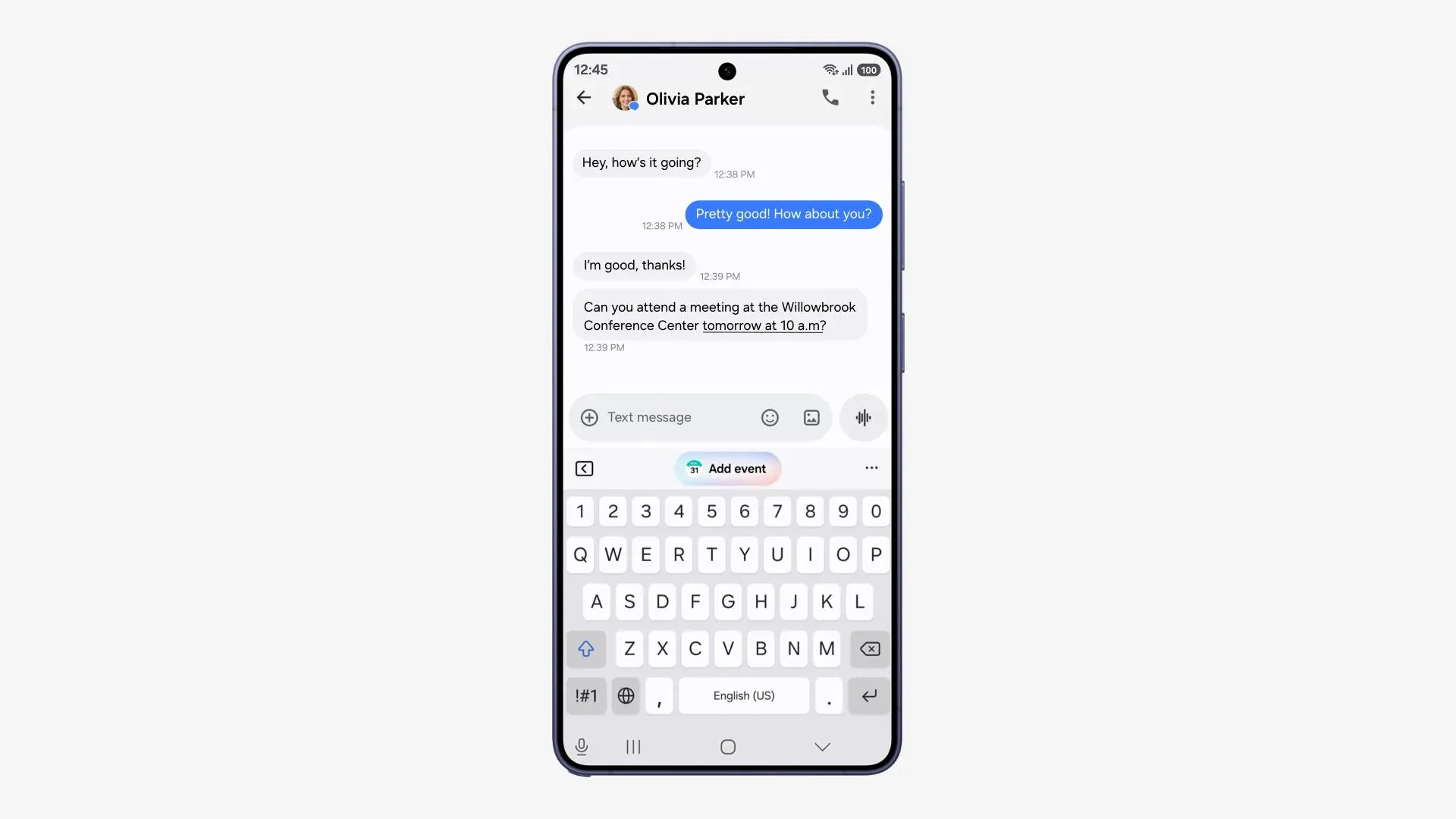
The Extensions system already demonstrates this balanced approach in action. Samsung Calendar integration allows Gemini to handle complex scheduling tasks, including creating events from images and managing recurring appointments. Samsung Notes gains intelligent creation and summarization features, while Samsung Reminder receives natural language processing for task management. But what's unique is how these integrations maintain Samsung's app interfaces and user workflows while adding Google's AI intelligence behind the scenes.
Now here's the thing that really caught my attention: the multi-app operation capability. In theory, users could issue commands like 'add all concert dates to my calendar,' allowing Gemini to coordinate between search, calendar, and other apps to complete the task, Samsung Members explains. This cross-app functionality represents a different approach compared to assistants like Siri or Google Assistant—instead of replacing existing apps, it makes them smarter and more interconnected. For Gallery integration, imagine asking Gemini to "create a photo album of all my vacation pictures from last month and share it with family"—that's the kind of sophisticated workflow automation this system enables.
How will Gallery integration actually work in practice?
Based on what we're seeing with the existing Extensions framework and recent developments, Gallery integration will likely focus on intelligent photo management and enhanced search capabilities. But unlike the current basic access system, deeper integration could enable much more sophisticated interactions that take advantage of both Samsung's local photo processing and Google's cloud-based AI analysis.
Let's break down the practical applications here. Gemini could automatically organize photos based on events, people, or locations using natural language commands. Users might ask, "Show me all photos from Sarah's birthday party" or "Create an album with pictures from our trip to Japan." The AI could also provide intelligent editing suggestions based on photo content, identify duplicate photos across different folders, or even generate captions and descriptions for images that make searching more intuitive.
What makes Gallery integration particularly interesting is how it differs from calendar or notes data in terms of user sensitivity and privacy concerns. Samsung has built user permission controls into the Extensions system, requiring explicit approval before Gemini can access app data, 9to5Google reports. Gallery integration will likely follow similar patterns, but with more granular controls—users might allow AI access to vacation photos while keeping personal documents private, or enable organization features while blocking cloud analysis of sensitive images.
The timing also makes strategic sense. Samsung is positioning AI as a central focus of its smartphone efforts, partnering closely with Google to leverage Gemini's capabilities across Galaxy devices, according to 9to5Google. Gallery integration represents a natural evolution of this partnership, addressing one of the most common user pain points—managing thousands of photos and videos accumulated over years of device usage. The hybrid approach means users could get powerful AI search and organization without requiring all their photos to be analyzed in the cloud.
What does this mean for Samsung's broader app strategy?
The expansion of Gemini integration signals Samsung's recognition that competing directly with Google's AI infrastructure would be both expensive and ultimately counterproductive. Instead, Samsung is positioning itself as the premium hardware and user experience layer that makes Google's AI capabilities more accessible and better integrated than they are on stock Android devices.
This collaborative approach creates value for both companies while addressing real user needs, Android Sage observes. Samsung gets cutting-edge AI capabilities without the massive R&D investment required to match Google's infrastructure, while Google gains deeper integration into Samsung's massive user base and ecosystem of native apps. For users, this means getting the best of both worlds—Samsung's refined interfaces and hardware optimization combined with Google's advanced AI capabilities.
Some reports suggest Samsung could expand Gemini's role further in future updates, though Bixby remains in active development. Rather than forcing users to learn new interfaces or workflows, Samsung can gradually enhance existing apps with AI capabilities while maintaining familiar user experiences. Gallery integration would represent a significant milestone in this transition, demonstrating how native Samsung apps can become more powerful through Google's AI without losing their distinctive Samsung character.
This strategy also positions Samsung to compete more effectively against Apple's increasingly integrated ecosystem. While Apple controls both the hardware and AI stack, Samsung's partnership with Google creates a different kind of integration—one that leverages Google's superior AI infrastructure while maintaining Samsung's hardware and software differentiation. The result could be AI features that surpass what either company could achieve independently.
Where do we go from here?
The expansion of Gemini integration into Samsung Gallery represents more than just another AI feature—it's a glimpse into the future of smartphone interaction where AI becomes invisibly integrated into every aspect of device usage. This partnership model could fundamentally reshape how Android manufacturers approach AI integration, moving away from fragmented solutions toward more cohesive, cross-app experiences.
Looking ahead, we can expect to see this integration model expand beyond core productivity apps. The current Extensions system supports Samsung Calendar, Notes, and Reminder apps, with Gallery integration expected to arrive with One UI 8.5 on the Galaxy S26 series, according to recent reports. This suggests Samsung is taking a methodical approach, proving the Extensions system with less sensitive data before expanding to media management and potentially other personal content areas.
The broader implications extend well beyond Samsung devices. This partnership could influence how other Android manufacturers approach AI integration, potentially leading to more standardized AI experiences across the platform while allowing for hardware and interface differentiation. Users would benefit from consistent AI capabilities regardless of their device choice, while manufacturers can focus on hardware optimization and unique user experience features rather than trying to build competing AI infrastructures.
For Galaxy users, the message is clear: AI integration is becoming a core part of the Samsung experience, but in a way that enhances rather than replaces familiar workflows. Those invested in Samsung's ecosystem should prepare for increasingly intelligent apps that anticipate needs and streamline complex tasks across multiple applications. The Gallery integration, when it arrives, could help set a new benchmark for AI-powered photo management on Android devices.
Bottom line: Samsung's partnership with Google represents a strategic masterstroke that creates genuinely useful AI features without forcing users to abandon familiar interfaces or workflows. Gallery integration isn't just the next logical step—it's proof that the future of smartphone AI lies not in replacement, but in intelligent enhancement of the tools we already use every day.





Comments
Be the first, drop a comment!