





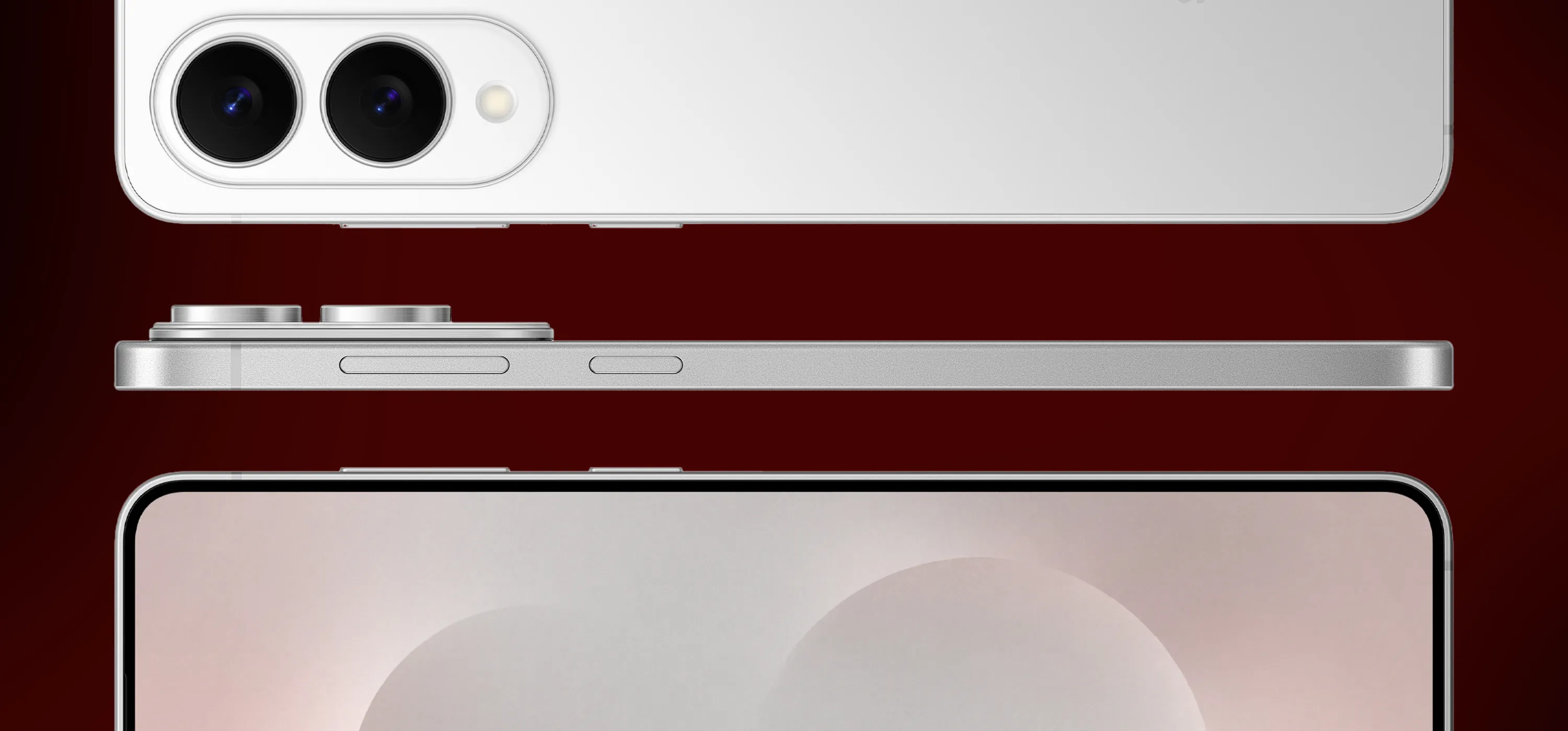
Samsung's Galaxy S25 One UI 9 Beta 2 update added four Galaxy AI features that previously appeared on newer Samsung hardware: Call Brief, Custom Cards in Now Brief, Now Nudge, and My FanCam.
The second beta first appeared for the Galaxy S25, S25+, and S25 Ultra in South Korea on September 8. The South Korean release was a 643.16MB download carrying firmware version S93xNKSUCZZI4, according to Android Authority and SamMobile.
Beta 2 subsequently expanded to other supported beta markets, including India, the UK, and the US. Samsung has since released a third S25 beta in South Korea, so Beta 2 is no longer the newest test build there.
What's new in the Galaxy S25 One UI 9 Beta 2 update
Beta 2 arrived one week after the first One UI 9 beta brought Android 17 to the Galaxy S25 lineup.
That first update was roughly 3.86GB on the Galaxy S25 Ultra and included the August 5, 2026 security patch. It added a more customizable Quick Panel, Samsung DeX improvements, the Tape feature in Samsung Notes, a location-access indicator, new accessibility tools, and Pay Now in Now Brief.
Beta 2 was a smaller incremental update. Samsung's changelog described the additions generically as "new AI features," while the build brought four specific Galaxy AI tools to the S25:
Call Brief
Custom Cards in Now Brief
Now Nudge
My FanCam
It also fixed Bixby Vision translation errors, temporary Contacts app crashes, and Wi-Fi connection drops.
Samsung has since followed Beta 2 with Beta 3 for the Galaxy S25, S25+, and S25 Ultra in South Korea. That release is over 550MB, carries firmware version S93xNKSUCZZID, and focuses on bug fixes, including camera stability and an issue with the notification panel on the lock screen.
Galaxy S25 new Galaxy AI features: Call Brief, Now Nudge, and Custom Cards
Now Nudge analyzes what's happening on screen and surfaces context-aware actions without requiring users to manually switch between apps.
Samsung describes the feature as a way to move directly into the next relevant task. For example, it can surface information or actions related to a conversation and provide shortcuts to apps such as Calendar or Maps.
Call Brief surfaces contextual information directly on the call screen. On Samsung's newer devices, that can include information such as calendar events, reminders, emails, and the other person's local time when calling across time zones.
SamMobile confirms Call Brief is part of the S25 Beta 2 feature set. The feature is off by default.
On the Galaxy S26, Call Brief appears in the Phone app under Settings > Call settings > Call Brief. Samsung hasn't published an S25-specific support page confirming that the beta uses exactly the same settings path.
Custom Cards in Now Brief let users create personalized cards around information from categories including Samsung Health, Weather, and video, then choose what appears in their daily brief.
Samsung now officially describes these as Generative and Editable Cards in One UI 9. The company says availability can vary by device, country, language, and app, and a Samsung Account is required.
Earlier testing on the Galaxy S26 found additional limits around card creation and editing. Those specific limits haven't been independently established for the Galaxy S25 Beta 2 build.
What My FanCam does on the Galaxy S25 beta
My FanCam works with videos that have already been recorded.
Open a supported video, select a person, and the feature can crop and reframe the footage to keep that subject centered as the scene moves.
Samsung's current One UI 9 documentation places My FanCam inside Samsung Gallery. Open a video, tap the Galaxy AI icon, then select the person you want the edit to follow.
That means the feature doesn't require a special recording mode or footage captured after installing Beta 2.
Samsung says My FanCam requires a Samsung Account, may not work with every video, and isn't supported when there is no suitable subject to track. The company also says the accuracy of the result isn't guaranteed.
Neither Samsung's documentation nor the S25 Beta 2 coverage establishes a universal output-resolution change or maximum clip length, so those details remain unclear.
The four AI features didn't all originate on one device. Samsung introduced or expanded them across the Galaxy S26 family and its 2026 foldables before bringing the same group to older Galaxy hardware through One UI 9.
Galaxy S25 One UI 9 Beta 2 availability
Samsung officially named four markets for the Galaxy S25 One UI 9 beta program: India, South Korea, the UK, and the US.
Beta 2 initially appeared in South Korea before expanding to the other supported markets.
The Galaxy S25 FE is also part of Samsung's One UI 9 beta program. Its second beta arrived in South Korea with the same four AI features, using firmware version S731NKSU9ZZI4 and a download size of 411.20MB.
That corrects the earlier uncertainty around the FE. Call Brief, Custom Cards in Now Brief, Now Nudge, and My FanCam aren't limited to the standard S25, S25+, and S25 Ultra Beta 2 builds.
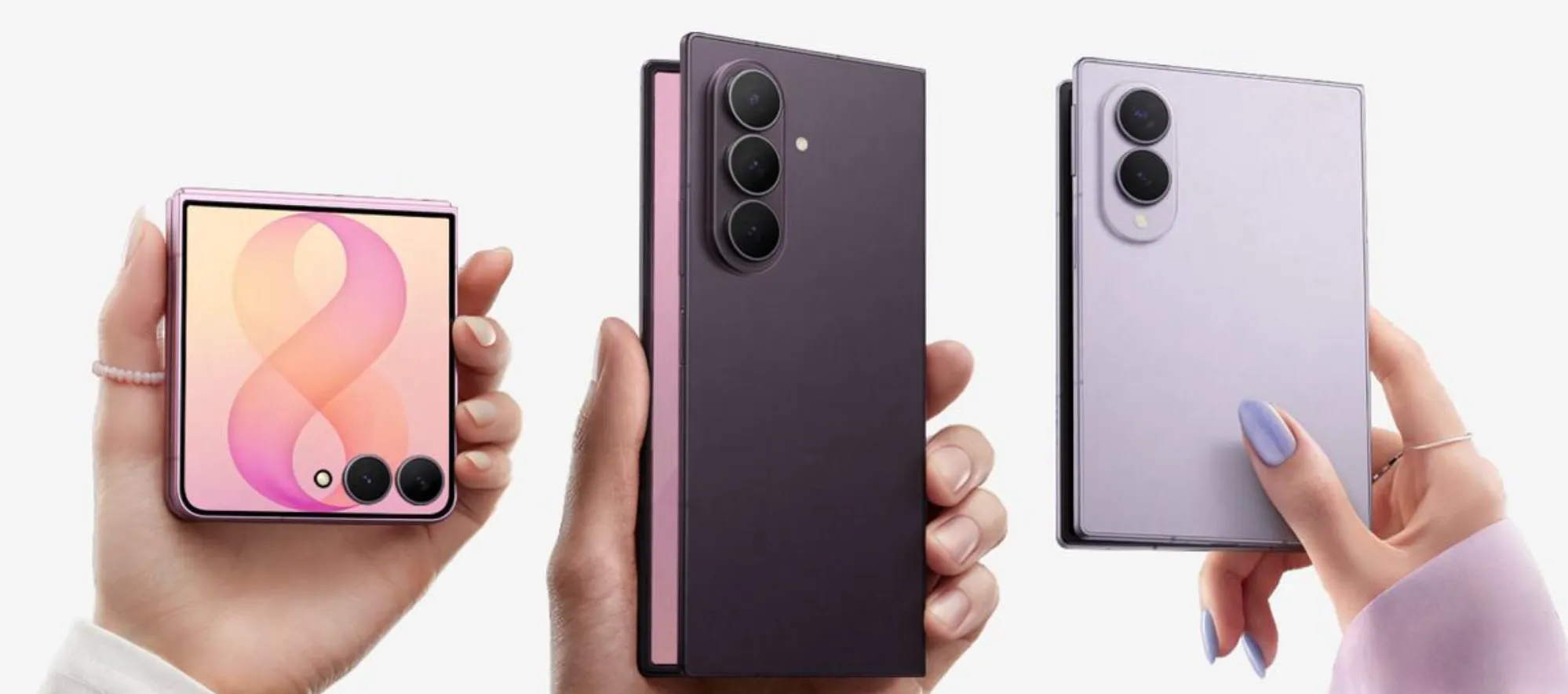
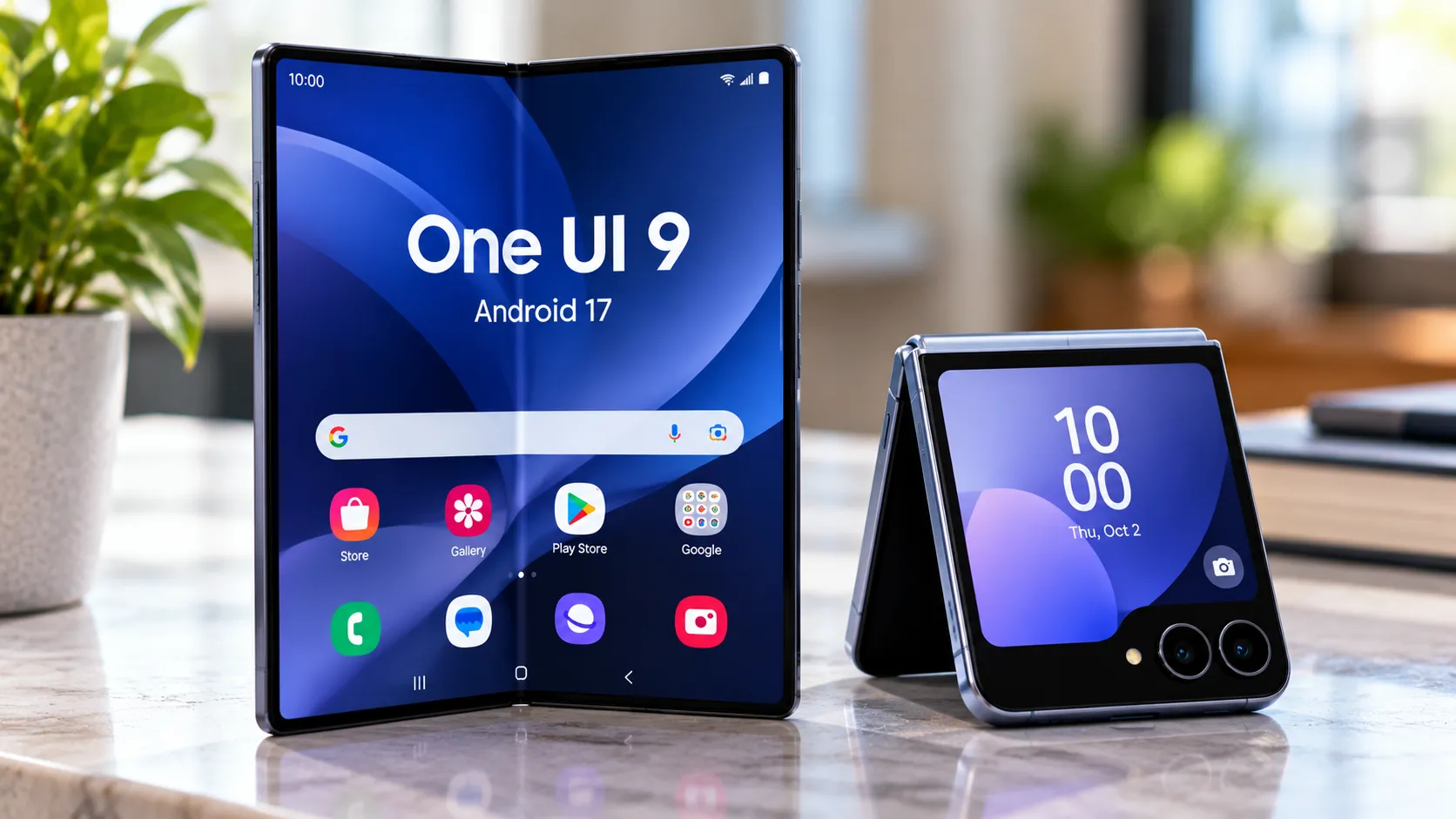
Samsung has also brought the feature set to the Galaxy Z Fold7 and Galaxy Z Flip7 through One UI 9.
To join the beta on an eligible device and in a supported market, open the Samsung Members app and register through the One UI Beta Program banner or card. Once enrolled, go to:
Settings > Software update > Download and install
Samsung recommends backing up important data before installing beta software because test builds can contain bugs or cause unexpected behavior.
When stable One UI 9 reaches the Galaxy S25
Samsung started the stable One UI 9 rollout on September 16 with the Galaxy S26, S26+, and S26 Ultra.
The company says the update will gradually expand to additional Galaxy devices, including the S25 series.
Samsung Thailand briefly published September 28 as the Galaxy S25 rollout date, but that page has since been revised. As of September 22, it says the Galaxy S26, S25, and Z7 series will receive One UI 9 within September rather than naming an exact date.
That schedule is also regional, so it shouldn't be treated as a guaranteed global release date.
For Galaxy S25 owners already participating in the beta, Beta 2 remains important because it introduced Call Brief, Custom Cards, Now Nudge, and My FanCam to the series. But it is no longer the latest build in South Korea, where Beta 3 has already followed with additional stability fixes.
Anyone who doesn't want beta software can simply wait for Samsung's stable rollout. With September nearly over and stable One UI 9 already shipping on the S26 series, the S25's public release is now much closer than it was when Beta 2 first appeared.



Comments
Be the first, drop a comment!