





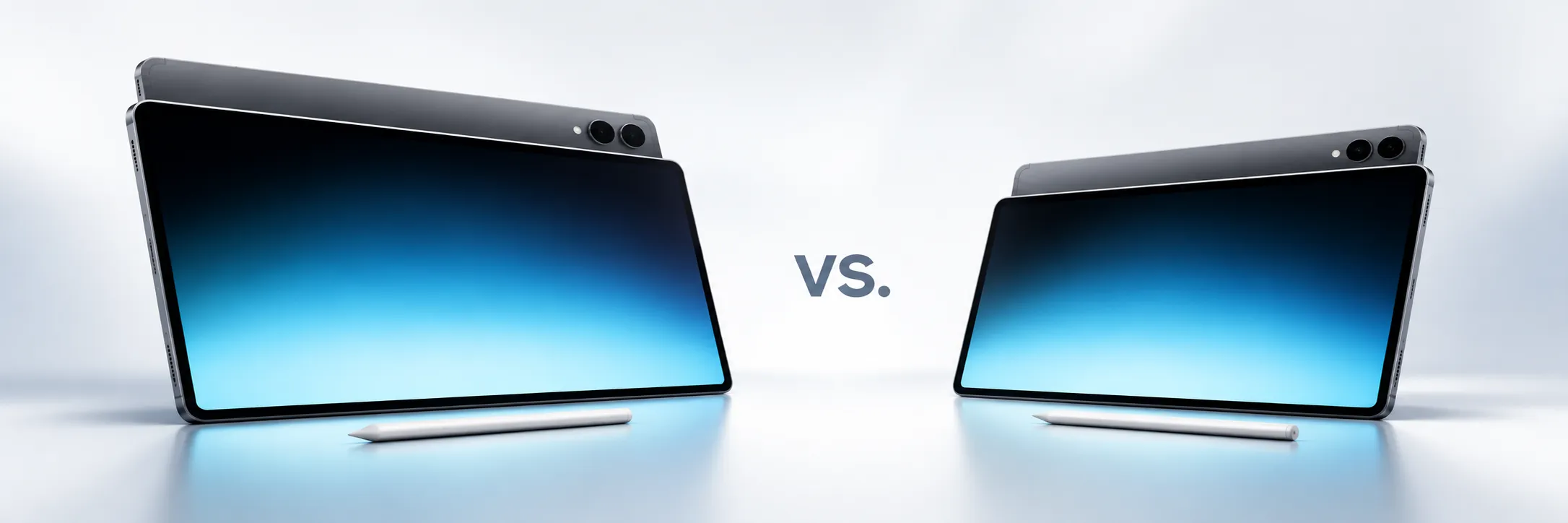
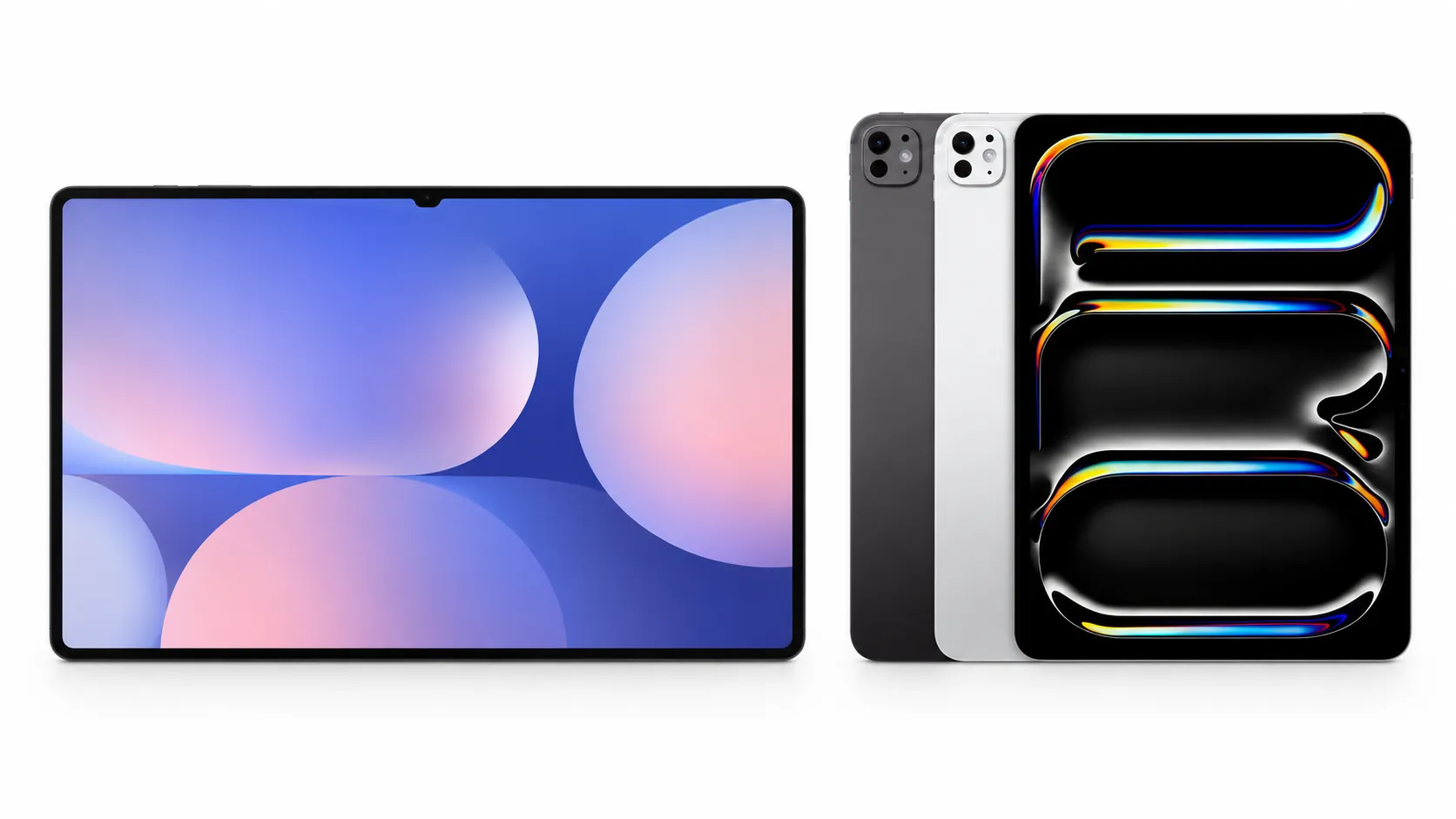
Samsung just introduced the Galaxy Tab S12 series, a new tablet lineup built around Galaxy AI, a bundled S Pen, and a new MediaTek chip. The Galaxy Tab S12 Ultra and Galaxy Tab S12+ go on sale October 7 in select and major markets.
U.S. pricing starts at $1,199.99 for the Tab S12+ and $1,399.99 for the Ultra, a $200 jump over last year's Ultra. SamMobile notes the October 7 rollout could be staggered in some regions, so buyers should confirm local availability before ordering.
Tom's Guide has independently reviewed the Ultra, while the S12+ has received at least one independent hands-on review from PB Tech's Hardwired, but there's no directly comparable full lab-tested review yet.
What's genuinely new, and what's just a temporary bundle
Both tablets use Samsung's new 3nm MediaTek Dimensity 9500 chip.
Tom's Guide confirms it replaces the S11 Ultra's Dimensity 9400+. Samsung claims the new chip delivers up to 61% faster NPU performance, 19% faster CPU performance, and 17% faster GPU performance than the Tab S11 Ultra.
At 5.1mm, the Ultra is Samsung's thinnest Galaxy Tab yet. Both models carry IP68-rated water and dust resistance and four-channel spatial audio, double the channel count of the previous generation. Both tablets also ship with Android 17, One UI 9, and Adobe Photoshop preloaded, which Samsung describes as a first for Android tablets, along with an S Pen in the box on both models.
Samsung is also promoting close to $600 in bundled app value. The package includes a six-month Notability trial, one year of Goodnotes, a 66%-discounted LumaFusion subscription, one month of Notion Plus, a six-month Clip Studio Paint trial, and a six-month Google AI Pro trial. Most of that value is temporary or discounted rather than owned outright, so buyers should check renewal pricing and regional terms for each app as a precaution before counting on it beyond the trial period.
Galaxy Tab S12 series specifications: Ultra vs. S12+
The clearest difference between the two models is size and weight. The Ultra's 14.6-inch, 2960x1848 display sits in a 692g Wi-Fi body, while the S12+'s 12.6-inch, 2800x1752 panel weighs a noticeably lighter 553g. Both use the same 120Hz Dynamic AMOLED 2X technology and hit the same 1,600-nit peak brightness.
Beyond the screen, the Ultra carries a larger 11,600mAh battery versus the S12+'s 10,600mAh, both with 45W charging, and steps up to Wi-Fi 7 where the S12+ sticks with Wi-Fi 6E. The S12+ tops out at 12GB RAM and 512GB storage, while the Ultra scales up to 16GB RAM and 1TB.
Screen size and weight are the most visible day-to-day differences. Wi-Fi 7 only matters if a home network and workflow can actually take advantage of it, and the higher RAM and storage ceilings matter mainly to buyers who already know they'll fill them.
With the S Pen, IP68 rating, and spatial audio identical across both models, the $200 gap buys a bigger screen, a larger battery, a faster wireless standard, and higher maximum configurations rather than one standout feature.
Should Tab S11 Ultra owners upgrade?
For S11 Ultra owners, the clearest hardware changes include the Dimensity 9500, upgraded 4-channel spatial audio, and Samsung's redesigned 3D vapor chamber. The 5.1mm chassis itself is unchanged from the S11 Ultra. Tom's Guide takes a more measured view, describing the overall update as a "nominal upgrade" and noting the Ultra keeps the same 14.6-inch, 2960x1848 OLED panel as prior models.
Battery life complicates the picture further. Samsung advertises up to 23 hours of video playback on the Ultra. Tom's Guide recorded 11 hours 31 minutes in its own continuous web-browsing test at 150 nits, more than 30 minutes shorter than the Tab S11 Ultra's result in the same test, and well behind the iPad Pro M5 (13:16) and OnePlus Pad 3 (16:21) it also tested.
Samsung claims substantial CPU, GPU, and NPU gains from the new chip, while Tom's Guide's independent testing found only slightly better single- and multi-core performance than last year's model. Tom's Guide calls the overall upgrade nominal, and its own testing found shorter battery runtime than the S11 Ultra rather than an improvement. That combination leaves the value of upgrading unresolved for owners who don't specifically need the new chip's claimed gains or the Ultra's higher maximum configurations.
What it actually costs to use the Ultra as a laptop replacement
Tom's Guide found that getting real, typing-heavy work done on the Ultra means buying the separate $399 Pro Keyboard, pushing the effective cost past $1,700 before any other accessories.
DeX Mode, Samsung's desktop-style interface, remains largely unchanged from the previous generation. Connecting an external monitor brings up a fuller, Windows-like taskbar on the monitor itself, while the tablet's own taskbar stays more limited. That's a separate cost from the keyboard, and Tom's Guide ties it specifically to reaching DeX's fullest desktop-style layout, not to every DeX session.
Tom's Guide ultimately concluded the Ultra "can't truly replace" a laptop for its reviewer's workflow, even while praising the OLED display, design, and Android-tablet performance. For buyers who mainly want a streaming-capable Android tablet rather than a productivity device, the review points to the $399 Lenovo Tab Plus Gen 2 as a cheaper alternative. Anyone weighing the Ultra against a traditional laptop should base that decision on the specific software they actually plan to run daily, whether that's Photoshop, video editing, or office work.
What to do before buying
The Galaxy Tab S12 series launches October 7 in Grey and Silver, with U.S. pricing at $1,199 for the S12+ and $1,399 for the Ultra. Samsung says both tablets are eligible for up to seven OS and security updates, though its English-language announcement uses unclear wording about how that policy is structured.
Three things are worth confirming before ordering:
Local October 7 availability and configuration, since SamMobile flagged a possible staggered regional rollout.
Whether a bundled app trial or discount is worth factoring into the price, since most of that roughly $600 in value expires or reverts to standard pricing within months.
Whether the choice between Ultra and S12+ can wait, since no independent S12+ review exists yet to confirm it faces the same trade-offs as the Ultra.
Anyone planning to use the Ultra as a laptop replacement should add the $399 Pro Keyboard, and an external monitor if the fuller DeX layout matters, to the total cost before deciding it actually beats a traditional laptop for daily work.



Comments
Be the first, drop a comment!