



One UI 9 Network Speed Indicator Arrives via QuickStar Module
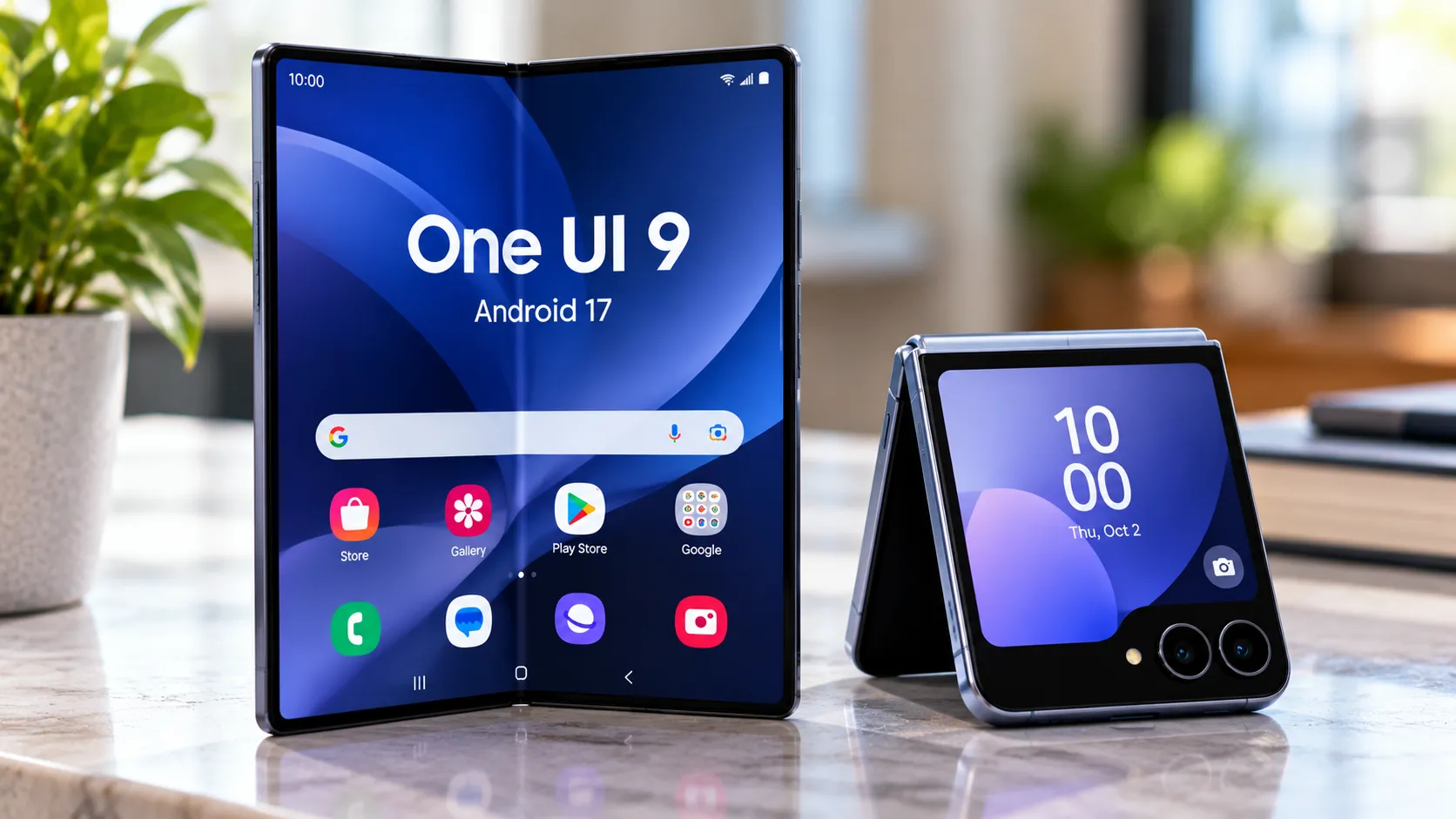
Samsung has added a One UI 9 network speed indicator to the Galaxy status bar through an updated QuickStar Good Lock module, and both Android Authority and Sammy Fans confirmed the feature today through hands-on testing on Galaxy S26 Ultra hardware. The catch: it requires One UI 9, Samsung's Good Lock app, and the QuickStar plugin, in that order. None of that chain is available to most Galaxy owners yet, and the feature is off by default even for those who qualify.
Access is currently limited to Galaxy S26 series devices enrolled in the beta program. That's a narrow slice of the install base, but it's the first confirmed look at a status bar feature Galaxy users have been waiting on for years, Sammy Fans noted.
What the One UI 9 network speed indicator actually shows
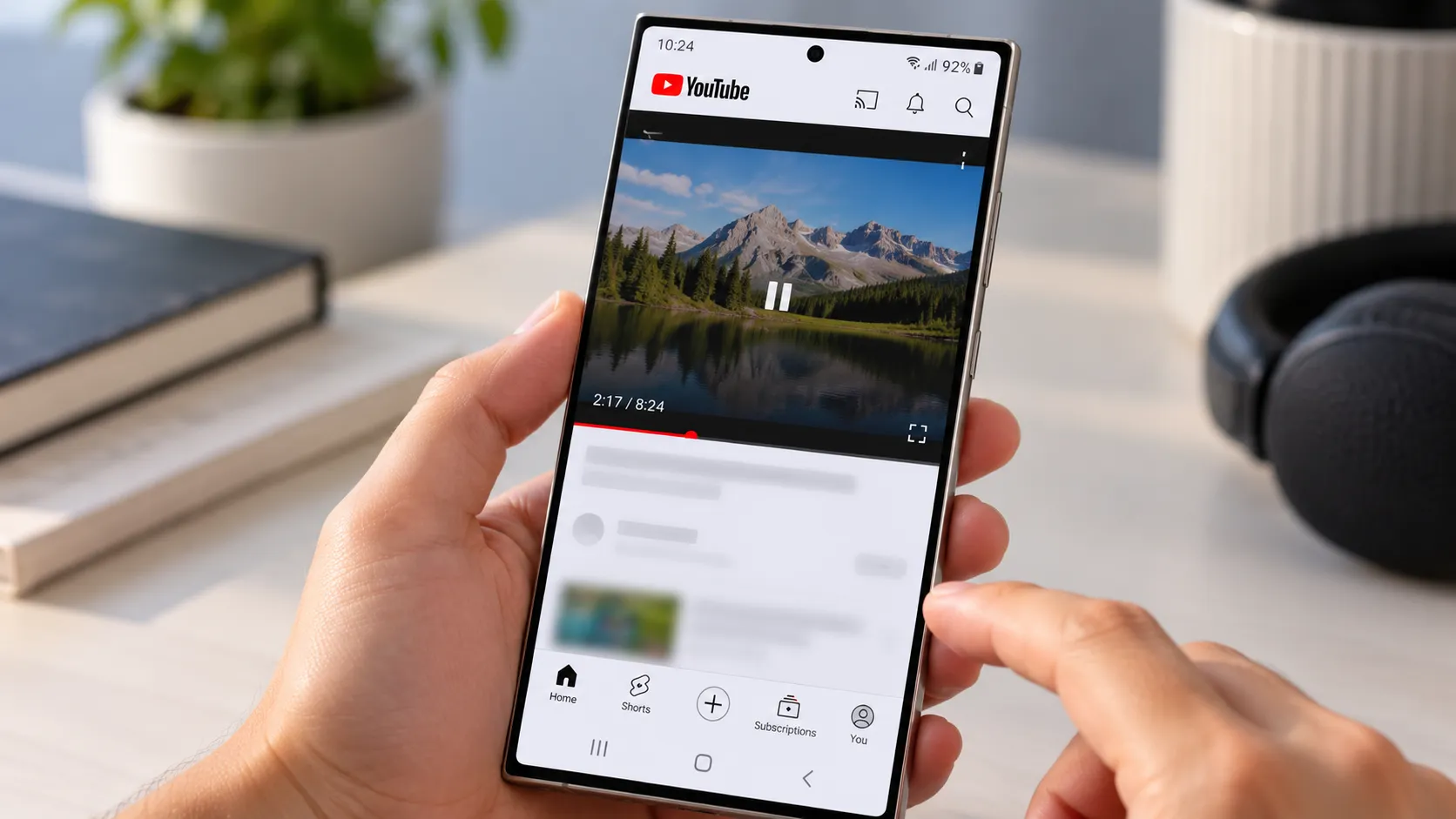
Once active, the indicator displays live download and upload speeds on the right side of the status bar, covering both Wi-Fi and mobile data connections. Units scale automatically between KB/s, MB/s, and GB/s depending on throughput, Sammy Fans reported. That auto-scaling matters more than it sounds: a static unit would either clip at high speeds or become unreadable at low ones, and the whole point of a persistent readout is that it works without adjustment.
The practical use case is blunt and useful. Knowing whether a stalled download or a stuttering video stream is a connection problem or an app problem usually requires opening a separate speed test. The status bar readout answers that question at a glance. The feature shipped in QuickStar version 11.0.03.15, Sammy Fans confirmed.
What it doesn't show is latency, signal strength, or connection stability. Throughput and network quality are related measures but not the same thing; a connection can move data quickly while still being inconsistent. That's a reasonable scope for a status bar element, but worth understanding so the readout doesn't get misread as a full signal health report.
How to enable the One UI 9 network speed indicator
The path is short but not intuitive. With One UI 9 installed, open Good Lock, install the QuickStar plugin, navigate to the "Indicator Icons" section, and toggle on "Network speed." The indicator is disabled by default, and once switched on, it joins the right-side cluster of status bar icons, Sammy Fans confirmed.
The same QuickStar update also introduces an "Ongoing Chip" toggle for the Now Bar, Samsung's live activity strip that surfaces timers, active calls, and voice recordings. Disabling it turns those indicators off entirely, Android Authority reported. Both additions landed in the same module release, which says something about how Samsung is treating QuickStar as a product.
Why this is a QuickStar feature, not a One UI setting
That's the more interesting question here. The network speed indicator and the Now Bar toggle are both features with clear, obvious utility. Both are sitting behind a supplementary app rather than in the settings menu where most users would look first.
Samsung's own One UI 9 beta announcement last month highlighted Quick Panel resizing, accessibility upgrades, and security improvements but made no mention of the network speed indicator, per Samsung Mobile Press. The feature arrived undocumented, through a module update. Users who didn't go looking for it wouldn't know it existed.
This is a pattern. QuickStar has become Samsung's preferred vehicle for delivering interface-level customization that doesn't make it into default One UI settings, a two-tier system where power users get the full feature set and everyone else gets whatever Samsung surfaces in the standard menus. Whether that's a deliberate product philosophy or just the path of least resistance isn't clear from the announcements, but the effect is consistent across OS generations.
The Good Lock requirement also carries a geographic caveat that Samsung hasn't addressed. Good Lock has historically been unavailable or slow to arrive in certain markets, which means the QuickStar Good Lock network speed indicator, even after One UI 9 ships as a stable release, could remain out of reach for some Galaxy users based entirely on where they bought their phone. Samsung has not commented on regional availability in connection with this feature specifically, and the current reporting doesn't clarify which markets have full QuickStar access.
Who has access now and what the rollout looks like
The beta program launched last month across six markets: Germany, India, South Korea, Poland, the UK, and the US. Enrollment is through the Samsung Members app, Samsung Mobile Press announced. Galaxy S26 series owners in those regions can sign up and reach the feature today, provided Good Lock is available in their market.
The beta has moved faster than recent history suggested it would. A second One UI 9 beta update arrived two weeks after the first, quicker than the One UI 8.5 cycle, and that update included a fix for a status bar display error alongside other system fixes, Android Authority reported two weeks ago. Active iteration on the status bar layer while the network indicator is being introduced isn't a coincidence; it at least suggests Samsung is treating this part of the interface as a work in progress rather than a closed chapter.
Expansion beyond the S26 series is expected but unscheduled. Samsung has said the full One UI 9 experience will accompany upcoming flagship devices later this year, but that language covers the overall OS rollout, not specifically this indicator, and no supported device list beyond the S26 series has been published, per Samsung Mobile Press. For most Galaxy owners, this is still something to track.
The longer-term question worth watching is whether Samsung eventually moves the network speed indicator into default One UI settings, where it would reach users who never install Good Lock, or whether it stays a QuickStar exclusive indefinitely. Nothing in the current announcements points either way. A feature that requires three prerequisite steps to discover is functionally different from one that ships enabled by default, even if the underlying code is identical. That gap will determine whether this reads, in hindsight, as a feature Samsung shipped or one Samsung quietly left available for those who went looking.


Comments
Be the first, drop a comment!