



Samsung Upgraded PDF Scanner Comes to Older Flagships With One UI 8.5
Samsung is bringing its upgraded multi-page document scanner, first introduced on the Galaxy S26, to the Galaxy S25 series and other recent flagships through One UI 8.5, Android Authority reported today. The update addresses a longstanding limitation in Samsung's camera app, which previously often required users to export or combine scans manually and left users to piece together a PDF in a third-party app.
The fix arrives entirely through software. No hardware upgrade required.
That's worth sitting with for a moment. Adobe Scan, Google Drive, and Microsoft Lens have handled multi-page scanning natively for years, precisely because Samsung's camera app couldn't. One UI 8.5 closes that gap for confirmed devices. How far down the device stack it actually reaches is the one question still open.
Samsung document scan mode: how the One UI 8.5 PDF scanner works
The workflow is simple by design. When the camera detects a document, users press the shutter once for each page in sequence. Once finished, the software automatically combines all pages into a single PDF, with no manual merge, no export step, and no switching to another app, according to Android Authority.
The scanner also handles the physical imperfections that make phone scans look rough. Samsung described the Document Scan feature at the Galaxy S26 launch two months ago as removing distortions, creases, and fingers from frame to deliver clean output, per the Samsung Global Newsroom. Samsung built it with receipts, forms, and handwritten notes in mind, and the output reflects that: a flat, readable document rather than a warped phone snapshot.
For anyone who scans regularly, the shortcut setup is worth knowing. Document Scan can be pinned directly to the home or apps screen rather than buried in camera modes. The path: Camera Settings, then Scan, then Document Scan, then enable "Add Document Scan to Apps screen," per Android Authority. Set it once, and the mode is one tap away from any screen.
Samsung positioned the Galaxy S26 series around reducing "the effort and number of steps required to get things done," according to the Samsung US Newsroom at launch two months ago. A camera mode that produces a finished, multi-page PDF in one session without opening a second app is about as direct an expression of that as anything Samsung demoed alongside the S26. The generative AI features got more attention; the document scanner is more immediately useful to more people.
Worth noting what this feature is not. There's no large language model involved, no cloud processing, no experimental toggle buried in Labs. It's a basic document workflow that should have existed in Samsung's camera app years ago. The fact that it's arriving in 2026 via a software update is slightly embarrassing in retrospect, but that it's coming to phones users already own is the more relevant point.
Which devices are confirmed, expected, and still unresolved for the Samsung Galaxy S25 document scanner update
The device picture breaks into three clear tiers, and the distinctions matter.
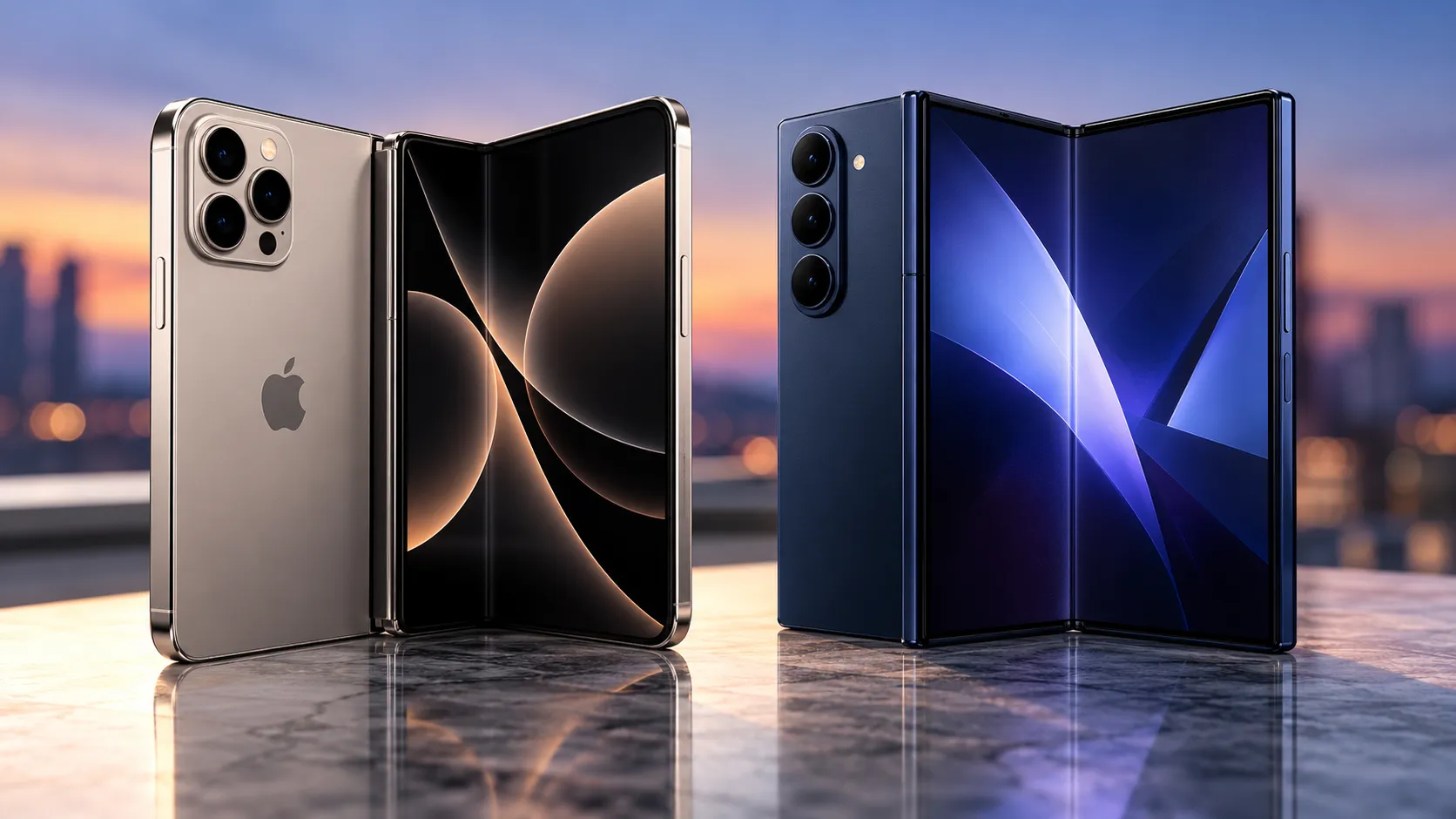
The Galaxy S25 series has confirmed support. The Galaxy S25 Edge, Galaxy Z Fold 7, and Galaxy Z Flip 7 are expected to receive the feature as well, Android Authority reported today, citing GalaxyClub. "Expected" carries real weight here: it means the feature has been reported as planned for those devices, not that Samsung has formally committed to it.
The Galaxy S25 FE sits in an ambiguous spot. It's enrolled in the One UI 8.5 beta, but the document scanner has not surfaced in its beta logs as of today, per Android Authority. It may arrive before stable release. It isn't confirmed.
The S24 generation is the most consequential open question. The Galaxy S24 series, Z Fold 6, and Z Flip 6 are all enrolled in the One UI 8.5 beta, a point Samsung's official US Newsroom confirmed two weeks ago when it announced the beta expansion. Beta enrollment, though, does not guarantee feature parity across all enrolled devices. Scanner support for the S24 family has not been confirmed.
One broader caveat applies across the board. Some One UI 8.5 features may remain exclusive to newer models due to hardware limitations around on-device AI processing, Eastern Herald noted earlier this week. Whether the document scanner falls into that category for 2024-era devices is not yet known. The research doesn't establish a direct connection between the scanner and those hardware constraints, but S24 owners tracking this should keep the caveat in mind.
The document scanner is also arriving as part of a wider feature push, not as a standalone fix. Android Authority noted three days ago that the One UI 8.5 beta is also bringing Call Screening, Creative Studio with generative gallery editing, an updated Photo Assist tool, and an expanded Audio Eraser that now works with third-party apps like WhatsApp and Instagram to the S24 series, Z Fold 6, Flip 6, Fold 7, Flip 7, and S25 FE. The scanner is one piece of that package. If you're in the beta on a supported device, you're getting considerably more than just the PDF mode.
What to do now, based on your device
The upgraded scanner is currently available only to One UI 8.5 beta participants. Anyone still on One UI 8 needs to wait for the stable release. Samsung has not announced a date, Android Authority confirmed three days ago, but based on beta cadence, a public rollout Samsung has not announced a stable rollout date, with regional timing varying.
For Galaxy S25 owners, the path is straightforward: check Samsung Members for One UI 8.5 beta enrollment. If the beta is available on your device, the scanner and the shortcut setup described above are accessible now.
For S25 Edge, Z Fold 7, and Z Flip 7 owners, the scanner is expected but not formally confirmed. Joining the beta gets early access to One UI 8.5 broadly, but availability on those specific models is worth verifying once enrolled rather than assumed.
For S24 series, Z Fold 6, Z Flip 6, and S25 FE owners, the calculation is different. Beta access is available, but scanner support for these devices hasn't been confirmed. Joining the beta now is a viable option for early access to other One UI 8.5 features, but if the scanner specifically is the draw, waiting for the stable release and checking whether it actually lands is the lower-risk path. Beta builds on daily drivers carry their own friction.
The question that determines how far this update actually reaches
Samsung has replaced a multi-app workaround with a single camera mode that outputs one usable PDF from a multi-page scan. That's the full story, and it arrives via software update rather than a new phone, as Android Authority reported today.
The remaining question is straightforward: does the upgraded scanner reach the Galaxy S24 generation in the stable One UI 8.5 release? Those devices are in the beta. The feature isn't confirmed for them. That answer will become clear once stable builds start shipping, which Android Authority estimates could happen within weeks.





Comments
Be the first, drop a comment!