



Samsung My FanCam One UI 9 Leak: How Post-Capture Reframing Works
Screenshots from an internal One UI 9 build for the Galaxy S25 Plus, shared on X today, show a feature called Samsung My FanCam, a Galaxy AI tool that reportedly lets you tap a subject in footage you've already recorded and generate a reframed clip that keeps them centered throughout, Android Authority reported this morning. Samsung has not confirmed the feature exists. The One UI 9 public beta remains limited to the Galaxy S26 series; Samsung has not officially opened it to S25 devices at all, Android Authority notes.
The newsworthy detail isn't that Samsung has AI subject tracking. It's that My FanCam, based on the leak, operates after the fact. Samsung's existing Auto Track requires you to designate a subject before pressing record. My FanCam would let you make that decision once the footage already exists, which is, for most casual shooters, when you actually know what you got.
That single difference, prediction vs. rescue, is the core of what follows.
Samsung Auto Track vs My FanCam: when each approach actually wins
Samsung's Auto Track works at the moment of recording. You lock onto a subject and the camera adjusts the frame in real time as you shoot, Android Authority reports. That works well when you know exactly who you're filming and the subject behaves predictably. It falls apart the moment someone unexpected walks into frame, or the person you wanted to follow drifts off-screen briefly. The commitment is made before the scene unfolds.
Post-capture reframing inverts the problem. The full clip is already in front of you when you choose a subject. You can see what happened, who's in frame, how the shot actually played out, and then decide who the story is about. The same source clip could, in principle, yield a version following the performer and a separate one following the audience reaction, without reshooting anything.
The most common use case is footage that's already on your phone: a school recital where the kid you filmed ended up consistently off-center; a birthday toast where guests kept shifting position; a youth sports clip where your child was wide-frame background for half the play. Auto Track wouldn't have helped at those moments. You'd have needed to set it before each take, for each take.
Post-capture reframing doesn't require that foresight. That's a meaningfully different value proposition, and it's who should pay closest attention here: casual parents and event shooters, social clip creators pulling highlight cuts from longer recordings, and current Samsung owners who've accumulated footage they wish were framed differently.
What the Samsung One UI 9 My FanCam leak does and doesn't settle
Based on what the leak shows, My FanCam would use Galaxy AI to track a selected subject in a completed video and keep them centered as the clip plays. Users tap to select the subject; the feature handles the rest, Android Authority reports.
A few things are clear about its current status:
- The feature appeared in an internal S25 Plus build, not a public beta. Samsung has not officially opened One UI 9 beta access to S25 devices; the public program remains limited to the Galaxy S26, Android Authority notes.
- That gap is worth flagging as an interpretation, not a conclusion. Samsung may be testing My FanCam on older hardware ahead of a broader rollout, or it may be a foldable-first feature that surfaced in S25 internal builds for unrelated reasons.
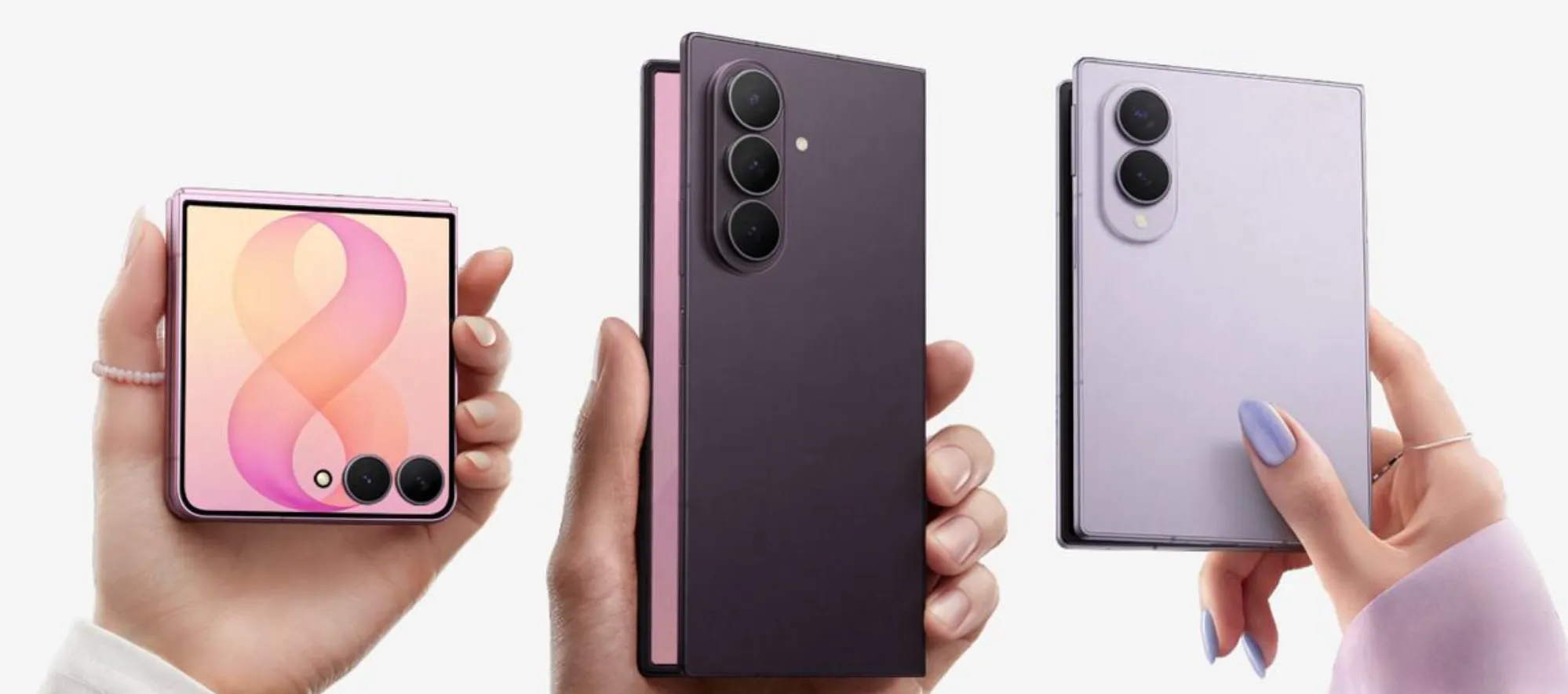
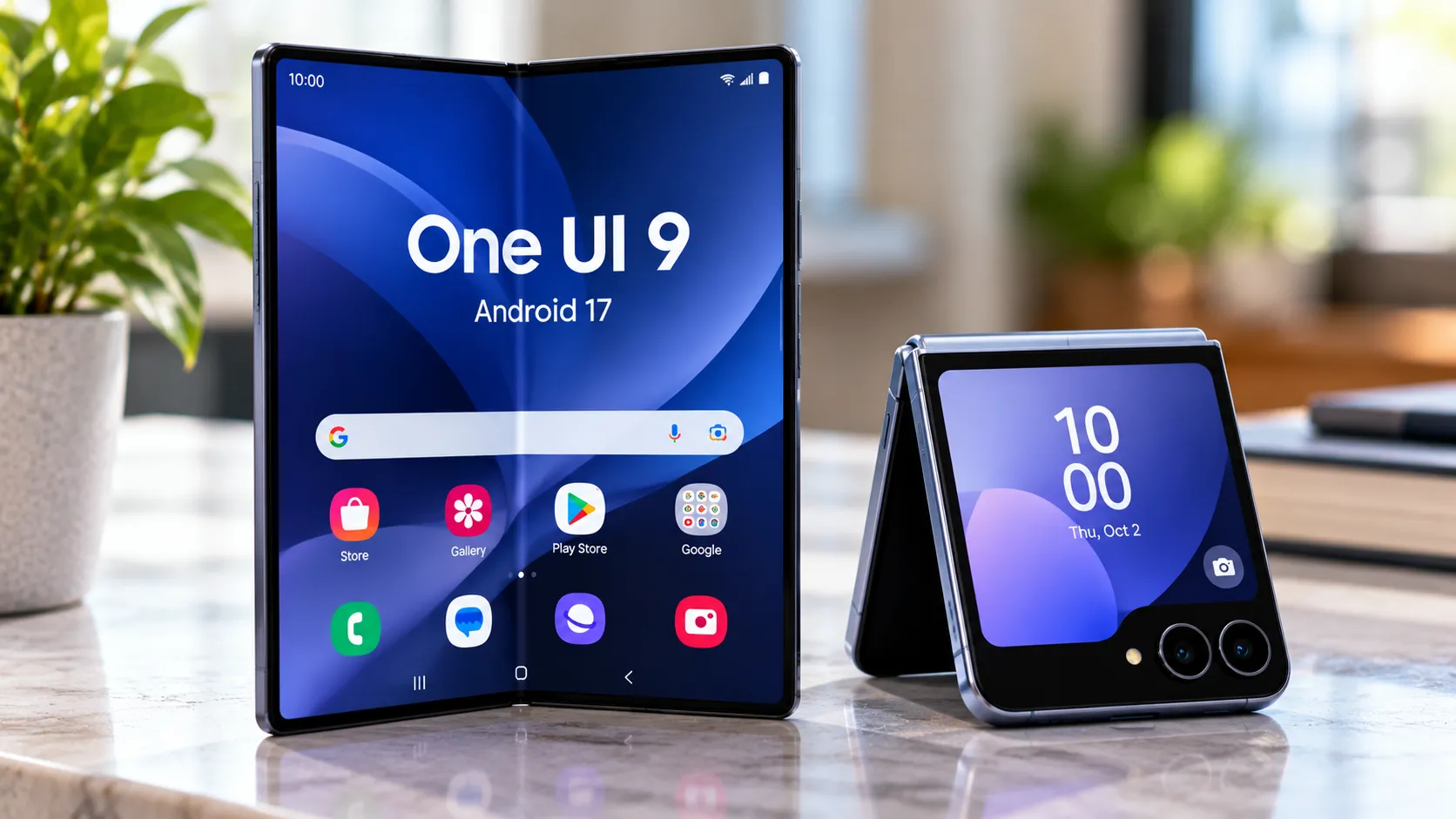
- My FanCam might also arrive on the Galaxy Z Fold 8 Ultra, Z Fold 8, and Z Flip 8 at their July 22 launch, Android Authority reports.
The leak says nothing about minimum resolution requirements, and that gap matters. If Samsung is cropping into the source frame, as these tools typically do, then output quality scales directly with original resolution. A 4K recording gives the AI room to reframe and still deliver a usable result. Footage shot at lower resolution, or with a narrow-angle lens, has far less room to spare. Visible quality degradation is a real risk the leak doesn't address.
Whether operating on completed footage, rather than a live feed, gives the AI more time to handle difficult cases such as briefly obscured subjects, crowded frames, or fast motion is a reasonable hypothesis. It isn't something the reporting confirms.
Why this feature stands out in One UI 9's beta cycle
Samsung launched the One UI 9 public beta two months ago for the Galaxy S26 series, restricting access to Germany, India, Korea, Poland, the UK, and the US, 9to5Google reported at the time. Samsung said the stable release on upcoming foldables would include "advanced AI features that will make mobile interaction easy and effortless." My FanCam is the first leaked feature that plausibly fits that description.
What's been publicly documented from the beta reads as incremental. Android Authority called the update "pretty light" and "difficult to get excited about" in a May hands-on, while noting the stable release would likely carry more substance. The confirmed Camera Assistant additions, a Mirror View function for foldables and a new 1/60-second shutter speed option slotting between the existing 1/30 and 1/120 limits, are useful refinements rather than marquee features, Samsung Magazine reported earlier this week.
That context explains why a post-capture video AI tool would draw attention right now. In a beta defined by quality-of-life improvements, My FanCam is the first credible candidate for the "advanced AI" slot Samsung held open for its foldable launch.
Key questions heading into Unpacked on July 22
Samsung hasn't confirmed My FanCam exists. The evidence is a named feature in an internal changelog, not buried UI strings. Worth tracking closely; not worth treating as confirmed.
The most useful frame for evaluating whatever Samsung shows: is this a rescue tool, a social clip generator, or a keynote demo that works only under controlled conditions? Those are genuinely different products. The rescue tool succeeds if it handles messy footage, crowds, variable lighting, subjects who drift in and out of frame, and still preserves output quality from a typical phone recording. The keynote demo looks good on stage and degrades in real use. The social clip generator is valuable to a narrower audience but still a real product.
The key questions at Unpacked will be:
- Does Samsung demo My FanCam on real-world footage, or a staged single-subject clip in clean light?
- What happens to output resolution when the AI crops heavily from a constrained source?
- Which devices get access at launch, and is there a stated path to S25 and older hardware?
- Can users generate multiple reframed exports from one source clip by selecting different subjects?
Current Samsung owners below the S26 should treat this as speculative until device availability is clarified. For anyone weighing a foldable purchase, the answers to those questions will tell you whether My FanCam is a genuinely useful tool or a well-produced announcement.









Comments
Be the first, drop a comment!