



Samsung Messages Discontinued July 2026: How to Switch Now
Samsung Messages stops working this month for most US Galaxy phone users on Android 12 or higher. Samsung's US support page cited July 6 as the shutdown date, according to PhoneArena, though Samsung's own end-of-service announcement directs users to check the app itself for their exact device-specific cutoff. Either way, the deadline is here.
After service ends, Samsung Messages will no longer send texts, receive media, or load group chats. The app stays on the device but effectively stops functioning, with the exception of emergency contact access, Android Police reported two months ago.
Samsung Messages shutting down: who is actually affected?
The shutdown is not universal. Galaxy phones running Android 11 or earlier are explicitly exempt, Samsung confirmed in its April end-of-service announcement. If your phone has not been updated past Android 11, nothing changes.
The cutoff hits US Galaxy devices on Android 12 or higher, as PhoneArena confirmed last month. Users can leave Samsung Messages installed after the deadline passes, but core functions stop: no outbound texts, no incoming media, no group chats. The app is not deleted from the device; it simply stops doing its job.
Galaxy S26 owners are already past this decision point. Samsung Messages was never pre-installed on the S26 and cannot be downloaded from the Galaxy Store, Android Police noted two months ago. July's cutoff closes out older devices that still had access.
Short version: Android 12 or higher on a US Galaxy device means action is required before your in-app cutoff date. Android 11 or lower means no change needed.
How to switch from Samsung Messages before your deadline
Samsung's guidance is direct: open Samsung Messages now, find your specific shutdown date in the in-app notice, then set Google Messages as your default before that date, per the April announcement. July 6 is the date Samsung's US support page cited, according to PhoneArena, but the in-app notice is the authoritative source for your specific device. Check it today.
To switch: open Settings, navigate to Apps, and set Google Messages as the default messaging app. Google Messages is pre-installed on most current Galaxy phones; if it isn't, it's available through the Play Store at no cost.
Once you switch, the migration process can take up to 24 hours to complete, Android Authority confirmed two days ago. A blank or incomplete conversation list right after switching is normal, not a sign of data loss. Give it time before troubleshooting.
There is one category of user who cannot make a clean transition: anyone with a Tizen-based Galaxy Watch released before the Galaxy Watch 4. Those watches cannot support Google Messages, Android Police reported two months ago. After the cutoff, those users lose full conversation history access on their wrist, with no documented workaround. Galaxy Watch 4 and newer support Google Messages continuity without interruption, as Samsung specified in its end-of-service notice.
Custom themes, visual settings, and folder configurations from Samsung Messages are not guaranteed to transfer. Samsung itself acknowledged that some users may face limits on the customization features they were accustomed to, per its end-of-service notice. Users with heavily personalized setups should expect to rebuild from scratch, PhoneArena noted.
What changes when you switch to Google Messages
Samsung Messages had a structural weakness baked into its design: it depended on individual carriers to host and maintain RCS servers. When a carrier's infrastructure fell short, the app quietly dropped back to standard SMS and MMS, Android Police explained two months ago. Google spotted that problem early, buying Jibe Mobile in 2015 and building a platform that carriers could use to support RCS without constructing the entire backend themselves.
The practical result is more reliable messaging. Google Messages brings high-quality photo and video sharing, typing indicators, read receipts, end-to-end encryption, and cross-device continuity across phone, tablet, and web, as PhoneArena detailed last month. For cross-platform RCS to work with iPhone contacts, iOS 18 or later is required and RCS must be enabled on both sides, per Samsung's announcement. Google Messages is also the only Android app that fully supports RCS, meaning for most US users there is no comparable third-party alternative to weigh, PhoneArena noted.
The gap on customization is real. Samsung Messages supported chat folders and auto-delete for old texts, features Google Messages does not yet replicate, PhoneArena reported last month. On that front, Google is rolling out a feature called "Chat themes" that replaces the old basic color toggle: each conversation can get its own color palette, plus a wallpaper behind the chat that can be a personal photo. Themes don't replace folders, but the personalization gap is narrower than it was.
Samsung also points to Gemini AI features as part of the upgrade, including an in-chat image tool called "remix" that lets users modify or reconstruct images within conversations, along with improved sync across phones, tablets, and smartwatches, per the end-of-service announcement. The company frames the move explicitly as a step toward "a consistent messaging experience on Android."
What to expect on the other side of the switch
Immediately after switching, your message history may look incomplete. That is expected behavior, not a data loss event. The migration can take up to 24 hours, Android Authority confirmed two days ago. Google Messages becomes the default for all new texts and RCS conversations the moment the switch is made.
For users with Tizen-based Galaxy Watches older than the Watch 4, switching solves the phone side but leaves a genuine gap on the wrist. No fix has been documented. Going in with that expectation set is better than discovering it after the fact.
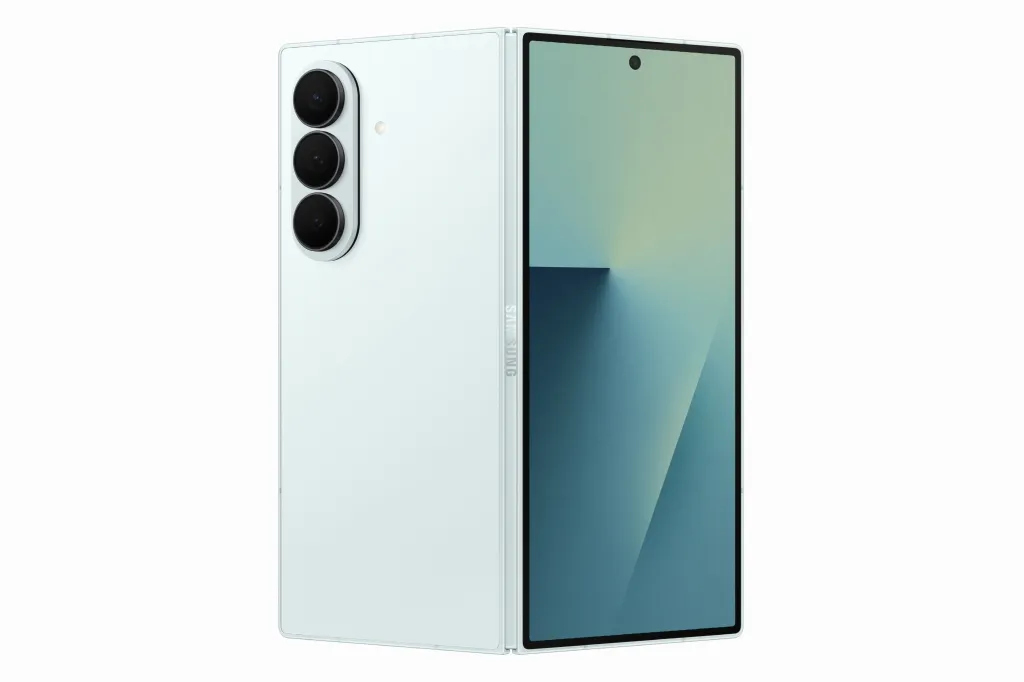
Samsung began steering US customers toward Google Messages two years ago when it shipped the Galaxy Z Fold 6 and Z Flip 6 with Google Messages as the default app, Android Police reported three days ago. The April end-of-service announcement formalized what was already the direction of travel. This month's cutoff completes it.
The transition is not frictionless. Folder organization and customization settings do not migrate cleanly, and the 24-hour window creates a real, if temporary, gap in conversation visibility. But the core reason for the switch is concrete: Samsung Messages was only as good as the carrier running its RCS backend, and that made it unreliable in ways users had no control over. Google Messages removes that dependency. For most users, the practical downside is a few hours of inconvenience; the practical upside is messaging that works the way modern texting is supposed to.
Check the in-app notice for your exact cutoff date and switch before that window closes.


Comments
Be the first, drop a comment!