





The Galaxy S26 Ultra just landed with a feature that's honestly changed how I think about personalizing my phone. We're talking about AI-powered sketch-to-wallpaper conversion that takes your terrible doodles—and trust me, mine are impressively bad—and transforms them into surprisingly gorgeous backgrounds. This isn't just another gimmicky AI add-on; it's the kind of practical creativity tool that makes you wonder why nobody thought of this sooner.
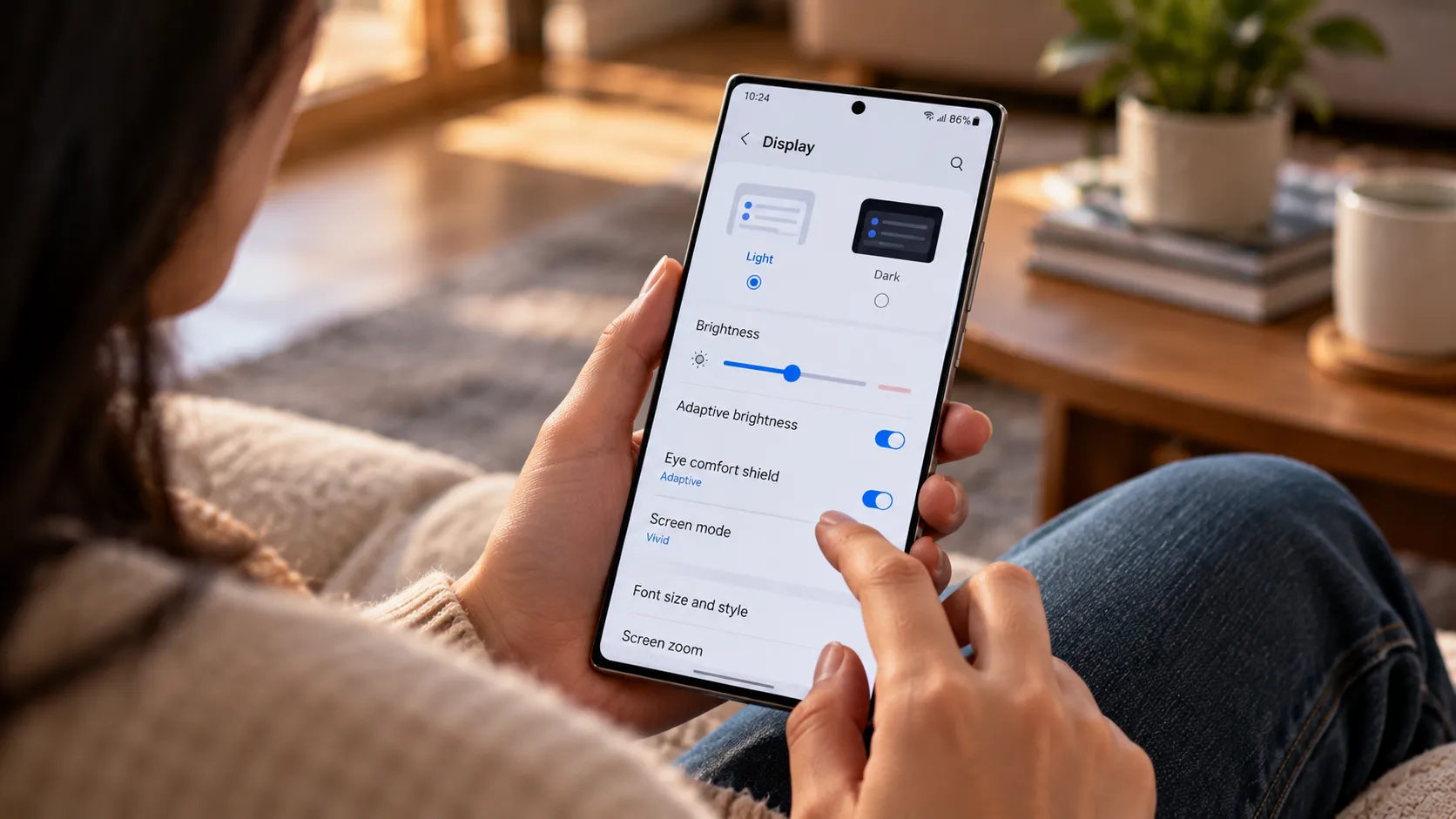
Samsung has packed this feature deep into their One UI interface, and it represents a fascinating shift toward on-device AI processing for creative tasks. While we've seen similar AI art generation tools before, having this level of capability baked directly into your phone's wallpaper settings feels different—more immediate, more personal, and frankly, more addictive than I expected.
How Samsung's sketch magic actually works
The underlying technology here is pretty impressive when you dig into the mechanics. Samsung appears to be leveraging advanced machine learning models that can interpret basic line drawings and extrapolate them into full artistic compositions. The process happens surprisingly quickly—usually within 10-15 seconds—suggesting robust on-device processing power rather than cloud dependency.
What makes this particularly clever is how the system handles different drawing styles and complexity levels. Whether you're sketching a simple mountain landscape or attempting something more abstract, the AI seems to understand context and artistic intent. The algorithms appear trained on diverse art styles, from watercolor effects to digital illustrations, giving you multiple output options from a single sketch.
The Galaxy S26 Ultra's enhanced NPU (Neural Processing Unit) clearly plays a crucial role here, handling the computational heavy lifting without sending your doodles to Samsung's servers. This local processing approach not only speeds things up but also addresses privacy concerns that often come with AI-powered creative tools.
Quality limits and when the magic breaks down
Let's be honest about where this feature shines and where it stumbles. The AI works best with clear, simple line drawings that have obvious subjects—think basic landscapes, geometric patterns, or recognizable objects. Feed it a coherent sketch of a sunset over mountains, and you'll get back something genuinely wallpaper-worthy.
However, the system struggles with overly complex drawings or abstract concepts that lack clear visual structure. Highly detailed sketches often get oversimplified, while completely abstract doodles sometimes produce results that feel disconnected from your original intent. The AI also seems to have preferences for certain color palettes and artistic styles, occasionally pushing your sketch toward looks you weren't aiming for.
Resolution and detail retention represent another limitation worth noting. While the output looks great on the S26 Ultra's display, zooming in reveals that fine details often get smoothed over or reinterpreted rather than enhanced. This isn't necessarily a dealbreaker for wallpaper use, but it's something to keep in mind if you're hoping for gallery-quality artwork.
Privacy considerations: on-device versus cloud processing
One of the most compelling aspects of Samsung's implementation is the emphasis on local processing. Unlike many AI art tools that require uploading your creations to remote servers, this feature appears to handle everything directly on your device. This approach offers significant privacy advantages, especially for users concerned about their creative work being stored or analyzed by third parties.
The on-device processing also means you can use this feature without an internet connection, making it genuinely useful in offline scenarios. However, this local approach likely contributes to some of the quality limitations we discussed—cloud-based systems typically have access to more powerful processing resources and larger training datasets.
Samsung hasn't been entirely transparent about what data, if any, gets transmitted for feature improvements or analytics. While the core processing happens locally, there may still be anonymized usage patterns or performance metrics being collected. For most users, this represents a reasonable privacy trade-off, but it's worth understanding the full picture.
How it stacks up against Google and Apple's AI tools
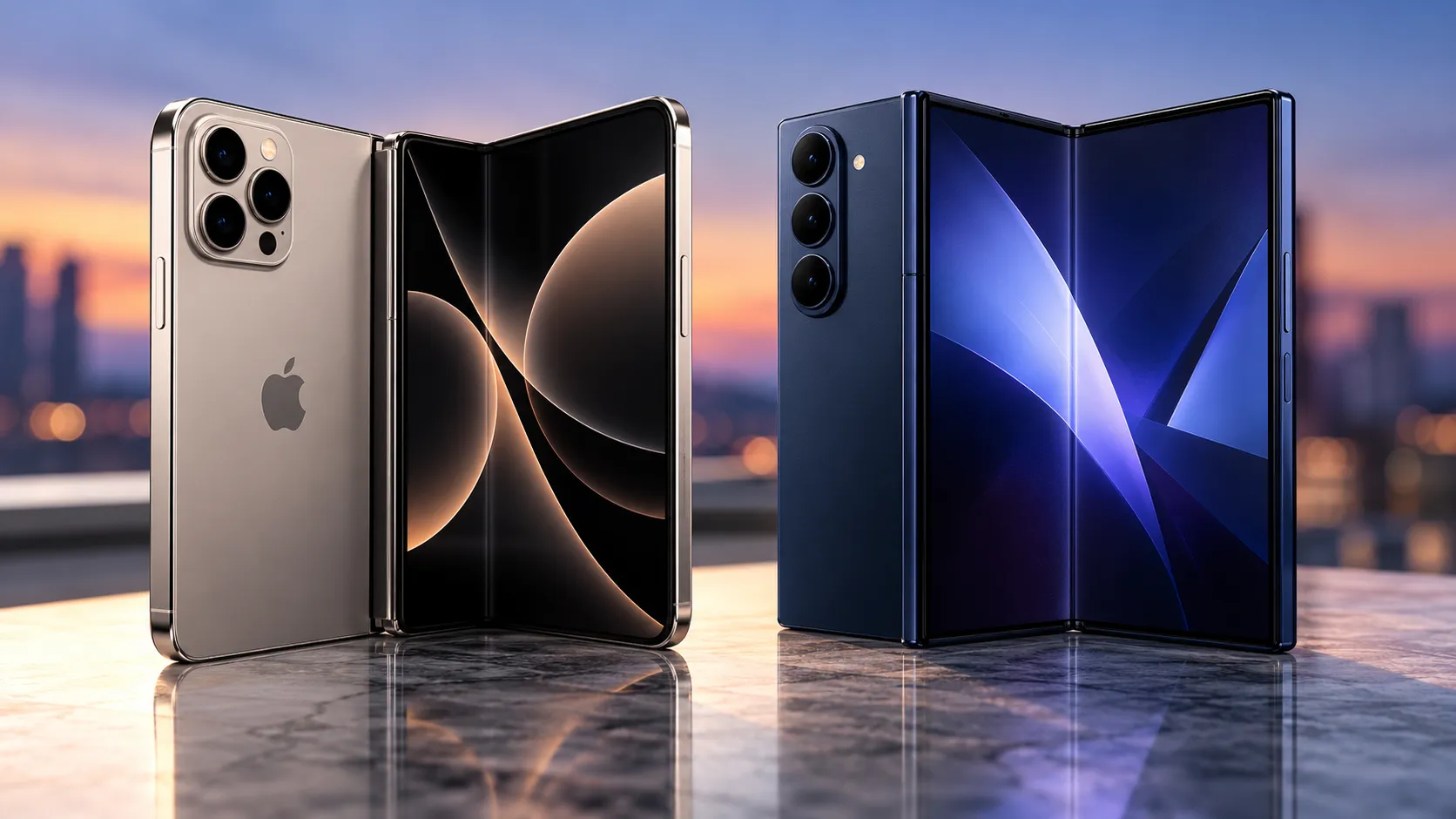
Comparing this feature to similar offerings from Google and Apple reveals interesting strategic differences in AI implementation. Google's approach with Pixel devices has focused more on computational photography and text-based AI assistance, while Apple has emphasized privacy-first AI that enhances existing workflows rather than creating entirely new creative tools.
Samsung's sketch-to-wallpaper feature occupies a unique middle ground—it's more creative and experimental than typical smartphone AI applications, yet more practical and integrated than standalone art generation apps. This positioning suggests Samsung is betting on AI as a differentiation factor in ways that go beyond camera improvements or voice assistants.
The execution quality also differs significantly from app-based alternatives. While dedicated AI art apps often offer more control and higher-quality outputs, Samsung's integration into the core wallpaper experience makes it far more likely that users will actually discover and use the feature regularly.
What this means for the future of smartphone creativity
This feature represents something bigger than just a cool wallpaper trick—it's a glimpse into how AI might transform creative expression on mobile devices. The ability to quickly iterate on visual ideas directly within your phone's interface suggests we're moving toward more fluid, immediate creative workflows that don't require switching between multiple apps or services.
The success of features like this will likely influence how other manufacturers approach AI integration. Rather than focusing solely on productivity or efficiency gains, we're seeing AI being used to lower creative barriers and make artistic expression more accessible to users who might not consider themselves "creative" in traditional terms.
Samsung's implementation also demonstrates the growing importance of on-device AI processing capabilities. As privacy concerns continue to shape user preferences, the ability to offer powerful AI features without cloud dependency becomes a significant competitive advantage.
Bottom line: when AI actually enhances daily phone use
Here's what makes Samsung's sketch-to-wallpaper feature genuinely compelling—it addresses a common user complaint about limited wallpaper personalization with technology that feels magical rather than mechanical. The feature succeeds because it's integrated seamlessly into an existing workflow, requires minimal learning curve, and produces results that feel personal and unique.
The limitations are real and worth acknowledging, but they don't diminish the core appeal of having this creative tool available whenever inspiration strikes. For Samsung Galaxy S26 Ultra users, this represents the kind of AI implementation that actually enhances daily device interaction rather than feeling like a gimmicky add-on.
As smartphone AI continues evolving, features like this point toward a future where our devices become genuine creative partners rather than just consumption tools—and honestly, that's pretty exciting.





Comments
Be the first, drop a comment!