



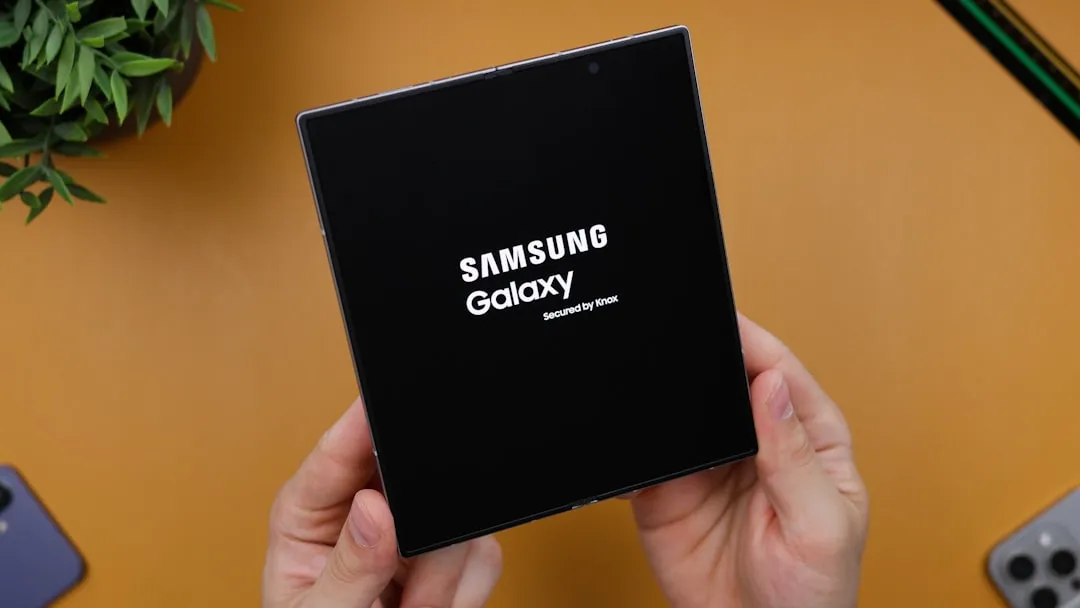
Samsung just unveiled something that could fundamentally change how we think about mobile productivity. The Galaxy Z TriFold isn't just another foldable device—it's a genuine attempt to blur the lines between smartphones, tablets, and even desktop computers. Samsung has incorporated its Second Screen feature, which enables the device to function as a wireless external monitor for Windows PCs, according to Android Authority. This creates a mobile workspace that transforms from pocket-sized convenience to desktop-class productivity in seconds, addressing the fundamental challenge that has plagued mobile professionals for years.
How Second Screen actually works
The technical implementation behind this feature is surprisingly elegant. Second Screen leverages the Miracast standard to wirelessly beam display data from your PC to the TriFold's 10-inch screen without requiring any cables, according to Android Authority. What makes this compelling is the elimination of the traditional mobile productivity bottleneck—you're no longer tethered to a desk or hunting for compatible dongles when you need to extend your workspace.
Setting up the connection is straightforward—you simply open the Second Screen page on your TriFold and press "Windows + K" on your PC to discover the device, as reported by Android Authority. The simplicity masks sophisticated wireless display technology that maintains quality while minimizing latency, crucial for professional workflows where lag can disrupt productivity.
For users who want more control, installing Samsung's dedicated Second Screen app on your PC provides advanced features like aspect ratio adjustments, power synchronization, and automatic connection settings, according to Android Authority. These professional-grade options transform basic screen mirroring into a tailored dual-display experience that adapts to specific workflow requirements.
What makes the TriFold's display so compelling
Here's where Samsung has made genuine engineering breakthroughs: when folded, you're working with a standard 6.5-inch cover display, but unfolding reveals a massive 10-inch screen that rivals many tablets, according to Android Authority. The size comparison tells only part of the story—the real achievement is Samsung's ability to deliver tablet-class screen real estate while maintaining smartphone portability.
The device achieves an impressively thin profile, measuring just 3.9mm at its thinnest point when unfolded, according to Tom's Guide. This represents a significant engineering accomplishment, especially considering the device houses dual hinges, three display panels, and a distributed battery system. When folded, it measures 12.9mm thick—substantial compared to conventional smartphones, but reasonable when you consider you're carrying what essentially amounts to three devices in one.
The main display offers a 2160 x 1584 resolution with a 120Hz refresh rate, providing crisp visuals and smooth performance, as reported by Tom's Guide. The cover screen delivers equally impressive specs—a 6.5-inch Dynamic AMOLED 2X panel with 2520 x 1080 resolution and matching 120Hz refresh rate. Peak brightness reaches 2,600 nits on the cover display and 1,600 nits on the main screen, ensuring visibility in challenging lighting conditions.
The productivity powerhouse you didn't know you needed
Samsung has equipped the TriFold with standalone DeX functionality, making it the first Galaxy phone capable of running Samsung's desktop interface directly on its own display, according to Samsung Mobile. Previously, DeX required external monitors to deliver a desktop-class experience. The TriFold's 10-inch screen finally provides sufficient screen real estate to make on-device DeX genuinely practical.
This capability supports up to four separate workspaces, each running five applications simultaneously, according to Digital Trends. To put this in perspective, you could run a spreadsheet application, video conferencing software, email client, document editor, and project management tool simultaneously across multiple virtual desktops—all from what technically remains a smartphone.
The Extended Mode feature allows users to connect an external monitor, enabling drag-and-drop functionality between screens and creating a true dual-display setup similar to traditional PCs, as reported by Digital Trends. With Bluetooth keyboard and mouse support, you can create a complete mobile workstation that rivals traditional laptop setups while maintaining the connectivity and always-on capabilities of a smartphone.
The bigger picture for mobile computing
The Galaxy Z TriFold represents more than just incremental improvement—it signals a fundamental shift toward device convergence. The foldable market has grown by 73% year-over-year, with Samsung maintaining a dominant 62% market share, according to TechBuzz. These numbers reflect growing consumer acceptance of foldables as legitimate productivity tools rather than novelty items.
Powered by the Snapdragon 8 Elite for Galaxy chipset with 16GB of RAM, the device delivers the computational power needed for desktop-class workflows, according to Tom's Guide. This specification matches or exceeds many laptops, positioning the TriFold as a genuine alternative to traditional mobile computing devices.
Samsung has addressed power management through a 5,600mAh battery distributed across three cells with 45W fast charging support, as reported by Tom's Guide. The three-cell architecture optimizes power distribution across the device's multiple panels while maintaining structural integrity.
The camera system maintains flagship standards with a 200MP main sensor, 12MP ultrawide, and 10MP telephoto with 3x optical zoom, plus 10MP selfie cameras on both displays. Combined with Galaxy AI assistance and the expansive editing canvas provided by the 10-inch screen, the device becomes a capable mobile content creation studio.
Samsung has focused on professional-grade durability with IP48 water resistance, titanium hinge housing, Advanced Armor Aluminum frame, and intelligent folding alerts that ensure proper panel alignment. These features address the reliability concerns that often prevent professionals from adopting foldable devices for mission-critical work.
The Galaxy Z TriFold will launch first in South Korea on December 12, 2025, before arriving in the U.S. during Q1 2026, with pricing expected around $2,400-$3,000, according to Tom's Guide. While expensive, the pricing reflects the convergence value proposition—you're essentially purchasing a smartphone, tablet, and secondary PC monitor in a single device.
For professionals who need genuine mobile productivity, this device represents the convergence point where smartphones finally deliver on their promise to replace multiple devices. The question isn't whether the technology is ready—it clearly is—but whether the market is prepared for smartphones that genuinely challenge the traditional boundaries between mobile and desktop computing.





Comments
Be the first, drop a comment!